Facebook Ad Account Under Review: How Long It Takes

An ad account under review usually clears in minutes to a few days during a normal automated check. A review can last longer when the platform needs a person, checks identity or billing, or sees unusual account activity. If the status stays unchanged for twice the platform’s usual review window, check your alerts, account quality page, email, and payment details before contacting support. Don’t keep editing the same ads while you wait. Repeated changes can create new review events, so the clock may not reflect only the first submission.
$ part ofFacebook Ad Account Problems: How to Fix Every Common IssueThe complete guide this article belongs toOpen guide →How long ad account review takes
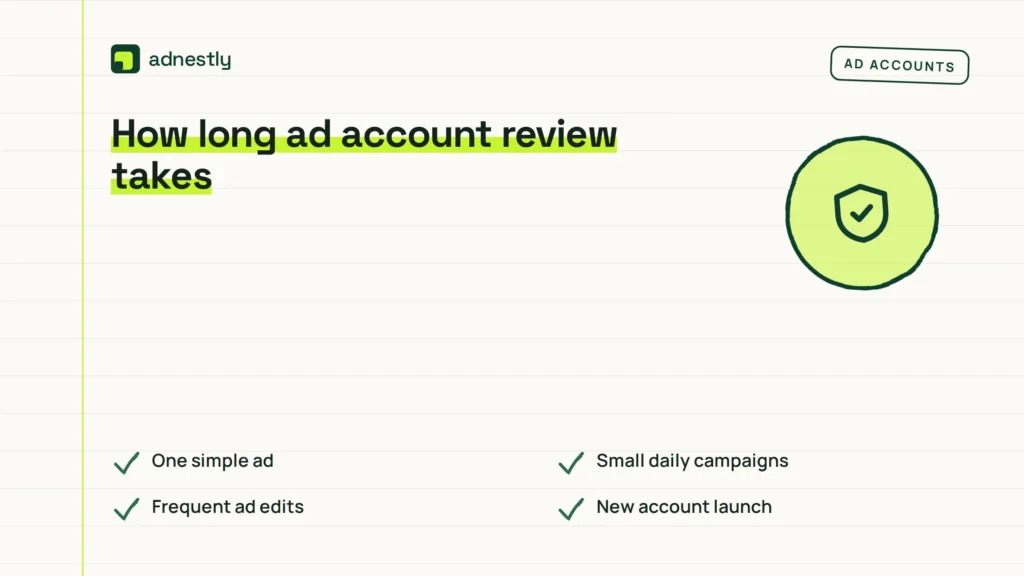
The review time depends on how the account is used and what the platform needs to check. A light, established account with a simple ad may clear quickly, while a new account with several ads, a new payment method, or sensitive claims may take longer.
| How you use it | How often | What tells you it’s due |
|---|---|---|
| One simple ad | Minutes to one day | Ad remains pending |
| Small daily campaigns | One to three days | No delivery starts |
| Frequent ad edits | Each new submission | Status changes again |
| New account launch | One to several days | Identity prompt appears |
| Sensitive products or claims | Several days or longer | Manual review notice |
| Sudden high spend | Varies by platform | Billing or security alert |
The figures above are working ranges, not promises. Google Ads says most ads are reviewed within one business day, but complex reviews can take longer; its ad review process explains the platform’s own process. Meta, TikTok, LinkedIn, and other platforms can use different systems and time windows.
If the account has been active for months and only one ordinary ad is waiting, a short delay is usually less concerning than a review affecting the whole account. If every campaign stops at once, look for an account-level notice rather than judging the delay by one ad alone.
Avoid repeatedly editing or resubmitting an ad while it’s pending. Each submission can trigger another review, making it harder to tell whether the original delay has cleared. Save a copy of the approved wording, then change only what the policy notice or reviewer identifies.
Check the account’s payment, identity, and policy sections before contacting support. A missing verification step or billing alert can block delivery even when the ad itself is acceptable. If the notice says “disapproved,” fix the stated issue or appeal it; waiting won’t turn a policy rejection into an approval.
What happens when ad review is skipped
An ad account under review normally stays limited while the platform checks the ads, account details, payment activity, or business information. The first change you’ll notice is usually delivery stopping or failing to start. Your ad may show a pending, limited, rejected, or under-review status.
The review itself doesn’t always mean the account has broken a rule. It can happen after a new account is created, a payment method changes, a campaign is edited, or the platform detects activity it wants to verify. The exact trigger depends on the platform, so read the notice in the account rather than guessing from the label.
If the review clears, delivery can resume without further action. You may still see a short delay while the campaign re-enters the auction, spends within its budget, or rebuilds its delivery pattern. A cleared review also doesn’t guarantee that every ad will continue running if another policy check is still open.
After a few days, the practical cost is usually lost delivery and missed campaign timing. A product launch, limited offer, or lead campaign can lose its useful window even when the account later returns to normal. If you’re paying for staff, creative work, or a scheduled promotion, that delay can matter more than the review itself.
If the review remains open for weeks, check whether the platform has requested identity, business, payment, or domain information. An unresolved request can keep the account limited even when the ads themselves look acceptable. Read the request carefully and submit only documents through the platform’s official account area.
A common mistake is submitting the same appeal repeatedly or making several large edits while waiting. That can create more review events, make the account history harder to follow, and delay a clear diagnosis. If the account is still accessible, save screenshots of the notice, the affected ad IDs, and the date the status changed.
If X is a single ad with no warning, wait through the platform’s stated review window; if Y is an account-wide restriction or a verification request, follow that request first. Don’t treat an account-wide warning as a normal ad delay.
The limit is that review time varies mainly by platform, account history, review type, and country; you can read your own position from the exact status text, request date, and any deadline shown in the account. If those details aren’t shown, support is the only reliable source for an account-specific time estimate.
Signs your ad account review is overdue
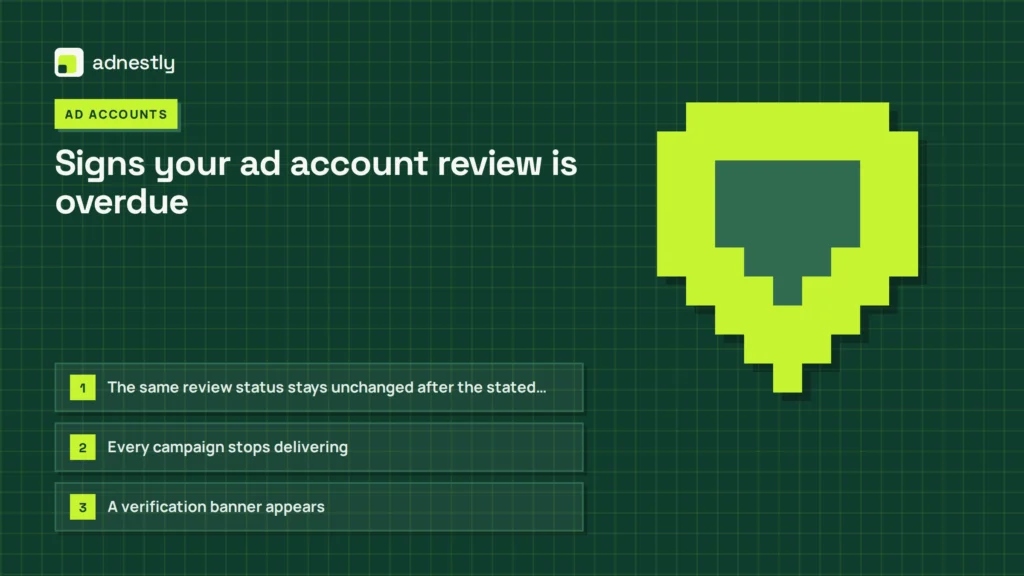
The status itself isn’t enough to prove a problem. Compare it with the platform’s stated review window, note when that window began, and check whether the effect is limited to one ad or reaches the account.
- The same review status stays unchanged after the stated window — save a screenshot showing the status and date, then contact support or provide any requested information. Repeatedly submitting identical appeals can make the record harder to follow.
- Every campaign stops delivering — the restriction may apply to the account, payment method, or business verification, not just one ad. Check a second active campaign before assuming the whole account is affected.
- A verification banner appears — identity, business, payment, or security details may be missing. Use the details that match the account owner and official documents exactly.
- The platform sends a policy email — check whether it names a specific ad, page, or account action. A single-ad notice calls for an ad-level fix; an account notice requires a broader review.
- The appeal button disappears — the case may have moved to another review stage or closed. Look for a case number, email, or separate support message before creating a new appeal.
- Billing shows a failed or pending payment — payment checks may be blocking delivery even when the ad passed policy review. Resolve the billing notice before changing the ad.
- Ads are approved but receive no impressions — the review may be cleared while targeting, schedule, budget, or delivery settings create a separate issue. Check those settings before appealing again.
What each ad account review requires
A simple ad review usually asks only for patience and a stable account. Keep the ad, landing page, payment method, and business details unchanged while the status is pending. Constantly opening the campaign won’t speed the platform’s checks. Save the status and reference number before waiting. If the ad is rejected rather than pending, follow the rejection instructions instead of treating it as a routine wait.
A manual review can require more attention. You may need to read a policy notice, confirm an identity request, upload business documents, or explain how the offer works. Use the account’s own support or appeal path, because sending documents through an unrelated form can waste time and create a security risk. Check that names and business details match the account and documents. Upload only what the request asks for, and keep copies of the files and confirmation.
The time cost is usually low when one ad is waiting, but it grows when an entire account is restricted. You’ll need to compare the notice with the affected campaigns, record the case number, and check whether the platform has set a response deadline. Keep copies of anything you submit. If several campaigns are affected, list their names and current status before responding.
There’s also a trade-off between speed and accuracy. A quick appeal with vague wording may be easier to send. A clear appeal names the affected ad, explains the change, and answers the requested point, giving the reviewer more useful information. Don’t send a long defense that avoids the actual request. State what changed and where the reviewer can verify it, if those facts are requested. Read the final submission once for missing attachments or inconsistent dates.
This process isn’t for someone who needs guaranteed delivery on a fixed date. If a campaign can’t tolerate an uncertain review, plan a compliant backup channel rather than trying to force approval. If the notice involves suspected account takeover, stop making campaign changes and use the platform’s security recovery process.
Habits that shorten ad account reviews
You can’t control the platform’s queue, but you can reduce avoidable delays. These habits make the account easier to review and help you spot the real hold-up.
-
Keep business name, billing details, website information, and account identity consistent across the account and your verification documents. If your legal name differs from your brand name, use the registered business name where requested rather than switching names between submissions.
-
Submit a complete appeal once, with the ad ID, the reason for the review, and the exact change you made. Repeated appeals usually add noise rather than making the original explanation clearer.
-
Avoid editing, duplicating, or resubmitting a pending ad, because each new version may start another check. If the ad is still pending, check its status before changing the creative or targeting.
-
Review the landing page as well as the ad. A compliant headline can still lead to a page with missing business details, unclear pricing, broken links, or a different offer.
-
Use a stable payment method and resolve failed charges before increasing spend or launching several new campaigns. A billing problem can create a separate hold-up from the ad review itself.
-
Limit account changes while a review is open. Changing the website, payment profile, business information, and campaign structure at the same time makes it harder to identify which change caused the delay.
Frequently asked questions
Can I still run ads while my account is under review?
Usually, no: the affected ad or account may be restricted while other approved campaigns continue. Check each campaign’s delivery status rather than assuming the whole account is blocked. Don’t create a second account to bypass review, because that can widen the problem. If the notice says “account disabled,” “restricted,” or “verification required,” follow it.
Why is my ad account still under review?
Your ad account may still be under review because the platform is checking a new account, an edited ad, payment activity, identity details, or an account-level security signal. The exact reason should appear in the account’s notice or support inbox. A normal ad can also wait longer if the landing page, business information, or payment details need checking. Read the wording carefully, because “ad review” and “account verification” require different next steps.
How long does a manual ad review take?
A manual ad review has no reliable universal time, so use the deadline or review window shown by that platform. Google Ads says most ad reviews finish within one business day, while more complex cases can take longer. Other platforms may not use the same target. If the notice gives no time and the status stays unchanged beyond the platform’s normal window, record the case details and contact official support.
Is it safe to edit an ad during review?
No, editing a pending ad can trigger a new review, so wait unless the platform specifically asks for a change. If the ad contains a clear error that could violate policy, pause it rather than repeatedly rewriting and resubmitting it. Save the original text and the review notice first. If the platform requests a correction, make one focused change and check the new status instead of changing several parts at once.
What happens if my ad account review takes weeks?
A review lasting weeks usually means the case needs a closer check, missing information, or support action rather than simple waiting. Look for an identity, business, payment, or security request in the account and email inbox. If there’s no request, contact the platform through its official support route with the account ID, affected ad IDs, review date, and screenshots. Don’t open replacement accounts to work around the restriction.
Does it matter if my ad account is new?
Yes, a new ad account can require more account, payment, or identity checks than an established account, but its review time still depends on the platform and the notice shown. Keep the business details consistent across the account, website, billing profile, and submitted documents. Start with a small, accurate campaign rather than making many rapid edits. A new account also has less history to help the platform understand sudden changes in activity.
What to do about ad account review
First, open the account’s status, support inbox, email, and payment area. Record the review date, exact notice, and any requested document before changing the campaign. Save a screenshot if the message or status may disappear.
Check whether the notice applies to one ad, one campaign, or the entire account. A campaign-level review usually calls for correcting the named item; an account-wide identity, security, or payment restriction requires account action instead. Don’t submit the same information repeatedly unless the platform asks for it.
Next, verify whether the platform shows approval, requests information, or names a restriction and required action. Submit any requested document through its form with matching names and account details. If status exceeds the stated window or shows identity, security, or account-wide restriction, contact support with case number, review date, exact wording, and screenshot without editing or creating duplicate campaigns.

Aaron Kelly writes about Facebook tools, account management, and business advertising. His content covers account security, Facebook Ad Accounts, Business Manager setup, Pixel and conversion tracking, Business Manager verification, and admin profile verification. He focuses on explaining technical processes and common account issues in practical terms, helping businesses and advertisers manage their Facebook assets more effectively and build a more secure, reliable advertising setup.
Checked against Meta’s own documentation. How we write and update guides