Facebook Ad Account Disabled for Unauthorized Payment Activity

An ad account disabled for unauthorized payment activity usually means the advertising platform detected a payment, funding source, login, or billing pattern it couldn’t confidently verify. It doesn’t automatically prove that you committed fraud. Your fastest path is to secure the account, identify the disputed charge, gather proof of ownership, and submit one complete review request.
$ part ofFacebook Ad Account Problems: How to Fix Every Common IssueThe complete guide this article belongs toOpen guide →Key Takeaways
- Stop new charges: Pause campaigns and avoid repeatedly adding cards while the account is under review.
- Secure access: Change your password, enable two-factor authentication, and remove unfamiliar people, partners, apps, and payment methods.
- Check billing: Match every charge against the ad account’s billing history, bank statement, invoices, and campaign spending.
- Use the review path: Appeal through the platform’s official account-quality or business-support workflow, not through unsolicited “recovery” messages.
- Send clear evidence: Provide account ID, business details, payment ownership, affected dates, and a concise explanation of what happened.
- Protect your card: If a charge is genuinely unauthorized, contact the card issuer promptly and follow its fraud process.
What an Account Disabled for Unauthorized Payment Activity Alert Means
“Unauthorized payment activity” is a risk label, not a detailed diagnosis. Meta, Google Ads, TikTok Ads, and other platforms use automated systems to evaluate payment behavior. A restriction may involve the card itself, the account using it, a connected business, or a combination of signals.
Common triggers include:
- Unrecognized card: A new credit card, debit card, PayPal account, or bank account was added.
- Billing mismatch: The cardholder name, business name, billing address, or country doesn’t align with account information.
- Chargeback history: A payment was reversed, disputed, declined repeatedly, or reported as fraudulent.
- Compromised login: Someone accessed the advertising account and launched campaigns or added a payment method.
- Business connection: Another administrator, agency, partner, or business portfolio connected a risky account.
- Rapid changes: Several payment methods, currencies, locations, campaigns, or administrators changed within a short period.
- Prepaid or virtual card: The platform couldn’t validate the funding source or its issuing details.
- Policy risk: Payment concerns can appear alongside identity, landing-page, advertising, or business-verification problems.
A disabled ad account is different from a rejected ad. A rejected ad affects one advertisement or creative. A billing restriction can stop all campaigns, prevent new payment methods, block payouts, or suspend the entire business account.
Don’t assume that deleting the card or creating a new account will solve the issue. Those actions can look like an attempt to evade enforcement and may make a review harder.
Secure Access First
Treat the warning as a possible security incident until you confirm otherwise. If an attacker still has access, any appeal or payment correction can be undone.
Lock down the login
Complete these actions from a trusted device and network:
- Change the password for the advertising platform.
- Change the password for the connected email account.
- Turn on two-factor authentication using an authenticator app where available.
- Sign out unknown sessions and review recent login locations.
- Remove browser extensions or software you don’t recognize.
- Scan the computer used to manage advertising.
- Confirm that recovery email addresses and phone numbers belong to you.
Email security matters because control of the email account can allow an attacker to reset advertising credentials, receive billing notices, and intercept support messages.
Audit account access
Look at every person, agency, partner, and app with access. Remove anything you can’t identify immediately, but save screenshots first so you have a record.
Check for concrete access points such as:
- An unfamiliar administrator
- A former employee’s profile
- A freelance media buyer
- An agency partner or business manager
- A connected Shopify, WooCommerce, CRM, or analytics app
- A second business portfolio
- An old employee email address
- A third-party automation tool
Warning: Don’t give your password, security code, recovery code, or remote-computer access to anyone promising an instant unban. Legitimate support won’t need your one-time authentication code to “verify” you.
Check The Billing Trail
Before appealing, establish exactly what happened. “I don’t recognize this” can mean several different things: the merchant descriptor may look unfamiliar, the charge may belong to another account, or an intruder may genuinely have used your card.
Create a simple reconciliation using the platform’s billing screen, invoice history, and your card or bank statement.
| What to check | What it tells you | Action |
|---|---|---|
| Transaction date | When the platform attempted or completed payment | Compare with login and campaign dates |
| Amount and currency | Whether the charge matches an invoice or threshold payment | Record both original and converted amounts |
| Payment method ending | Which card or account was charged | Confirm ownership with the issuer |
| Invoice or transaction ID | Which ad account generated the charge | Save the number for support |
| Campaign spend | Whether ads actually used the amount | Check active and recently deleted campaigns |
| Payment status | Paid, pending, failed, reversed, or refunded | Don’t dispute a pending charge prematurely |
| Business account | Which portfolio or manager created the billing event | Search all accounts you control |
Download invoices and export transaction information if the platform allows it. Capture the account ID, business ID, ad account ID, currency, time zone, and the last four digits of each payment method. Never include a complete card number or security code in an appeal.
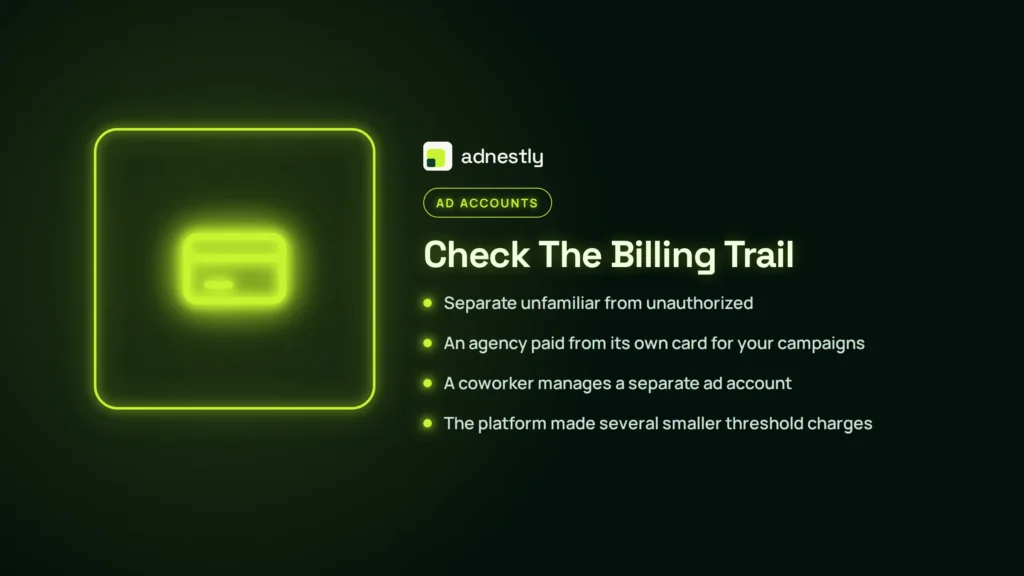
Separate unfamiliar from unauthorized
An unfamiliar charge may be legitimate when:
- An agency paid from its own card for your campaigns.
- A coworker manages a separate ad account.
- The platform made several smaller threshold charges.
- A temporary authorization is still pending.
- The statement uses the platform’s legal payment descriptor.
- Currency conversion or taxes changed the visible amount.
It’s more likely unauthorized when a campaign, administrator, country, landing page, or spending pattern is clearly unrelated to your business. Record the evidence without deleting it.
Remove Unauthorized Access
After preserving evidence, contain the damage. If the platform permits access, pause campaigns and remove suspicious payment methods. If the account is fully locked, ask your card issuer what protective action is appropriate rather than repeatedly trying to submit payments.
Payment actions
| Situation | Immediate action | Avoid |
|---|---|---|
| You recognize every charge | Keep the payment method, verify billing details, and prepare ownership proof | Adding several replacement cards |
| One charge is unfamiliar | Secure access, document the charge, and contact the issuer | Calling it fraud before checking all accounts |
| Multiple charges are unauthorized | Ask the issuer about card blocking and dispute steps | Continuing to run campaigns |
| Card was used by an agency | Confirm the agency’s authorization and payment ownership | Filing a dispute without understanding the contract |
| Payment is pending | Wait for final status while monitoring the account | Disputing a temporary authorization immediately |
| Card was replaced | Update billing only after the review instructions allow it | Creating a new ad account to bypass the block |
If the charge is truly fraudulent, contact the bank or card issuer through the number on the card or its official app. For broader scam or identity-theft guidance, the Federal Trade Commission explains what information to gather and which steps to take in its guidance for scam victims.
Keep the record consistent
Use the same business name, address, domain, phone number, and explanation across your platform profile, payment account, business documents, and appeal. Inconsistencies can create a second verification problem.
Chargeback caution: A dispute may protect you from an unauthorized transaction, but it can also signal unresolved debt to the advertising platform. If you dispute a legitimate charge, the account may remain restricted until the balance is resolved. Ask the issuer about the process, then accurately disclose the dispute if support asks.
Request A Review
Use the disabled-account notification, Account Quality area, or official business support route shown inside the platform. The exact labels vary by product and country. Avoid searching for random phone numbers or responding to direct messages from people claiming to be employees.
A strong review request has four parts:
- Identification: Account ID, business name, administrator email, and affected ad account.
- Timeline: When you noticed the warning, when the payment was made, and when suspicious access appeared.
- Facts: Which charges are yours, which are not, and what security actions you completed.
- Remedy: Ask for a manual review, payment-method verification, restoration, or instructions for resolving a balance.
Keep the explanation neutral. Don’t accuse a specific employee or agency unless you have evidence. Don’t claim that a card was stolen if you haven’t checked the statement and connected accounts.
A useful appeal structure
My advertising account [ID] was restricted for unauthorized payment activity on [date]. I am the owner or authorized administrator of [business]. I reviewed transactions from [date range]. The charges of [amounts or transaction IDs] are [authorized / not authorized]. I changed passwords, enabled two-factor authentication, removed unfamiliar access, and contacted my card issuer where appropriate. I can provide proof of business ownership and payment-method ownership. Please conduct a manual review and tell me what additional documentation is required.
One submission is usually better than many contradictory tickets. Save the case number, date, channel, and exact text. If support replies, answer the questions directly instead of pasting the same paragraph repeatedly.
What Should You Submit?
The platform may request identity, business, payment, or security documents. Submit only what the official workflow asks for, and redact unnecessary sensitive information.
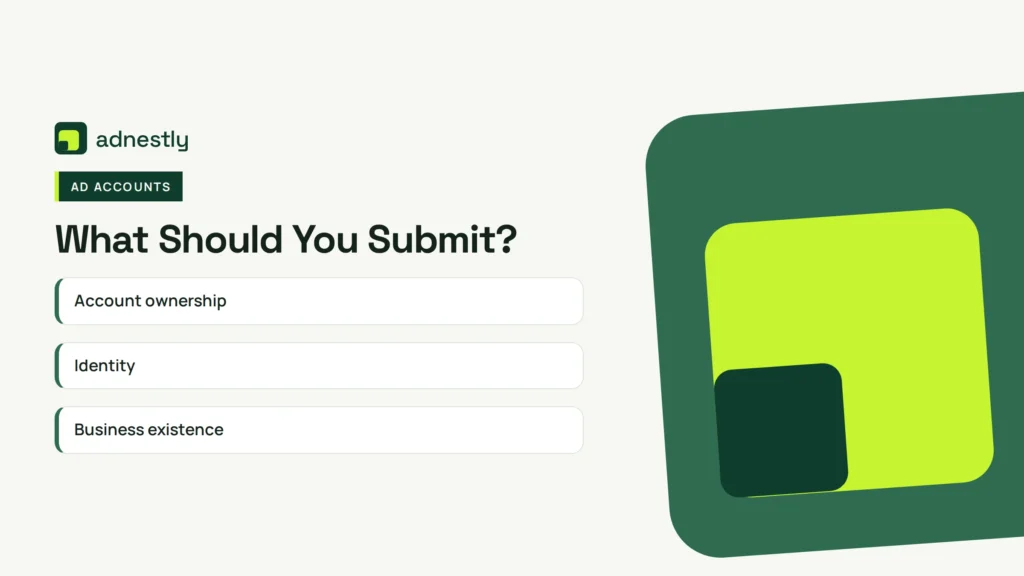
| Evidence type | Examples | Why it helps |
|---|---|---|
| Account ownership | Account ID, business portfolio ID, administrator email | Connects the request to the restricted account |
| Identity | Government ID through the platform’s secure form | Confirms the authorized person |
| Business existence | Registration record, license, tax document, or official domain email | Shows the business is genuine |
| Payment ownership | Card statement with only relevant details visible | Connects the funding source to you |
| Billing history | Invoices, transaction IDs, dates, and amounts | Identifies the disputed activity |
| Security response | Screenshots of removed users, password reset, or two-factor setup | Shows containment |
| Agency authorization | Contract, invoice, or written permission | Explains third-party payment activity |
Don’t email a full card number, CVV, password, authentication code, or unredacted bank statement unless a verified secure process specifically requires it. Usually, the last four digits, cardholder name, transaction date, and amount are enough to establish a connection.
Make filenames understandable, such as business-registration.pdf, invoice-12345.pdf, or statement-august-redacted.pdf. Keep documents readable and ensure the business name and dates match your explanation.
Fix Common Rejection Problems
A review can fail because the underlying risk remains, the evidence is incomplete, or the request doesn’t answer the actual concern.
“I own the card”
Card ownership alone may not resolve a restriction. The platform may also need to know who owns the ad account, why an agency or partner had access, whether the campaigns were authorized, and whether the business information matches.
Provide the cardholder name, relevant transaction details, and a short explanation of the relationship between the cardholder and business.
“The charge is mine”
Explain the campaign, account, and person who authorized it. If a spouse, employee, agency, or parent company paid, say so. A vague statement that the charge is legitimate doesn’t explain an unusual mismatch.
“I already uploaded documents”
Uploading more files isn’t always helpful. If the first submission failed, identify what was missing: the wrong account ID, unreadable document, expired identification, mismatched business name, or missing payment evidence.
“I created another account”
Stop doing this. New accounts using the same domain, card, administrator, device, or business information may be linked to the disabled account. Explain the duplicate account honestly and request instructions for consolidation or closure.
“Support hasn’t answered”
Check the original email, spam folder, account-quality dashboard, and support inbox. Keep replies in the existing case when possible. Opening many cases can scatter evidence and produce inconsistent outcomes.
Pro Tip: Build a one-page timeline before your next reply. List login changes, payment additions, campaign launches, suspicious charges, password resets, issuer contact, and appeal dates. A chronological record is easier for a reviewer to evaluate than a long emotional explanation.
Wait Times And Escalation
There’s no universal review time. Automated checks may resolve quickly, while identity, payment, or business verification can take longer. Treat any promised “guaranteed restoration” time as a warning sign.
Use this escalation sequence:
| Stage | What to do | Stop condition |
|---|---|---|
| 1. Secure | Change credentials and remove unknown access | No suspicious sessions remain |
| 2. Reconcile | Match charges to invoices and statements | You can label every transaction |
| 3. Submit | Send one complete review with evidence | Case number is saved |
| 4. Respond | Answer requested questions once, clearly | Documents are accepted or rejected |
| 5. Escalate | Use the platform’s official support options | A new channel is genuinely available |
| 6. Resolve | Pay valid balances or dispute true fraud | Written instructions are complete |
Escalate when the platform requests a document you can’t provide, the review closes without addressing your evidence, or the restriction affects a legitimate business after security and billing issues are resolved. Ask for the specific unresolved requirement rather than simply demanding reinstatement.
If the platform confirms permanent enforcement, don’t evade it with borrowed cards, fake identities, or purchased accounts. Preserve your data, request any permitted export or refund review, and consider compliant advertising alternatives.
Prevent Another Shutdown
Once access returns, change the account from “emergency recovery” to “controlled operations.” Limit who can make billing changes and establish a routine review.
Use these safeguards:
- Separate roles: Give employees the minimum access needed for campaigns, billing, or reporting.
- Review partners: Remove former agencies, contractors, and unused apps every month.
- Protect payment: Use a dedicated business card with alerts and a sensible spending limit.
- Verify campaigns: Require approval for new countries, landing pages, payment methods, and large budget increases.
- Monitor invoices: Reconcile platform charges with accounting records each week.
- Secure domains: Protect the email and website accounts connected to advertising.
- Document authorization: Keep agency contracts, employee permissions, and cardholder approvals.
- Avoid rapid changes: Don’t rotate several cards or administrators during an active restriction.
- Use stable business details: Keep legal name, address, website, and contact information current.
- Train operators: Explain phishing, fake support accounts, password reuse, and authentication-code theft.
Set alerts for card transactions and account logins. A small unauthorized campaign can become a large billing problem if nobody notices for several days.
Pro Tip: Keep a recovery folder containing business registration, tax or license documents, invoices, authorized-user records, payment ownership evidence, and account IDs. Store it securely, with sensitive financial data redacted where possible.
Frequently Asked Questions
Can I appeal a disabled ad account?
Yes, if the platform provides a review option. Submit through the disabled-account notice or official account-quality workflow. Explain the payment history, identify any unauthorized activity, secure the account, and provide only requested evidence. Repeated appeals with different stories can slow review or create additional inconsistencies.
Does unauthorized payment activity mean my card was stolen?
Not necessarily. The warning can result from a billing mismatch, chargeback, unusual spending, compromised administrator, agency activity, or a genuinely stolen card. Compare platform invoices with your statement and campaign history before deciding whether to contact the issuer about fraud.
Should I add a new card?
Usually not while the account is restricted. Adding several cards can look like payment evasion or increase risk signals. First determine whether the original card is valid, secure access, follow the review instructions, and add or replace payment methods only when the platform tells you to do so.
How long does account recovery take?
There’s no guaranteed timeframe. Straightforward automated checks may finish sooner, while payment disputes, identity verification, and business reviews can take longer. Save the case number, monitor official support messages, and respond completely. Don’t pay anyone who promises a guaranteed instant restoration.
Can I create a new ad account?
Creating a replacement account to bypass a restriction can lead to more disabled accounts. Resolve the original issue first. If the platform confirms that a new account is allowed, follow its instructions and use accurate business, identity, domain, and payment information.
Conclusion
The next practical step is to stop campaign activity, secure the connected email and advertising account, and build a transaction timeline today. Once every charge is labeled as authorized, pending, or unauthorized, submit one evidence-backed review request and keep its case number for all future communication.

Aaron Kelly writes about Facebook tools, account management, and business advertising. His content covers account security, Facebook Ad Accounts, Business Manager setup, Pixel and conversion tracking, Business Manager verification, and admin profile verification. He focuses on explaining technical processes and common account issues in practical terms, helping businesses and advertisers manage their Facebook assets more effectively and build a more secure, reliable advertising setup.
Checked against Meta’s own documentation. How we write and update guides