Facebook Ad Account Has Been Closed Message: What It Means and How to Fix It

An ad account closed message usually means Meta has disabled the account, not that one ad simply stopped running. Check the exact notice, review Account Quality, and use Meta’s appeal path if it’s available. Don’t create a replacement account before you know the reason.
$ part ofFacebook Ad Account Problems: How to Fix Every Common IssueThe complete guide this article belongs toOpen guide →The result changes with the notice wording, the account’s payment status, the policy issue, and whether the account is yours or managed by an agency. Those details decide whether you should appeal, fix billing, secure the account, or ask an administrator for access.
Who needs help with closed ad accounts
A business owner may see the message after a rejected ad, a payment failure, or a sudden loss of access. They need to know whether the problem affects one campaign, the ad account, or the wider Business account.
An in-house marketer may still see the account in Ads Manager but can’t publish, pay, or edit ads. That person needs an administrator to check restrictions and confirm the account’s role permissions.
An agency client may think the account is closed when the agency’s own account, payment profile, or business portfolio has the restriction. They need the account owner to check the notice, not just repeat the agency’s answer.
This page serves home users and small businesses who can safely read notices, check billing, review access, and submit an appeal. It assumes you’re using Meta Ads Manager in a current browser and have legitimate access to the business. It’s not for someone trying to bypass a permanent restriction, recover a hacked account alone, or investigate technical platform logs.
What decides the account status
The exact notice matters most. “Ad account disabled,” “payment account disabled,” “business account restricted,” and “you can’t advertise” point to different problems. Open the notice in Account Quality and copy its wording before changing anything; people often mistake a campaign rejection for a closed account.
The policy reason changes the repair. A rejected ad may need a new image, landing page, or claim. A disabled account needs a review of the account-level reason. Meta publishes its advertising rules and review options in its disabled ad accounts guidance, but the option shown to you can depend on the account and region.
Payment history can block delivery. Look for an unpaid balance, failed card, expired card, chargeback, or a payment method that the account no longer accepts. If the billing page shows no balance or error, don’t keep adding cards; move to the policy and security checks.
Account security can change the outcome. An unfamiliar admin, login alert, sudden spending change, or unknown payment method suggests compromise. Secure the personal profile and business access first. If the restriction followed suspicious activity, repeated appeals from an unsecured account may not solve it.
Business ownership and roles also matter. An employee may see a closed message because they lost permission, while the owner sees a different status. Check the business portfolio, ad account ID, assigned people, and asset permissions. If one of those doesn’t match your records, the administrator must handle the next step.
Safe checks for a closed account message
Use these checks in order. They’re diagnosis, not a repair procedure, so don’t open hardware, use payment workarounds, or create duplicate accounts while the status is unclear.
-
Read the full notice in Ads Manager. Record the account ID, restriction name, date, and appeal button. A specific reason or review link means you’ve reached the correct status page.
-
Open Account Quality from the same profile. Check the ad account, business portfolio, and personal profile separately. The restriction should appear beside the affected asset.
-
Check campaign-level warnings. If only one campaign or ad is rejected, the ad account may still be active. A working “Create” or “Publish” control confirms the problem may be narrower.
-
Review billing without changing it first. Look for a balance, failed payment, chargeback notice, or spending limit. A clean billing page means payment isn’t yet proven as the cause.
-
Check recent admins and logins. Compare names, email addresses, devices, and payment changes with your records. An unknown person or method is a security warning.
-
Confirm the business and ad account ID. Compare Ads Manager with your invoice, agency agreement, or saved records. A different ID means you may be checking the wrong account.
-
Save evidence before appealing. Keep screenshots of the notice, rejected ad, landing page, billing status, and account ID. The saved notice should show the date and the exact restriction.
-
Use the displayed review route once. Give a short, factual explanation and answer the requested questions. A confirmation number or “under review” status shows the request was submitted.
If the page asks for identity documents, ownership proof, or technical security work you can’t verify safely, stop there. Ask the business administrator or Meta support shown inside the account; don’t send documents to an unofficial contact.
The key judgment is whether the notice concerns an ad or the account itself. If only an ad is rejected, edit that ad; if the account is disabled, don’t keep changing campaigns as though delivery will return by itself.
Closed account situations compared
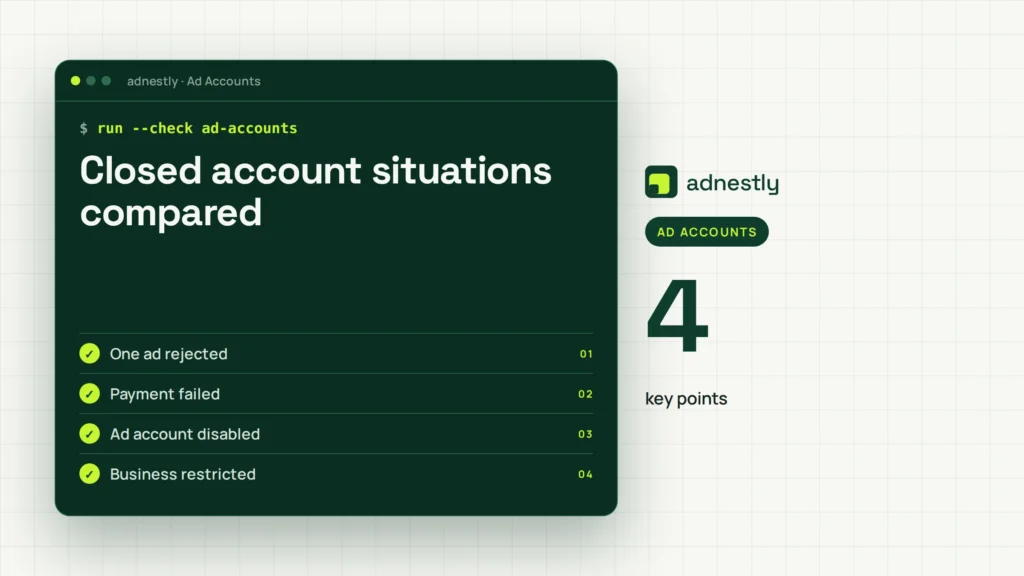
The right action depends on what is actually closed. Match the message to the account area before you appeal or replace anything.
| Situation | What to do | What it takes | What to watch for |
|---|---|---|---|
| One ad rejected | Review and edit ad | Policy check | Repeated duplicate submissions |
| Payment failed | Check billing details | Account access | Chargebacks or unpaid balance |
| Ad account disabled | Submit displayed review | Clear evidence | New accounts can worsen trust |
| Business restricted | Ask owner to review | Admin permission | Different asset may be affected |
| Unknown admin activity | Secure access first | Security checks | Active unauthorized payment |
| Agency account closed | Contact account owner | Client records | Confusing IDs or portfolios |
Details that protect a good appeal
Prepare facts before sending
A useful appeal identifies the ad account ID, the exact notice, and what changed before the restriction. Include the product or service, the destination page, the payment status, and any account-security event that matters. Keep the wording factual; guesses about an automated system don’t help the reviewer.
Check the landing page on a normal device before you appeal. It should load, show the same offer as the ad, and make the business identity clear. If the page changed after the rejection, save both the old and current versions for your records.
Leave the account alone while reviewed
The common costly mistake is opening a new account immediately. That can split billing and business records, create duplicate identity signals, and make it harder to show which account owns the original data.
Don’t submit the same appeal repeatedly or change several things at once. If the review asks for more information, answer that request directly. If no review route appears, the business owner should use the support option shown in Meta Business tools rather than a random contact found in a message.
Symptoms and likely causes
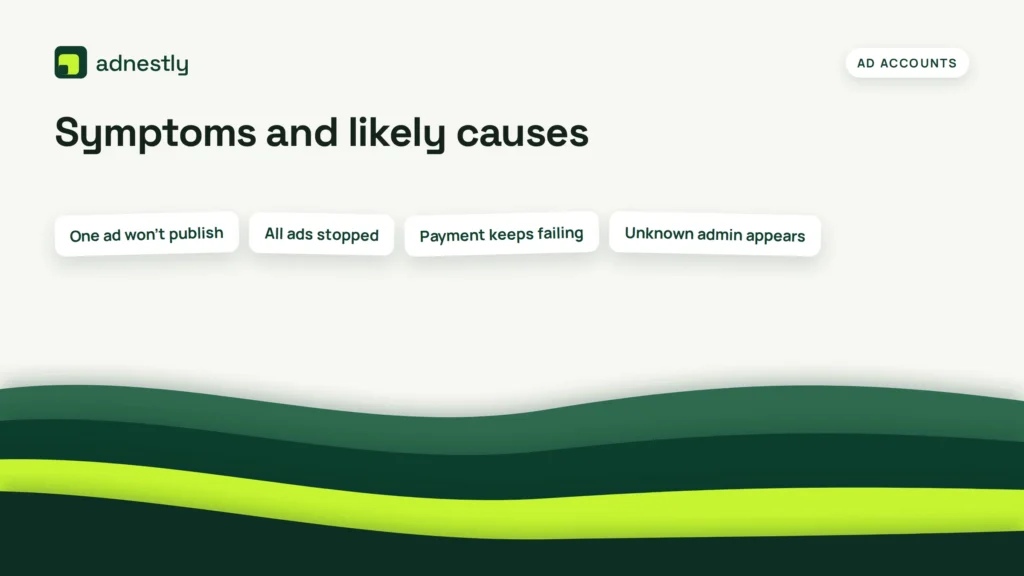
A symptom narrows the search, but it doesn’t prove the cause. Check the affected asset and the exact notice before taking action.
| What you notice | What it usually means | What to do first | How to stop it happening again |
|---|---|---|---|
| One ad won’t publish | Ad-level policy rejection | Read rejection reason | Precheck claims and links |
| All ads stopped | Account-level restriction | Open Account Quality | Keep policy records current |
| Payment keeps failing | Billing or bank issue | Check payment status | Maintain a backup method |
| Unknown admin appears | Possible account compromise | Secure access immediately | Use two-factor authentication |
| Appeal button missing | Review path unavailable | Ask account owner | Keep ownership details updated |
| Agency sees closure | Agency asset affected | Compare account IDs | Use shared owner records |
If the table doesn’t fit the notice, don’t force a diagnosis. A missing payment method can look like a policy problem, and a role problem can look like a closed account.
Rules that control advertising access
Meta decides ad access under its Advertising Standards, account policies, payment controls, and security systems. The available review path, document request, and restriction wording can differ by country, business type, account history, and product.
There isn’t one universal “closed account” deadline or appeal number that applies to every advertiser. Read the notice in Account Quality and follow the page shown for that account. A rule for one region or Meta product may not apply to another.
You also need permission to act. An employee can’t always change billing or business ownership, and an agency can’t prove ownership for a client without the client’s records. Ask the business administrator to handle requests that involve identity, ownership, payment disputes, or legal documents.
Stop DIY checks when the account may be hacked, a chargeback is disputed, or identity documents are requested. Use the official support route inside Meta Business tools, your payment provider for a disputed charge, or a qualified security professional for a wider compromise.
The real cost of a closed account
The direct cost may be an unpaid balance, lost campaign time, or money spent rebuilding ads and tracking. The larger cost comes from uncertainty: you may pause sales, lose learning history, and split reporting across accounts while guessing at the cause.
A quick billing check costs little, but changing cards repeatedly can create more failed payments or duplicate charges. Compare the payment error, bank statement, invoice, and account balance before trying another method.
A new ad account may look faster, but it can lose historical data and create ownership confusion. If the original account has a valid appeal path, that route is usually easier to document than starting over. If the notice says the restriction is final, compare the cost of a compliant new setup with the value of the old account.
Costs and recovery time change with the country, payment provider, account history, and review type. Read the current notice, not an old screenshot or a forum estimate, for the value that applies to you.
Keeping access after review
Save the final notice, appeal result, account ID, business owner, and payment records in one secure folder. Also record which person controls the business portfolio and which people can manage ads.
Review access when a staff member or agency leaves. Remove unused people, confirm the remaining admin list, and turn on available login protections for the personal profiles that control the business.
Watch for the first sign of trouble: an unfamiliar login, payment method, admin, spending change, or policy warning. If ads still work but one of these signs appears, pause publishing and secure access before the account becomes restricted.
Don’t delete the original records after access returns. If the same notice appears again, those records show what changed and help the account owner give a clearer response.
When closed-account advice is wrong
This approach isn’t right if the account is actively hacked or an unknown person controls the only admin profile. Secure the personal profile and use Meta’s account-recovery route instead of appealing from a compromised account.
It’s also the wrong path for a disputed charge, bank fraud, or unauthorized card payment. Contact the card issuer or payment provider, preserve transaction records, and don’t keep retrying the charge inside Ads Manager.
If the notice is a final policy decision or asks for legal, identity, or ownership proof, don’t try to bypass it with duplicate accounts. The business owner should use the official review channel or speak with a qualified advertising-compliance professional.
Frequently asked questions
Can I create a new ad account after closure?
Usually, don’t do that first. A replacement account can create ownership, billing, and policy confusion while the original review is open. Check the reason and appeal option first. If Meta confirms the restriction is final, follow its current instructions for a compliant replacement.
Why does Meta say my ad account is closed?
The exact reason appears in Account Quality. Common categories include policy restrictions, payment problems, security concerns, business-level limits, or missing permissions. The wording matters because an ad rejection and an account disablement need different actions.
How long does a closed ad account review take?
There’s no single reliable time for every account. The notice, request type, region, and information supplied affect the review. Use the status shown after submission, keep the confirmation, and don’t send repeated appeals while the first request is pending.
Is it safe to add another payment card?
Not always. Add or replace a card only when the billing page shows a payment failure and the card is yours and authorized for business use. If there’s no billing error, check policy, security, and permissions instead of adding more methods.
What happens if my appeal is rejected?
The account may remain restricted. Read the rejection carefully and check whether Meta offers another review or document request. Don’t evade the restriction with borrowed accounts, false details, or duplicate business identities; ask the owner or a compliance professional for the next lawful option.
Does a rejected ad close the whole account?
Usually, a rejected ad is narrower than an account closure. Check whether other campaigns can still publish and whether Account Quality names the ad or the account. Repeated or serious violations can still lead to broader restrictions.
Can an agency fix my closed ad account?
Only if it has the right access and the restriction allows review. The business owner may still need to verify identity, ownership, billing, or payment disputes. Compare the ad account ID and business portfolio before giving an agency more permissions.
What to do about a closed ad account
First, save the exact notice and check Account Quality, billing, security, permissions, and the account ID. You should see either a clear cause, a review option, or a reason to contact the owner. Stop and get qualified help if access looks hacked or documents are requested.

Aaron Kelly writes about Facebook tools, account management, and business advertising. His content covers account security, Facebook Ad Accounts, Business Manager setup, Pixel and conversion tracking, Business Manager verification, and admin profile verification. He focuses on explaining technical processes and common account issues in practical terms, helping businesses and advertisers manage their Facebook assets more effectively and build a more secure, reliable advertising setup.
Checked against Meta’s own documentation. How we write and update guides