How to Warm Up a New Facebook Ad Account Safely

Safely warming a new facebook ad account starts by making it look like a real, complete business operation, then launching a small, relevant campaign and increasing spending only after delivery, billing, and policy signals remain stable. This safe warm-up isn’t a trick to bypass Meta reviews; it’s a controlled way to establish trustworthy account history while collecting useful performance data.
$ part ofFacebook Ad Account Problems: How to Fix Every Common IssueThe complete guide this article belongs toOpen guide →Key Takeaways
- Complete business verification, payment details, page information, domain setup, and two-factor authentication before spending.
- Begin with one or two simple campaigns, a narrow audience, and ads that accurately match the landing page.
- Use a modest test budget for several days rather than making a large jump immediately.
- Change only one major variable at a time, including budget, audience, creative, or optimization event.
- Check delivery status, rejected ads, billing events, comments, landing-page behavior, and conversion quality every day.
- Don’t use fake engagement, multiple replacement accounts, payment methods belonging to unrelated people, or tactics intended to evade enforcement.
Prepare the Business Assets
Before launching ads, make the account internally consistent. Meta can see relationships among the ad account, Facebook Page, Instagram profile, Business Portfolio, domain, payment method, and business information. Inconsistencies don’t automatically cause a restriction, but they can create additional review or reduce your ability to resolve a problem.
Use the legal or trading name customers recognize across the important assets. A local plumbing company shouldn’t have a Page called one name, a website owned by an unrelated person, and an ad account funded by a different company without an explanation.
Complete the essential setup
Check these items before creating your first campaign:
- Facebook Page: Add a profile image, cover image, category, description, location, customer-service details, and working contact methods.
- Instagram profile: Use a consistent business name, profile image, website, and description.
- Business Portfolio: Assign the Page, Instagram account, ad account, pixel, catalog, and domain to the correct business.
- Website: Make sure the homepage, product pages, contact page, privacy policy, refund policy, and shipping information work.
- Domain: Verify the domain in the correct Business Portfolio and connect the relevant data sources.
- Tracking: Install the Meta Pixel or Conversions API only on pages where you have permission to collect data.
- Payment method: Add a card or other supported method that belongs to the business or an authorized operator.
- Security: Turn on two-factor authentication for administrators and remove people who don’t need access.
A complete website matters more than having a large number of posts. A new account can advertise successfully when the business is genuine, the offer is clear, and the customer journey makes sense.
Match business information
Use consistent information in the following places:
- Legal business documents
- Website footer and contact page
- Facebook Page “About” section
- Instagram bio
- Billing profile
- Customer-support email
- Product catalog
- Return and refund terms
Pro Tip: Keep a short asset record containing the business legal name, domain owner, administrator names, payment owner, customer-support email, and verification documents. If a review occurs, this makes it easier to answer accurately instead of guessing or submitting conflicting information.
Don’t create extra ad accounts simply because the first one is new. Multiple accounts, duplicate Pages, or repeated business identities can make your setup look less transparent and can complicate ownership, billing, and appeal history.
Verify Identity and Billing
A new advertiser should expect some degree of automated review. Ads, business details, payment activity, and landing pages may be checked separately. Approval of one ad doesn’t guarantee that later ads, account activity, or payment events will receive the same result.
Meta’s Advertising Standards describe the categories and requirements used when reviewing ads. Read the rules that apply to your offer before writing creative, especially if you advertise health, finance, employment, housing, personal attributes, supplements, cosmetics, or regulated products.
Use dependable payment details
A new account is more likely to experience billing trouble when payment details change repeatedly or can’t be verified. Use:
- A business debit or credit card with sufficient available credit
- A billing address matching the payment profile
- A payment owner authorized by the business
- One primary method and, if appropriate, one legitimate backup method
- Accurate tax and business information where requested
Avoid prepaid cards with uncertain authorization, disposable virtual cards, cards borrowed from unrelated individuals, and frequent payment-method switching. A declined charge isn’t proof of a policy violation, but repeated failed charges can stop delivery and make troubleshooting harder.
Protect administrative access
Use the fewest necessary administrators. Review:
- Two-factor authentication: Require it for every person with access.
- Admin roles: Give analysts, employees, agencies, and contractors only the permissions they need.
- Login history: Remove unfamiliar users, devices, and business partners.
- Recovery details: Keep the business email and phone number current.
- Agency access: Share assets through approved business permissions rather than handing over passwords.
If the account belongs to a client, the client should own the Business Portfolio, Page, domain, and payment relationship. An agency can receive partner access and manage campaigns without making the client dependent on an agency-owned account.
Warm Up a New Facebook Ad Account Safely
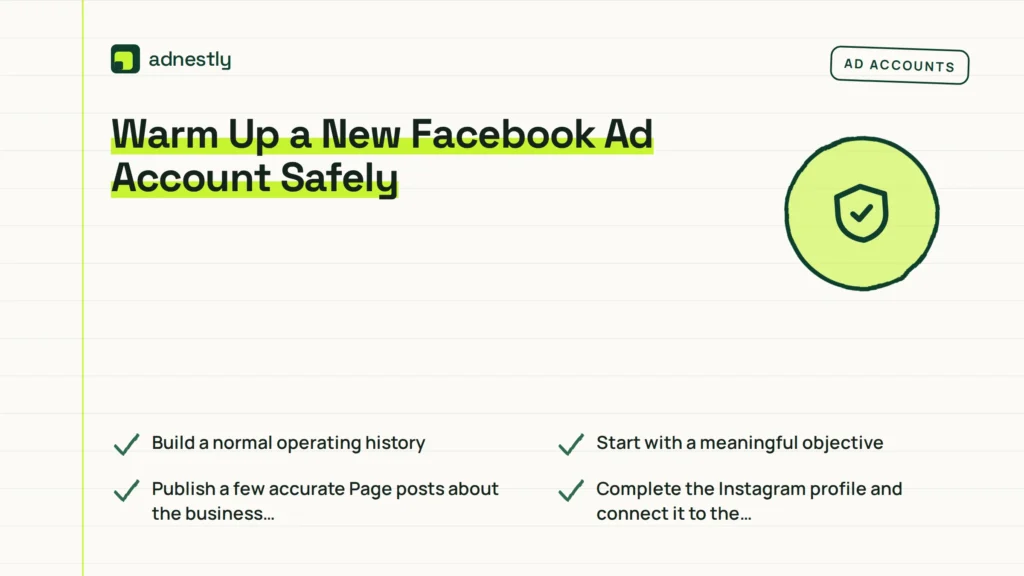
A safe warm-up means starting with normal business activity and controlled advertising, not manufacturing activity. Don’t run cheap engagement campaigns just to create artificial history, ask people to click ads without interest, or generate fake purchases. Those actions create poor data and may violate platform rules.
Build a normal operating history
Before spending, perform ordinary actions that support the business:
- Publish a few accurate Page posts about the business, products, services, or customer help.
- Complete the Instagram profile and connect it to the correct Page.
- Answer real comments and customer messages.
- Add legitimate products to a catalog, if a catalog is needed.
- Visit and test the website from a normal browser.
- Confirm that checkout, lead forms, phone links, and email links work.
- Install tracking and test events without sending fabricated conversions.
Don’t force a specific number of posts or days of activity. There’s no universal “seven-day warm-up” that guarantees approval. A genuine business can advertise promptly if its assets and offer are ready; a questionable setup can remain risky after weeks of superficial activity.
Start with a meaningful objective
Choose the campaign objective that matches the action you genuinely want:
- Sales: Use when the website can complete purchases and the event is configured correctly.
- Leads: Use for quote requests, consultations, applications, or contact forms.
- Engagement: Use when interaction itself is the legitimate business goal.
- Traffic: Use when visits are the immediate goal and conversion tracking isn’t ready.
- Awareness: Use when reach or recognition is the actual business outcome.
Don’t select Traffic when you need purchases merely because it appears easier. The resulting visitors may not resemble buyers, and the account will learn from the wrong signal.
Use a Conservative Launch Plan
A gradual launch reduces the consequences of mistakes. It doesn’t guarantee approval, lower costs, or prevent every restriction. The correct budget depends on your average order value, lead value, audience size, geography, and available testing budget.
Use a budget you can afford to lose while validating the funnel. As a practical planning example, many small advertisers begin with roughly $10–$30 per day, then adjust based on conversion economics rather than treating those figures as platform rules.
| Phase | Typical duration | Campaign setup | Budget approach | Main decision |
|---|---|---|---|---|
| Setup | 1–3 days | Tracking, billing, Page, domain, landing page | No ad spend required | Are all assets accurate and functional? |
| Initial test | 3–5 days | One campaign, one ad set, 2–4 ads | Conservative daily budget | Is delivery stable and traffic relevant? |
| Validation | 4–7 days | Keep the strongest setup mostly unchanged | Increase only if results justify it | Are leads or purchases legitimate? |
| Expansion | Ongoing | Add audiences or creative gradually | Small, measured increases | Can the account scale without quality loss? |
Change one major variable
If you increase the budget, replace the creative, broaden the audience, and change the optimization event at the same time, you won’t know what caused a result or a problem.
A useful sequence is:
- Launch one campaign with a clear objective.
- Use one primary audience unless the business requires separate geographic or demographic groups.
- Test two to four distinct ads, not ten minor variations.
- Let delivery gather enough information to identify obvious issues.
- Pause clear underperformers only when you have a reason.
- Increase budget in modest steps, such as approximately 10%–25%, when performance and billing remain stable.
- Wait before making another major adjustment.
Warning: Avoid sudden budget jumps, especially after a campaign has spent little or hasn’t generated a stable result. A jump from a small test to several hundred dollars in one day can create unexpected charges, poor-quality delivery, or a review at the worst possible moment.
Avoid constant editing
Frequent edits can disrupt learning and make account behavior difficult to interpret. Avoid changing the following every few hours:
- Daily budget
- Audience location
- Optimization event
- Bid strategy
- Placements
- Landing page
- Ad copy
- Conversion destination
If an ad contains a factual error, broken link, prohibited claim, or misleading offer, fix it promptly. Stability doesn’t mean leaving a harmful or inaccurate ad active.
What Should You Launch First?
The first campaign should be the easiest for a real customer to understand and complete. Avoid launching a complicated funnel, several countries, many products, and multiple conversion events at once.
Choose a low-complexity offer
Good first offers often include:
- One service consultation
- One clearly described product category
- One local appointment request
- One downloadable resource with an honest value exchange
- One lead form with a small number of relevant questions
Be cautious with offers involving:
- Medical outcomes
- Debt relief or credit repair
- Cryptocurrency or investments
- Before-and-after body claims
- Employment screening or housing eligibility
- Personal financial hardship
- Sensitive personal characteristics
These categories may require special ad settings, careful wording, additional disclosures, or compliance review. Don’t imply that you know a person’s private condition. “Are you struggling with debt?” Is riskier than “Explore our debt-management consultation,” though the complete ad and landing page still matter.
Keep the campaign structure simple
| Component | Safer starting choice | Why it helps |
|---|---|---|
| Campaigns | One primary campaign | Reduces fragmented data |
| Ad sets | One or a few genuinely different audiences | Makes comparison possible |
| Ads | Two to four distinct creatives | Provides useful creative testing |
| Placements | Automatic or broadly appropriate placements | Avoids arbitrary restrictions |
| Conversion event | One real business outcome | Gives the system a clear signal |
| Landing pages | One fast, relevant destination | Keeps the customer path consistent |
Use accurate images, understandable pricing, and a landing page that repeats the offer without changing its meaning. If the ad says “free consultation,” the page should explain what is included and whether any later service has a cost.
Monitor Delivery and Quality
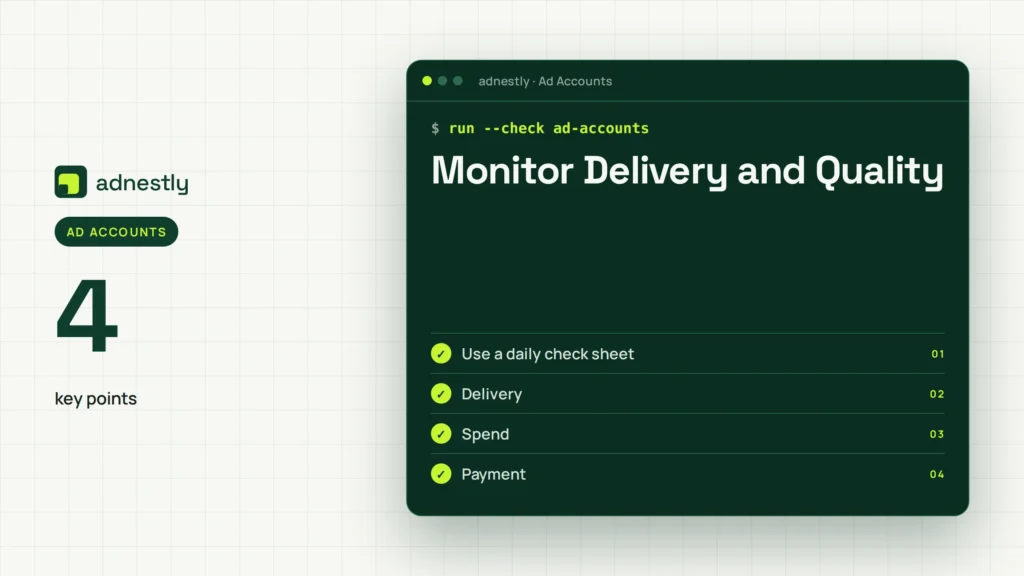
A safe warm-up is an observation process. Check the account at least once each business day during the initial launch, but don’t make changes simply because a few hours of results look uneven.
Review these areas:
- Delivery: Active, learning, in review, rejected, scheduled, or not delivering
- Spend: Actual spend compared with the budget and billing threshold
- Payment: Failed charges, pending charges, unusual authorization messages
- Ad quality: Relevance of copy, comments, feedback, and click behavior
- Website quality: Page speed, mobile layout, broken links, form completion, and checkout
- Conversion quality: Spam leads, duplicate leads, fake phone numbers, and refund-heavy purchases
- Account alerts: Notifications in Ads Manager, Business Support Home, email, and security settings
A low click-through rate is a performance problem, not automatically an account-safety problem. A rejected ad is a policy or review issue, not evidence that the whole business is permanently banned. Separate these categories before taking action.
Use a daily check sheet
| Check | Healthy signal | Action when abnormal |
|---|---|---|
| Billing | Charge succeeds and spend matches expectations | Confirm funds, contact issuer, avoid repeated retries |
| Delivery | Ads deliver within the selected audience | Check status, audience size, schedule, and review messages |
| Traffic | Visitors reach the intended page | Test URLs, redirects, mobile display, and tracking |
| Leads or sales | Submissions appear genuine | Inspect form friction, source quality, and offer clarity |
| Policy | No repeated disapprovals | Review the exact rule and revise the ad or page |
| Security | Only known users and devices appear | Remove access and secure the account immediately |
Pro Tip: Record the date, campaign name, budget, edits, rejection message, payment event, and appeal result in a simple spreadsheet. A timeline helps distinguish a creative problem from a billing problem or a broader account issue.
Scale Without Triggering Problems
Scaling safely means increasing exposure only when the business can handle the resulting traffic and the account has a clear reason to spend more. A campaign with cheap clicks but no qualified leads isn’t ready for aggressive scaling.
Use business-based thresholds
Before raising the budget, confirm:
- The landing page works on phones and desktop browsers.
- Sales or lead tracking records the correct event.
- Customer-service staff can respond promptly.
- Inventory or appointment capacity is available.
- The cost per qualified result fits your economics.
- Refunds, cancellations, and spam aren’t increasing sharply.
- Payment methods can cover the planned spend.
Raise budget gradually and watch delivery after each change. If performance deteriorates, return to the last stable level rather than making several additional edits.
Expand in a logical order
A practical expansion sequence is:
- Improve the best-performing creative while preserving the original.
- Test a closely related audience or geographic area.
- Add a second landing page only when the offer genuinely differs.
- Introduce retargeting after enough legitimate website or customer activity exists.
- Add new products or services one at a time.
- Separate campaigns when objectives, economics, or compliance requirements differ.
Don’t duplicate dozens of ad sets to force delivery. Fragmentation can spread a small budget too thin and make reporting unreliable.
Troubleshoot Restrictions
First identify what was restricted. Meta may restrict an ad, Page, payment method, Business Portfolio, personal profile, or ad account. The correct response depends on the specific object and message.
If an ad is rejected
- Read the full rejection reason in Ads Manager.
- Compare the ad text, image, video, targeting, and landing page with the relevant policy.
- Remove unsupported claims, deceptive wording, prohibited imagery, or unclear pricing.
- Check whether the landing page contains the same issue.
- Submit an appeal only when you believe the decision is incorrect.
- Keep the explanation factual and concise.
Don’t repeatedly submit identical ads hoping one review will pass. Don’t disguise the same claim with punctuation, misspellings, image text, or a new Page.
If the account is restricted
Pause unnecessary changes and capture the exact notice. Then:
- Confirm that administrators are legitimate and secure.
- Check for failed or disputed payments.
- Review recent ads and landing-page changes.
- Verify business and domain information.
- Look for unfamiliar logins or agency access.
- Use the official review or support pathway shown in the account.
- Submit truthful documents that match the business details.
Never buy an “aged” account, rent someone else’s verified identity, create replacement accounts to evade a restriction, or ask people to submit deceptive appeals. These approaches can create ownership, security, and compliance problems that are harder to resolve than the original issue.
Separate technical and policy problems
A campaign that won’t spend may have a small audience, an incorrect schedule, a payment failure, an unavailable conversion event, an account restriction, or an ad still under review. Check each possibility rather than assuming “new account” is the cause.
Mistakes That Create Risk
Most avoidable problems come from trying to manufacture trust or rushing an untested funnel.
Concrete examples include:
- Fake engagement: Buying likes, comments, followers, or clicks.
- Account hopping: Opening replacement accounts after a restriction.
- Identity mismatch: Using a personal card, borrowed Page, or unrelated domain without authorization.
- Claim inflation: Promising guaranteed income, instant cures, effortless weight loss, or certain approval.
- Landing-page bait: Advertising one price or product and presenting another page.
- Payment churn: Adding and removing cards repeatedly after failed charges.
- Admin sprawl: Giving passwords or full control to many contractors.
- Creative evasion: Hiding prohibited claims in images, videos, misspellings, or code.
- Over-targeting: Selecting sensitive personal characteristics or implying knowledge of them.
- Premature scaling: Raising spend before tracking, fulfillment, or lead quality is proven.
A new account doesn’t need to behave like an established advertiser. It needs to behave like a legitimate business with accurate information, secure access, a suitable offer, and responsible advertising practices.
Frequently Asked Questions
How long should I warm up a new Facebook ad account?
There’s no fixed warm-up period that guarantees approval or stable delivery. Complete the assets first, then begin with a small, relevant campaign when the website, billing, tracking, and offer are ready. Evaluate the first several days of delivery and results before making major changes.
How much should a new Facebook ad account spend?
Use an amount your business can afford while testing. A common small-business starting range is roughly $10–$30 per day, but the right figure depends on customer value, audience size, and conversion costs. Treat this as a planning range, not a Meta requirement or a promise of performance.
Can I run engagement ads to warm up the account?
You can run an engagement campaign when genuine engagement is the real objective. Don’t use fake interactions, paid click schemes, or irrelevant engagement solely to manufacture account history. Those actions produce poor data and may create policy or quality problems.
Why did my new ad account get restricted?
Common causes include payment failures, suspicious access, inconsistent business information, prohibited or misleading claims, low-quality landing pages, repeated rejected ads, or attempts to evade an earlier restriction. Read the exact notice, secure access, correct the underlying issue, and use the official review process.
Should I create multiple ad accounts for safety?
Usually not. Multiple accounts can complicate ownership, billing, reporting, and compliance. Use the account structure appropriate for the real business, and request additional accounts only when there’s a legitimate operational reason, such as separate brands, countries, or billing entities.
Can I scale immediately after the first sale?
One sale is encouraging but not enough to prove stable performance. Confirm tracking, lead or purchase quality, fulfillment capacity, payment reliability, and acceptable economics first. Then increase spending gradually while preserving the original campaign so you have a stable reference point.
Conclusion
Review your Business Portfolio, payment method, domain, tracking, landing page, and administrator access today. Once each item is accurate and secure, launch one simple campaign at a budget you can comfortably test, document every change, and scale only when real customer results—not account age—justify it.

Aaron Kelly writes about Facebook tools, account management, and business advertising. His content covers account security, Facebook Ad Accounts, Business Manager setup, Pixel and conversion tracking, Business Manager verification, and admin profile verification. He focuses on explaining technical processes and common account issues in practical terms, helping businesses and advertisers manage their Facebook assets more effectively and build a more secure, reliable advertising setup.
Checked against Meta’s own documentation. How we write and update guides