How to Get a Refund from Facebook Ads

Facebook may refund an ad charge when the charge is duplicate, unauthorized, incorrect, or caused by a technical problem. To get a refund from Facebook Ads, first check the transaction, pause the affected campaign, then submit the request through Meta Ads Manager or the payment-support form.
$ part ofFacebook Ad Account Problems: How to Fix Every Common IssueThe complete guide this article belongs toOpen guide →Your result depends on the billing type, the reason for the charge, and how clearly you document it. The ad account’s currency, payment method, and country can also change the available support path.
Who needs a Facebook Ads refund
An advertiser with an unexpected charge needs a transaction-level review, not a general complaint. You’ll need the ad account, payment record, campaign details, and a short explanation of what went wrong.
A business owner may see a charge they don’t recognize. That person should first check whether a teammate, agency, or second ad account used the same payment method. If nobody approved it, treat it as a possible unauthorized payment and contact the card issuer as well as Meta.
An agency or freelancer may need a refund for a client account. The useful evidence is different here: include the client’s ad account ID, your access role, the invoice or receipt, and written approval records.
This page serves best when the charge is visible in a Meta ad account and you want to request a review. It isn’t for recovering sales lost because an ad performed poorly, or for reversing a normal charge simply because you dislike the results. The advice assumes you can still sign in to the ad account or payment method.
What decides the refund result
The charge reason matters most. Duplicate billing, a charge for a canceled campaign, a billing error, or unauthorized use gives you a clearer case than poor ad performance. Match your reason to the transaction instead of writing that the ad “didn’t work.”
Your payment setup changes the route. Automatic billing, available funds, monthly invoicing, and local payment methods can show different support choices. Open the payment activity for the exact ad account, then follow the option shown beside that transaction.
The campaign record also matters. Check the delivery dates, amount spent, payment threshold, and campaign status together. A campaign can be turned off while an earlier amount is still being processed or charged, so don’t assume pausing it automatically reverses the earlier spend.
Evidence can move the decision. Save the receipt, transaction ID, screenshots of the campaign, and proof that someone else used the card if that applies. The mistake people get wrong most often is reporting only the total amount; Meta needs the exact charge and the reason you dispute it.
Finally, timing and account access affect your options. If the charge is still pending, it may not be a completed payment yet. If you can’t access the account, recover access first or ask the account owner to submit the request.
Steps to request a Facebook Ads refund
A clean request starts with one disputed transaction and one clear reason. Don’t send several different explanations for the same charge, because that makes the account history harder to review.
- Open Ads Manager for the correct business. Confirm the business name and ad account ID before checking billing. The correct account should show the campaigns and payment activity connected to the charge.
- Open Billing or Payment activity. Look for the transaction date, amount, currency, payment method, and receipt or reference number. Stop if the charge belongs to another ad account; switch accounts before continuing.
- Check the campaign behind the charge. Compare the transaction with the campaign’s delivery, spend, dates, and status. A matching campaign spend means the charge may be valid, even if the campaign later stopped.
- Pause active campaigns linked to the problem. Use the campaign, ad set, or ad level that’s still spending. Check that its delivery status changes to off or inactive before leaving the page.
- Collect supporting records. Save the receipt, transaction ID, campaign ID, screenshots, and any message showing unauthorized use or duplicate billing. Keep the files readable and avoid uploading unrelated private documents.
- Choose the billing-support option. Use the refund, payment problem, or unauthorized-charge option that best matches the issue. If the wording differs, choose the closest factual category rather than selecting poor performance.
- Write the request in one paragraph. State the amount, currency, date, transaction ID, ad account ID, and exact reason. Ask for a review and refund of that specific transaction, not all advertising charges.
- Submit and save the case number. Screenshot the confirmation page and keep the support email. The case number lets you add evidence without opening several duplicate cases.
- Watch the payment method. A credit may appear in Ads Manager, on the original payment method, or through the relevant billing arrangement. Don’t treat a support reply as a completed refund until the credit appears.
The key judgment is whether the charge is wrong or merely disappointing. If the campaign delivered the agreed impressions or clicks, request a billing review only when you can identify an actual error; if delivery was incorrect, show the specific mismatch.
Refund routes by situation
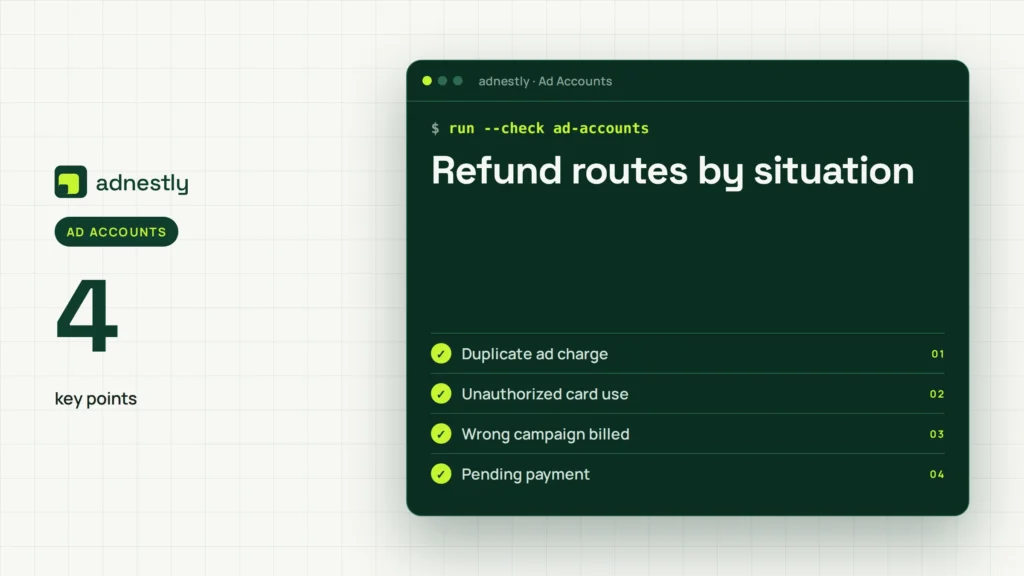
The right route depends on what happened to the money and who controls the payment method. Use the closest case, then check the transaction record before submitting anything.
| Situation | What to do | What it takes | What to watch for |
|---|---|---|---|
| Duplicate ad charge | Submit one transaction dispute | Receipt and IDs | Don’t dispute both copies |
| Unauthorized card use | Contact Meta and card issuer | Account and card records | Secure the card immediately |
| Wrong campaign billed | Request billing review | Campaign screenshots | Match dates and currency |
| Pending payment | Wait for final status | Transaction monitoring | Pending isn’t always final |
| Poor ad performance | Check delivery and targeting | Campaign reports | Weak results aren’t billing errors |
| Agency-managed account | Ask account owner to submit | Written client approval | Access role may limit support |
| Monthly invoice issue | Contact billing support | Invoice and account details | Terms may differ by contract |
Details that strengthen your request
Prepare the account record
Use the smallest useful evidence set. Include the ad account ID, transaction ID, date, currency, amount, payment method ending, and the campaign connected to the charge. Hide full card numbers and other private data before uploading screenshots.
Write the facts in date order. For example, say that the campaign was paused on a stated date, but a later charge appeared for a stated amount. This is stronger than saying the account was “overcharged” without showing what changed.
Check before you send
Compare three records: Ads Manager spend, the Meta receipt, and the bank or card statement. If all three show the same amount and date, the charge may be valid; if one differs, identify that difference in the request.
Leave performance complaints separate from billing errors. A low click rate, expensive lead, or rejected ad doesn’t prove that Meta charged the wrong amount. If you need help with delivery, use campaign support instead of presenting it as a refund claim.
Don’t keep changing campaigns while the issue is under review. If X is still spending, pause X; if the disputed charge is historical and no new charge is appearing, preserve the records and avoid edits that could remove useful evidence.
Common Facebook Ads refund problems
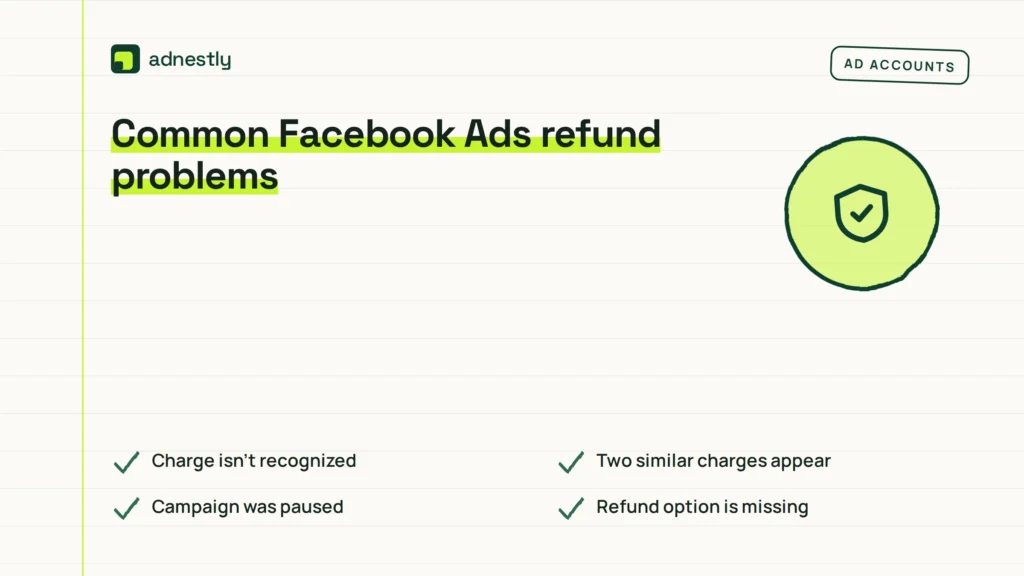
A failed refund request usually starts with a mismatch between the complaint and the record. Check the transaction first, then use the smallest fix that matches what you see.
| What you notice | What it usually means | What to do first | How to stop it happening again |
|---|---|---|---|
| Charge isn’t recognized | Another account used payment | Check all business accounts | Limit payment access |
| Two similar charges appear | Separate billing events | Compare transaction IDs | Keep one billing owner |
| Campaign was paused | Earlier spend was billed | Review delivery dates | Monitor spend before pausing |
| Refund option is missing | Support path differs | Open payment support | Keep account access current |
| Request was rejected | Evidence didn’t match | Resubmit clear records | Use exact transaction details |
| Amount looks higher | Currency or tax changed | Compare receipt currency | Review billing documents |
| No credit has appeared | Review remains unresolved | Check case status | Keep the case number |
Meta billing rules to check
Meta’s available refund and payment options can depend on the ad account, payment method, country, currency, and billing arrangement. Meta publishes the current route through its business payment and support tools, so use the option shown inside the affected account rather than copying a path from another advertiser.
Meta may treat a card payment, prepaid balance, direct debit, and monthly invoice differently. The invoice or payment terms attached to your account can control disputes and credits. Read the terms shown on the invoice or billing page before claiming that every payment follows the same process.
If the payment was unauthorized, contact your bank or card issuer without waiting for a Meta decision. The issuer can explain its dispute deadline and may freeze or replace the payment method. For account access or payment problems, use Meta Business support and select the ad-account option that matches your case.
Stop the do-it-yourself process if the issue involves a legal demand, a business invoice dispute, or suspected account takeover. Give the records to your card issuer, finance team, or lawyer instead of sending repeated claims.
What a Facebook Ads refund really costs
The direct cost of a request is usually your time and the risk of leaving a faulty campaign active. A simple transaction review may need only the receipt and campaign record, while an unauthorized-charge case also needs account-security work and contact with your card issuer.
The amount of work rises with the number of disputed transactions. If five charges have five different transaction IDs, list each one separately; don’t use one total that the reviewer can’t match to the account history.
Refund timing can’t be promised from the information on the receipt. Check the support case, payment method, and account currency for the current status. A credit may also take longer to appear on a bank statement than in the advertising account.
The trade-off is speed versus proof. A short request is easier to review, but a request without the transaction ID can lead to more questions; a complete request takes longer to prepare but reduces avoidable back-and-forth.
Keep the billing record clean
Save each receipt, invoice, support reply, and case number in one folder named for the ad account. Keep the campaign ID beside the transaction ID, because the same business can have several campaigns and payment methods.
Check the account when a new charge appears, a payment fails, or the amount differs from the receipt. Those signs need attention sooner than a fixed calendar schedule. Compare the Ads Manager record with the card or bank statement before asking for a second review.
If the refund is approved, confirm where the credit was sent. If the transaction still shows as charged after the support case closes, reply in the same case with the credit status and original transaction ID instead of opening several new requests.
When a Facebook Ads refund is wrong
A refund request is the wrong approach when the ad delivered normally but produced weak sales or leads. Review targeting, creative, landing-page tracking, and campaign objectives instead; those issues concern performance, not an incorrect charge.
It’s also the wrong approach when someone else controls the ad account and you lack billing permission. Ask the business owner or account administrator to submit the request, because support may not discuss payment details with a limited-access user.
Don’t use this process to challenge a card payment you clearly authorized while ignoring the card issuer’s dispute rules. Contact the issuer for its deadline and records, and ask a lawyer for help if the dispute involves a contract or a large business loss.
If you suspect account takeover, stop changing payment settings yourself. Secure the email and payment method, recover the account through Meta’s account-security process, and contact the card issuer.
Frequently asked questions
Can I get a refund for Facebook ad charges?
Yes, you can request a refund review for a duplicate, unauthorized, incorrect, or technically affected charge. Approval isn’t automatic. Meta will compare the transaction with the ad account’s delivery and billing records, so include the exact amount, date, currency, and transaction ID.
Why did Facebook charge me after I paused an ad?
A charge can relate to delivery that happened before you paused the campaign, or to a payment that was already processing. Compare the charge date with the delivery and payment records. If they don’t match, submit that mismatch as the reason for review.
How long does a Facebook Ads refund take?
There’s no single reliable refund time for every ad account. Check the support case and the original payment method for its status. A completed credit may appear in the payment account after the Meta review, depending on the billing setup and financial institution.
Is it safe to dispute a Facebook ad charge?
Yes, it’s reasonable to dispute a charge you don’t recognize, but secure the account and payment method first. Contact the card issuer if fraud is possible. Don’t label an authorized charge as fraud simply because the campaign performed poorly.
What happens if Facebook rejects my refund request?
You can review the rejection, add missing transaction evidence, and reply through the existing support case. If the charge was unauthorized, contact the card issuer about its dispute process. Repeating the same unsupported request usually won’t change the result.
Does it matter which Facebook ad account was charged?
Yes, it matters because each ad account has its own campaigns, payment activity, currency, and access roles. Open the account shown on the receipt. A request sent from another business or account may not expose the transaction needed for review.
Can an agency request a Facebook Ads refund?
Yes, an agency can request one when it has the required account access, but the account owner may need to act. Include the client’s approval records, ad account ID, transaction ID, and exact disputed amount. Keep the client informed about the case.
What to do first for a Facebook Ads refund
Start by opening the exact payment record and comparing it with campaign delivery. Expect a review only when the transaction and evidence show a real billing problem. Stop and get help if you suspect account takeover, card fraud, or a legal or contract dispute.

Aaron Kelly writes about Facebook tools, account management, and business advertising. His content covers account security, Facebook Ad Accounts, Business Manager setup, Pixel and conversion tracking, Business Manager verification, and admin profile verification. He focuses on explaining technical processes and common account issues in practical terms, helping businesses and advertisers manage their Facebook assets more effectively and build a more secure, reliable advertising setup.
Checked against Meta’s own documentation. How we write and update guides