Facebook Account Spending Limit Reached: How to Change or Remove It

When an account spending limit is reached, changing or removing it depends on the service that set the limit. Open the account’s billing, payments, family, or spending controls; raise the limit only if an edit option appears, or contact the service’s support team if it doesn’t. Some limits reset automatically, while others are fixed safety or account controls.
$ part ofFacebook Ad Account Problems: How to Fix Every Common IssueThe complete guide this article belongs toOpen guide →The result changes with your account type, the limit’s reason, and your payment method. A personal budget, a family control, a verification hold, and a payment-provider restriction don’t follow the same steps.
Who needs to change an account spending limit?
A person seeing this message may have reached a personal budget, a card limit, or a platform’s temporary payment threshold. The right fix starts with identifying which one appears in the account settings or the exact error message.
A parent managing a child account usually needs to change a family spending control. The setting may be under Family, Parental Controls, Purchases, or Approvals. The child’s account often can’t remove it.
A business user may have reached an account budget, a prepaid balance limit, or an administrator-controlled payment rule. That user needs the billing administrator, not a normal profile setting. The account owner may also need to finish identity or payment verification.
A buyer using a bank card may have enough account balance but still face a card issuer decline. In that case, changing the service limit won’t help. The card issuer or bank must explain the restriction.
This page serves best if you can sign in and check the account’s billing or spending controls. It assumes the limit belongs to the service, not a legal debt restriction, a frozen bank account, or a fraud investigation.
What decides the spending limit?
The limit’s owner matters most. A service can set its own account budget, but a bank or card issuer controls the card’s available spending. Read the message carefully and look for words such as “account,” “card,” “family,” “administrator,” or “verification.”
The limit type changes the solution. A user-set budget can usually be edited or removed by its owner. A platform safety limit may be fixed, temporary, or available only after verification. Check the limit’s name in Billing, Payments, Spending, or Account Controls.
Your account role can block changes. An administrator may control a work or family account even when you can make purchases. If the edit button is missing, check the account’s role list and ask the owner to make the change.
The payment method can be the real problem. A declined card, expired card, failed bank transfer, or chargeback history may stop a purchase without changing the account budget. Check the payment method’s status and the service’s failed-payment notice.
People get the account limit wrong most often. They keep retrying the purchase when the limit is actually held by a card issuer or administrator. If the limit belongs to the service, change its setting; if it belongs to your bank or card, contact that provider instead.
How to change the spending limit
Use these steps for a normal personal account. Menu names differ by service, so stop if the wording or account owner doesn’t match.
-
Save the exact error message. Copy the wording or take a screenshot before closing it. A message naming “budget” points to a user setting, while “card declined” points toward the payment provider.
-
Sign in to the correct account. Check the email address, profile, workspace, or family member shown in the account menu. The correct account should display the same billing history connected to the blocked purchase.
-
Open the payment controls. Look under Billing, Payments, Purchases, Spending, Budget, Family, or Parental Controls. You’ve found the right area when it shows the limit amount, remaining amount, or next reset date.
-
Read the limit label. Identify whether it’s a personal budget, administrator limit, card limit, temporary hold, or verification restriction. Don’t change a different setting just because it has a similar name.
-
Choose Edit, Increase, or Remove. Enter the new amount only if the service shows an allowed range or clear confirmation. If there’s no edit option, the limit may be fixed or controlled by someone else.
-
Confirm the change. Complete any password, two-factor, identity, or payment verification request. The setting should show the new amount or an “off” status before you try the purchase again.
-
Check the payment method. Confirm that the card isn’t expired, the billing address matches, and the bank account or wallet is connected. A changed account limit won’t approve a payment rejected by the provider.
-
Wait for the stated reset time. If the service shows a reset date, use that date rather than repeating failed payments. Check the account again after the displayed time has passed.
The key judgment is whether the limit changed before you retry. If the account still shows the old amount, the change wasn’t accepted. Don’t bypass an administrator, identity check, fraud hold, or bank restriction; contact the service, account owner, or card issuer instead.
Spending limit cases at a glance
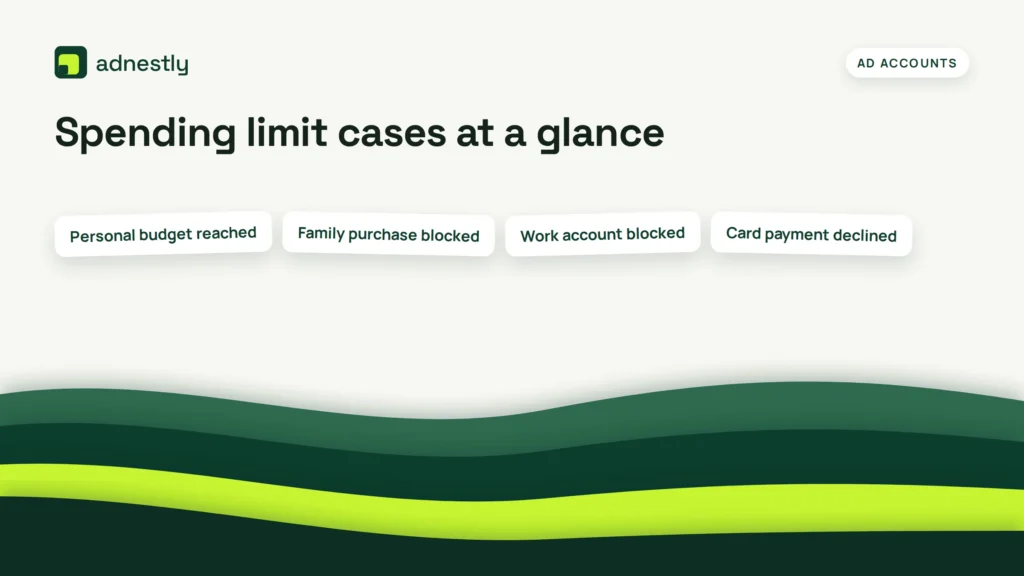
The correct action depends on who controls the limit and whether the account shows a reset date.
| Situation | What to do | What it takes | What to watch for |
|---|---|---|---|
| Personal budget reached | Edit or remove budget | Account access | New limit confirmation |
| Family purchase blocked | Ask family organizer | Organizer approval | Child account restrictions |
| Work account blocked | Contact billing administrator | Admin permission | Workspace policy |
| Card payment declined | Contact card issuer | Payment review | Available credit |
| Verification limit reached | Complete account verification | Identity documents | Name mismatches |
| Temporary platform hold | Wait for reset notice | Time and patience | Exact reset date |
| Bank transfer failed | Fix bank payment method | Bank account access | Returned payment |
A higher account budget won’t solve a card decline, and a new card won’t remove a family or administrator limit.
Details that prevent failed changes
Check the account owner first
The account owner should make the change when the setting belongs to a family, business, or managed profile. A standard user may see the spending page but not the Edit or Remove control.
Compare the email, workspace name, and role shown on the page. If they don’t match the person who set the limit, ask that person to change it instead of creating another account.
Verify the result before paying
A successful change leaves a visible sign: the new amount appears, the limit says Off, or the next reset message changes. Experienced account managers also check the payment method because a separate decline can remain after the spending cap is removed.
Leave fraud holds, identity reviews, and bank security blocks alone. If the service asks for documents or the bank freezes the payment, use its official review process; repeated retries can create more declined transactions or delay the review.
Why the limit still blocks payment
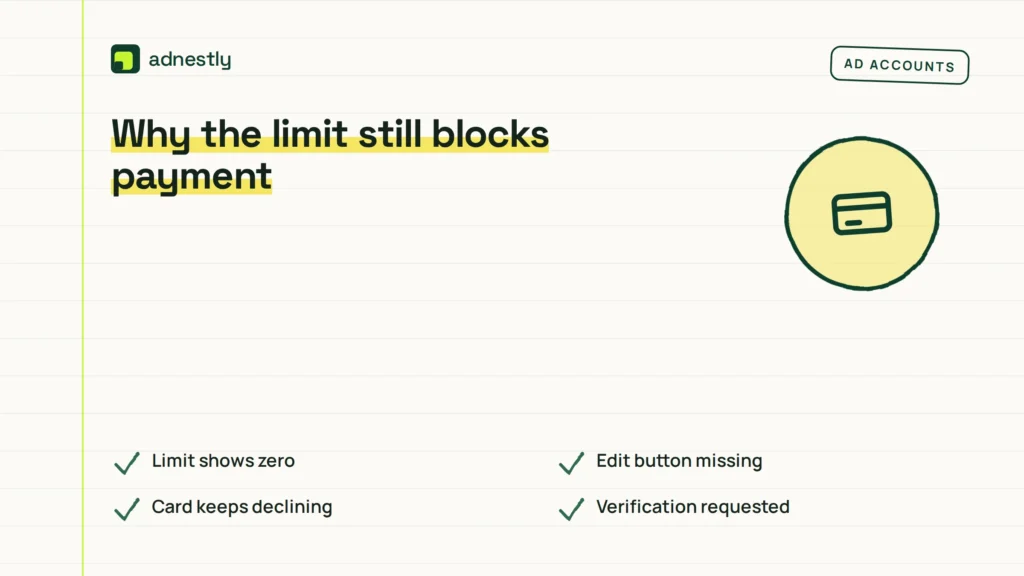
The message you see may not identify the real control. Match the symptom to the first safe check below.
| What you notice | What it usually means | What to do first | How to stop it happening again |
|---|---|---|---|
| Limit shows zero | Budget is fully used | Open budget settings | Set a clear monthly amount |
| Edit button missing | Admin controls setting | Contact account owner | Confirm user roles |
| Card keeps declining | Issuer rejects payment | Call card issuer | Keep payment details current |
| Verification requested | Account review is pending | Follow service prompts | Use matching legal details |
| Payment reverses later | Bank transfer failed | Check bank notice | Keep funds available |
| Limit resets later | Temporary cap applies | Read reset date | Plan purchases before reset |
| Purchase needs approval | Family control is active | Request organizer approval | Review purchase permissions |
Don’t keep submitting the same payment while a restriction remains. It costs time and may create duplicate pending authorizations that your bank must later release.
Rules around account spending limits
The service’s terms, your payment agreement, and local consumer rules can all apply. A platform may set purchase controls in its account terms, while a bank follows separate card and payment rules.
For bank-account automatic payments in the United States, the Consumer Financial Protection Bureau explains that you can contact the company taking the payment and your bank to stop a preauthorized debit.
Rules differ by country, card network, bank, subscription type, and account plan. Check the service’s Billing or Terms page and your bank’s dispute or payment-control page for the version that applies to you.
Stop and seek support if the account involves suspected fraud, an unauthorized charge, a legal hold, or identity documents. Don’t try to defeat those controls by opening duplicate accounts or using another person’s payment method.
What changing the limit really costs
The direct cost may be zero when the service lets you edit a personal budget. The real cost can be lost access, a delayed purchase, a failed renewal, or extra bank fees when the payment method—not the account limit—is the problem.
Changing a business or family limit can also affect other users. Before removing it, check who shares the account, whether approvals are required, and whether the new amount applies immediately or at the next billing period.
Payment costs vary by service and country. Read the checkout screen, billing history, and payment-method terms before confirming. If a charge is pending, don’t pay again until the first transaction is clearly canceled, completed, or released.
If the service offers only a higher fixed tier, compare its plan page with your expected use. If the limit comes from your bank, compare the card’s available credit, daily purchase rules, and any foreign-transaction restrictions with the blocked payment.
Keep the new limit working
Record the new amount, the date you changed it, and the account profile that owns the setting. A screenshot of the confirmation can help if the limit returns or a support agent asks what happened.
Check the setting again when the service shows the old limit, a new reset date, or another blocked purchase. Those signs mean the cap may have reset, the account may have switched plans, or an administrator may have changed it.
Keep the payment method current and remove cards you no longer use. If the account still shows the new limit but payments fail, start with the payment provider rather than changing the account budget again.
When changing the spending limit is wrong
Changing the limit is the wrong approach when the card issuer declined the payment. Contact the bank or card issuer, confirm the reason, and use an approved payment method if needed.
It’s also wrong when a family organizer or work administrator controls the account. Ask that person to approve the purchase or change the policy; creating a second account may break the service’s terms.
Don’t remove a fraud, identity, or legal restriction yourself. Use the platform’s review team, your bank’s fraud department, or a qualified adviser when the issue involves unauthorized charges, identity documents, or disputed money.
Frequently asked questions
Can I remove an account spending limit completely?
Sometimes, but only when the service offers a Remove, Off, or No limit option for that account type. If the option is missing, the cap may belong to an administrator, card issuer, or platform safety system. Contact the controlling party instead of trying to bypass it.
Why does my account say the spending limit was reached?
It means the purchase was stopped by a budget or payment control. The control may be personal, family-based, administrator-managed, card-based, or temporary. Check the error wording and the account’s Billing or Spending page before changing any amount.
How long does it take for a spending limit to reset?
The reset takes effect on the date and time shown in the account, when the service provides one. If no reset appears, contact support because the limit may require approval or verification rather than waiting.
Is it safe to increase an account spending limit?
Yes, when you control the account and understand the new amount and billing period. It isn’t safe to raise it to bypass an unknown decline, fraud review, or administrator rule. Check the payment method and account activity first.
What happens if I keep trying after reaching the limit?
The purchase may continue to fail, and some payment attempts may appear as temporary pending authorizations. Stop retrying, check the limit status, and wait for the stated reset or contact the provider handling the restriction.
Does it matter which payment method I use?
Yes. A service limit and a card limit are separate controls. Changing the card may help when the issuer declined it, but it won’t remove a family budget, workspace rule, verification hold, or platform spending cap.
How do I change a spending limit on a family account?
The family organizer usually needs to open Family or Parental Controls and edit the purchase setting. A child or managed profile may not have permission to change it. Ask the organizer to confirm the new limit before trying again.
What to do about the spending limit
First, identify who owns the limit and open that account’s Billing, Spending, Family, or Payment controls. You should see the new amount, an Off status, or a reset date. If the account still blocks payment or shows fraud or identity review, stop and contact the service, administrator, or bank.

Aaron Kelly writes about Facebook tools, account management, and business advertising. His content covers account security, Facebook Ad Accounts, Business Manager setup, Pixel and conversion tracking, Business Manager verification, and admin profile verification. He focuses on explaining technical processes and common account issues in practical terms, helping businesses and advertisers manage their Facebook assets more effectively and build a more secure, reliable advertising setup.
Checked against Meta’s own documentation. How we write and update guides