Facebook Ad Rejected for Misleading Claims: How to Fix It

When an ad rejected for misleading claims lands in your dashboard, the fix is to remove the unproven promise and replace it with a statement you can back up. You’ll find the exact flagged line inside the platform’s policy violation notice, and that’s where your edit starts.
$ part ofFacebook Ad Account Problems: How to Fix Every Common IssueThe complete guide this article belongs toOpen guide →The words that triggered it, the proof you actually hold, and the specific advertising rules of the platform you’re using are what change the outcome. Read the rejection notice first because it points straight to the problem.
Who needs to fix rejected misleading claims
Three different people usually search for help after a rejection notice. The first runs a small online store and wrote their own ad copy without reading the platform’s advertising policies. They need to know exactly which sentence broke the rule so they can rewrite it tonight.
The second works at an agency handling multiple client accounts. They already know the basics but need a fast checklist to audit copy before it goes live again. The third sells health supplements or financial services and keeps getting flagged for promising results they can’t guarantee.
This page serves the first two readers best. It walks through finding the flagged claim, checking your proof, and rewriting the text safely. If you sell heavily regulated products like prescription drugs or investment advice, this isn’t your guide. You’ll need a compliance lawyer who handles advertising law in your country.
The rest of this page assumes you’re editing standard product or service ads on platforms like Meta Ads Manager or Google Ads.
What actually triggers the rejection
Platforms don’t guess when they flag your copy. Automated systems scan for specific patterns that violate their advertising standards, and human reviewers check the borderline cases. Five things decide whether your ad stays up or gets pulled down.
Unsubstantiated promises cause the most rejections. If your text guarantees a result without naming the conditions required to achieve it, the system flags it immediately. Check your copy for words like “guaranteed,” “always,” or “never.” If you can’t prove the statement applies to every single buyer, you have to soften the language.
Before-and-after claims are the second biggest trigger. Showing dramatic changes without explaining the timeframe, the method used, or the typical experience breaks the rules on almost every major platform. Look at your images and text together. If the picture implies a result your text doesn’t clearly explain, that’s your problem.
Fake urgency is the third issue. Countdown timers that reset for every visitor, or phrases like “offer ends today” when the sale runs all month, count as deceptive practices. Review your landing page too, because the ad and the destination must match.
Omitted costs come next. Advertising a low price but hiding mandatory fees until checkout will get your ad removed. Compare your ad’s price claim directly against your final checkout total.
Misused endorsements round out the list. Using a celebrity’s face or a fake review violates policies everywhere. Verify that every testimonial comes from a real customer who gave you written permission.
How to find and fix the flagged claim
You don’t need special software to repair a rejected ad. You just need the rejection notice and the original draft. Follow these steps in order to clear the violation safely.
- Open your ad manager dashboard and click the notification labeled “Policy Violation” or “Rejected.” Don’t skip this step, because the general overview won’t show the specific problem.
- Read the highlighted section of your ad copy. The platform underlines or bolds the exact phrase that caused the rejection. Note the specific policy name listed right next to it.
- Check your own records for proof of that claim. If your ad says “saves 4 hours a week,” look for the internal test data or survey that proves it. If you don’t have the document, the claim has to go.
- Rewrite the flagged sentence using only facts you can verify. Change absolute words like “cures” or “guarantees” to descriptive words like “supports” or “helps.” Keep the new sentence under 20 words.
- Review the image or video attached to the ad. Ensure the visual doesn’t imply a stronger result than your new text states. Text overlays on images are reviewed exactly like body copy.
- Check the landing page URL linked in the ad. The price, offer, and claims on that page must match your newly edited ad copy perfectly.
- Submit the revised ad for review through the same dashboard. Don’t create a brand-new campaign, because starting over wipes out your previous quality history.
The judgment call here is knowing when to fight the decision. If you have solid proof and the system made a mistake, request a manual review instead of changing your copy. But if your claim was even slightly exaggerated, rewrite it. Arguing a weak case slows down your account and lowers your trust score with the platform.
Situations that change your approach
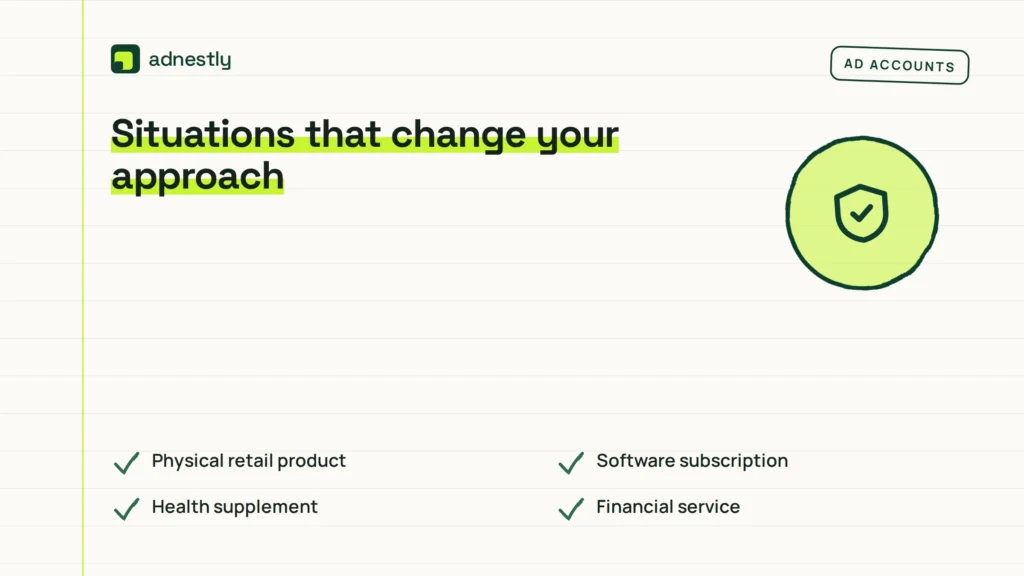
Different offers require different fixes. A clothing brand faces different rules than a software company. Here’s how the approach shifts based on what you’re selling.
| Your situation | What to change | Effort needed | Watch out for |
|---|---|---|---|
| Physical retail product | Remove performance guarantees | One hour | Landing page mismatch |
| Software subscription | Clarify free trial limits | Thirty minutes | Hidden billing terms |
| Health supplement | Drop disease-curing language | Two hours | FDA warning letters |
| Financial service | Add risk disclosure text | Three hours | Local finance laws |
| Weight loss program | Use average results disclaimer | Two hours | Banned before photos |
| Online course | Remove income promises | One hour | Fake student reviews |
If you’re selling physical goods, the effort is usually low because you just need to adjust adjectives. Services take longer because you often have to add legal disclaimers directly into the image or text. Always check the landing page last, since fixing the ad while leaving a broken website wastes your time completely.
Details that keep your ad approved
Matching the landing page
Reviewers check your destination URL before approving anything. If your ad promises a 20% discount but the landing page shows full price, the system rejects it again instantly. Open both pages side by side on your screen. Every number, date, and offer must be identical.
Don’t rely on pop-ups to deliver the promised deal either. The discount code or special offer needs to be visible on the main page without forcing the visitor to enter their email address first. Platforms consider hidden requirements a deceptive practice.
Choosing the right words
Absolute statements fail reviews more often than descriptive ones. Instead of writing “the fastest delivery in the city,” write “delivery within 24 hours for local orders.” The second version gives a specific condition the reader can verify.
Check your verbs carefully. Words like “prove,” “ensure,” and “eliminate” carry heavy legal weight in advertising. Swap them for “show,” “support,” and “reduce” when you lack clinical or statistical evidence. The Federal Trade Commission’s advertising guidelines explain exactly how these distinctions work for US businesses.
Leave out comparisons you can’t source. Saying your product is “better than the leading brand” requires independent testing data that names that specific competitor. Without it, the reviewer will reject the text.
When your ad still fails review
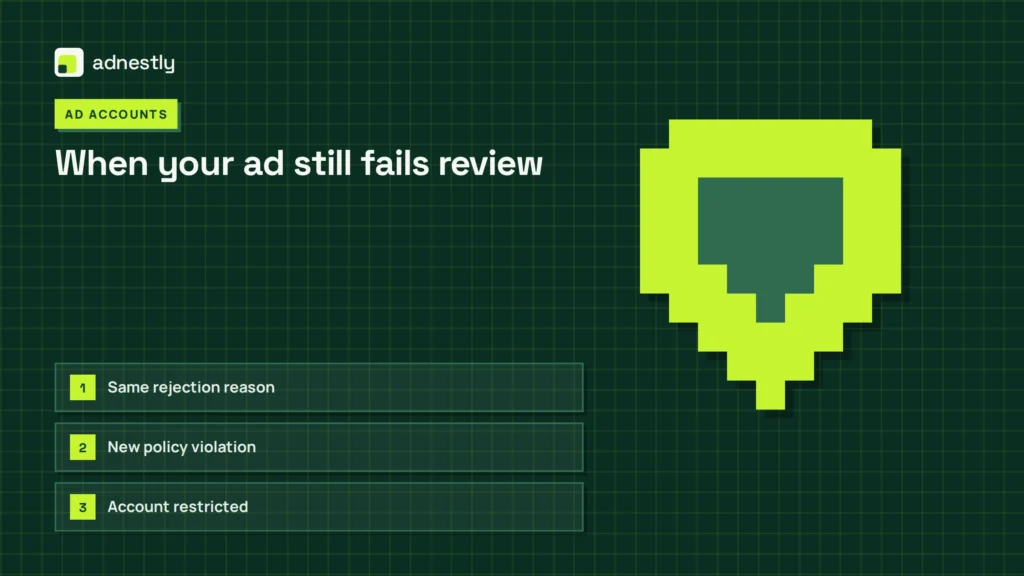
Sometimes the first fix doesn’t work. Here’s what the remaining errors usually mean and how to handle them without losing your mind.
| What you notice | What it usually means | What to do first | How to stop it happening again |
|---|---|---|---|
| Same rejection reason | Core claim still exists elsewhere | Search entire ad account | Use a compliance checklist |
| New policy violation | Edits triggered another rule | Read the new error code | Review all policies beforehand |
| Account restricted | Too many failed appeals | Stop submitting immediately | Wait three days, then contact support |
| Image rejected | Visual implies false results | Remove before-and-after photos | Stick to product-only images |
| URL flagged | Website contains banned content | Audit landing page text | Separate ad pages from main site |
If your account gets restricted, stop uploading new versions entirely. Submitting five edits in one hour looks like spam behavior to automated systems. Wait for the restriction to lift, submit one clean version, and let it process.
Platform rules you have to follow
Every advertising network publishes its own prohibited content list, but the core principles are nearly identical across the industry. Meta’s Advertising Standards ban claims that mislead users about a product’s characteristics. Google Ads policies prohibit unrealistic promises and require clear pricing.
These aren’t suggestions. Violating them repeatedly leads to permanent account suspension, not just rejected ads. If you operate in the US, the Federal Trade Commission enforces truth-in-advertising laws that apply to digital ads exactly as they do to television commercials. European advertisers must follow the Unfair Commercial Practices Directive enforced by local consumer protection agencies.
Rules differ by region and industry. An alcohol ad allowed in the UK might be blocked in certain US states. Check the specific policy center for the platform and country you’re targeting. Don’t assume a global campaign follows one set of rules.
If your product falls under medical, financial, or legal categories, you may need pre-approval or special certification before running any ads at all. Trying to bypass this requirement risks your entire business account.
What a rejected ad actually costs
The immediate cost isn’t a fine; it’s lost momentum. While your ad sits in review, your competitors are spending the budget you planned to use. A standard review takes 24 hours, but repeated rejections push that timeline to several days.
Rewriting copy costs time. If you manage your own ads, expect to spend one to three hours auditing the campaign, finding the proof, and rewriting the text. If you hire a freelance copywriter to fix it, rates depend entirely on their experience and your market. Check current platforms for today’s numbers rather than relying on old estimates.
The hidden cost is your ad account’s reputation score. Platforms track how often your ads get rejected. A high rejection rate lowers your delivery priority, meaning you’ll pay more per click than a cleaner account would. Fixing the root cause saves money long-term by keeping your account standing healthy.
Ignoring the problem and creating a new account to bypass restrictions usually costs everything. Platforms link accounts by payment method, IP address, and domain name. Getting caught circumventing a ban results in permanent removal.
Keeping your ads compliant later
Fixing one ad doesn’t protect the next one. Build a simple checklist based on the rejection reasons you’ve faced. Run every new piece of copy through it before hitting publish.
Save the documents that prove your claims in one folder. If your ad mentions a specific statistic, keep the research paper or internal report right next to the campaign file. When a reviewer asks for proof, you’ll have it ready in minutes instead of days.
Watch your active campaigns weekly. Platforms update their policies without warning, and an ad approved in January might violate a new rule introduced in March. If an active ad suddenly stops delivering impressions, check the policy status immediately.
Don’t reuse old copy blindly. A headline that worked in the past might contain phrasing that’s now restricted. Treat every new campaign as a fresh submission that needs its own verification.
When rewriting won’t save your ad
Some situations can’t be fixed with better wording. If your product itself is banned on the platform—like certain weapons, tobacco, or illegal services—no amount of editing will get your ad approved. You’ll need to choose a different marketing channel entirely.
If you lack any proof for your core value proposition, you shouldn’t be making the claim. Rewriting it to sound softer doesn’t make it true. Go back to your product team and get the data, or change the offer to something you can actually deliver.
Ads requiring legal disclaimers that exceed the platform’s character limits present another dead end. If you can’t fit the mandatory risk warnings into the allowed space, you can’t run that format. Switch to a longer-form placement like a landing page or an email campaign where full disclosures fit naturally.
Trying to sneak past automated filters by misspelling banned words or using symbols instead of letters will get your account permanently disabled. If the system blocks it, respect the block.
Frequently asked questions
How long does an ad review take after fixing it?
Standard reviews take 24 hours on most major platforms. If your account has multiple recent rejections, expect it to take up to 48 hours. Check your dashboard’s notification tab for the exact estimated time, as it varies by region and ad type.
Can I appeal a rejection if my claim is actually true?
Yes, you can request a manual review if you have documented proof. Click the appeal button next to the rejection notice and upload your evidence. Only do this if your proof is solid, because false appeals damage your account standing.
Why did my ad get rejected for misleading claims today?
Platforms update their automated scanning tools constantly. Text that passed last month might trigger a new filter today. Read the specific policy cited in your rejection notice to see exactly which updated rule your copy violated.
Is it safe to delete the rejected ad and start over?
Deleting the ad doesn’t erase the rejection from your account history. The platform still records the violation against your domain and payment method. Edit and resubmit the existing ad instead of trying to hide the mistake.
What happens if I ignore a misleading claims rejection?
Your ad won’t run, and the violation stays on your record. If you accumulate several ignored violations, the platform will restrict your ability to publish new ads. In severe cases, they’ll disable your entire advertising account permanently.
Does the image matter if only the text was flagged?
Yes, because reviewers assess the whole ad together. Even if the text triggered the alert, an exaggerated image can cause a second rejection after you fix the words. Ensure your visuals match the realistic tone of your new copy.
How often should I check my ads for policy updates?
Review your active campaigns once a week. Major platforms usually announce significant policy changes via email or dashboard alerts, but minor updates happen silently. Set a calendar reminder to audit your live ads every seven days.
First steps for your rejected ad
Open your ad manager right now and read the exact policy violation listed in the rejection notice. Once you identify the flagged phrase, rewrite it using only verifiable facts and submit the edit through the same dashboard. You’ll know it worked when the status changes to “Approved” and impressions begin climbing within 24 hours. If your account shows a restriction warning instead of a simple rejection, stop editing and contact platform support immediately.

Aaron Kelly writes about Facebook tools, account management, and business advertising. His content covers account security, Facebook Ad Accounts, Business Manager setup, Pixel and conversion tracking, Business Manager verification, and admin profile verification. He focuses on explaining technical processes and common account issues in practical terms, helping businesses and advertisers manage their Facebook assets more effectively and build a more secure, reliable advertising setup.
Checked against Meta’s own documentation. How we write and update guides