Facebook Ad Account Disabled for Payment Issues: How to Fix It

If you searched for ad account disabled for payment issues, you probably need to know whether the problem is a declined card, an unpaid balance, a billing-risk review, or a security hold. The fastest solution is to identify the exact notice, correct the payment problem inside the advertising platform, settle any balance, and request a review only after the account information is consistent.
$ part ofFacebook Ad Account Problems: How to Fix Every Common IssueThe complete guide this article belongs toOpen guide →Key Takeaways
- Read the platform’s exact restriction notice before changing cards or submitting an appeal.
- Check the card number, expiration date, billing address, available credit, and online or international transaction settings.
- Pay the full outstanding balance using a reliable method, then allow time for the payment to process.
- Remove unfamiliar users, apps, agencies, and payment methods before requesting a security review.
- Submit one complete appeal with documents that match the legal business name and billing profile.
- Don’t create replacement accounts to evade a restriction; that can connect the new account to the disabled one.
What “Disabled” Means
An advertising account can be restricted at several different levels. A failed charge may pause campaigns temporarily, while a serious billing, identity, or policy concern may prevent you from creating ads, adding payment methods, or accessing business assets.
The wording matters:
- Payment failed: A charge didn’t go through, but the account may be recoverable immediately.
- Past-due balance: The platform is waiting for money already spent on advertising.
- Payments account disabled: Billing activity is blocked until the platform completes a review.
- Ad account disabled: Campaign creation and delivery are suspended, possibly because of payment history, security signals, or policy concerns.
- Business account restricted: Several ad accounts, pages, catalogs, or payment profiles may be affected.
- Account under review: The platform hasn’t reached a final decision, so repeated changes can slow the process.
A temporary payment failure is different from a permanent account closure. Don’t assume the notice is final until you read whether it says “temporarily,” “review,” “disabled,” or “permanently disabled.”
Your ads may stop even when the card itself is valid. For example, a bank can decline a transaction because the charge is international, recurring, unusually large, or outside the cardholder’s normal pattern. A platform can also block payment activity when the billing profile, business identity, login behavior, or payment instrument looks inconsistent.
What remains accessible
Depending on the platform and restriction, you may still be able to:
- Open billing history
- Download invoices
- View campaign results
- Access business settings
- Replace a payment method
- Submit an appeal
- Contact platform support
Take screenshots of the notice, balance, transaction history, and appeal status before making changes. Keep the case number and the date of every support interaction in one document.
Find the Exact Notice
Start inside the official advertising dashboard, not through a message asking you to “verify” your account. Phishing emails often imitate Meta, Google, Microsoft, or TikTok and request card numbers, passwords, or identity documents.
Look in these locations:
| Platform | Places to check | Details to record |
|---|---|---|
| Meta Ads | Ads Manager, Business Support Home, Billing & payments | Restriction reason, affected ad account, outstanding balance |
| Google Ads | Billing, Policy Manager, account notifications | Failed payment message, suspension wording, payments profile |
| Microsoft Advertising | Billing, Account settings, Help and support | Payment status, account number, review instructions |
| TikTok Ads | Finance, Account Setup, Account Health | Payment error, business verification, appeal option |
Write down the account ID, business manager or manager-account ID, currency, billing country, last successful payment, last failed payment, and the final four digits of the payment method. Never send a complete card number in a support ticket.
The exact wording may reveal the correct path:
- “Your payment was declined” usually points to the bank, card, or billing profile.
- “Your account is past due” means the platform expects payment for delivered advertising.
- “We couldn’t verify your payment method” may require a small authorization, bank confirmation, or identity review.
- “Unusual payment activity” suggests a security or fraud-prevention check.
- “Circumventing systems” or “suspicious activity” is broader than a simple card decline and needs a careful appeal.
Warning: Don’t repeatedly retry a declined card. Multiple failed attempts can trigger additional bank fraud alerts, duplicate authorization holds, or a deeper platform review.
Common Payment Causes
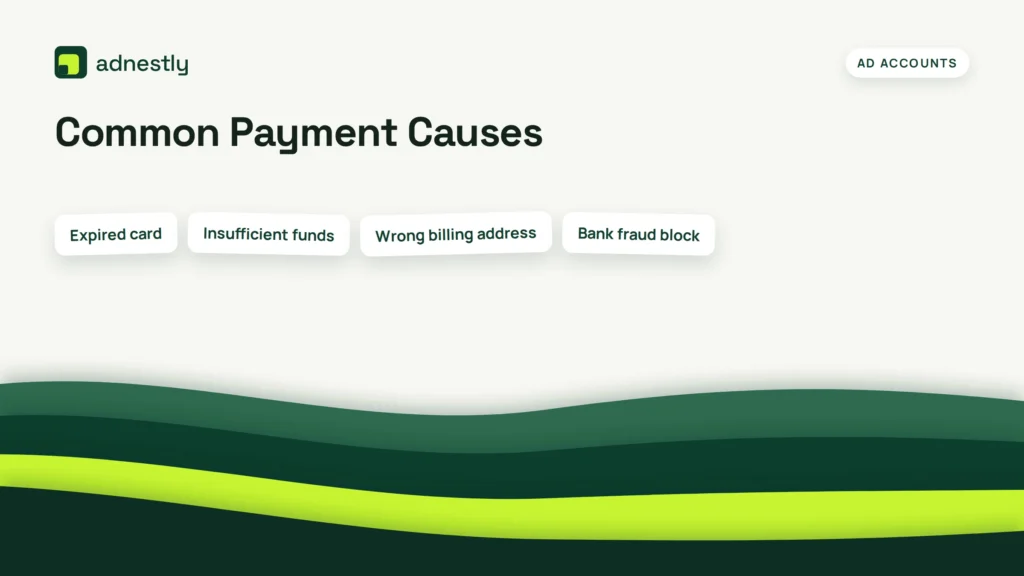
Payment restrictions usually come from a short list of practical problems. Identify which one fits before replacing everything at once.
| Cause | What you may notice | Best first action |
|---|---|---|
| Expired card | The card worked previously, then recurring charges fail | Add a current card and remove the expired one |
| Insufficient funds | Bank app shows declined or over-limit transaction | Restore available credit or use an approved backup method |
| Wrong billing address | Card works elsewhere but fails in the ad platform | Match the issuer’s address exactly |
| Bank fraud block | Text or app alert asks you to confirm the charge | Approve the transaction with the bank |
| International restriction | Local purchases work; platform charge does not | Ask the bank to permit international or recurring charges |
| Prepaid or virtual card issue | Authorization fails or payment method is rejected | Use a standard business debit or credit card |
| Duplicate profiles | Several currencies, names, or countries appear | Correct the primary billing profile before retrying |
| Unpaid balance | Campaigns stopped after spending | Pay the complete balance, not only the latest invoice |
| Chargeback | Previous platform charge was disputed | Resolve the dispute with the bank and platform |
| Unauthorized activity | Unknown users or cards appear | Secure access and report the activity immediately |
Other triggers include a mismatched legal name, a recently changed country, a card issued in one country with an advertising account registered in another, or a payment method shared across many unrelated businesses.
A billing system may also reject a card that has no obvious problem because the platform doesn’t support that card type in the account’s country. Corporate purchasing cards, prepaid cards, gift cards, cryptocurrency-linked cards, and some virtual cards can receive different treatment from ordinary bank-issued cards.
Check the bank statement for a pending authorization. A pending amount isn’t always a completed payment, and deleting the card while an authorization is pending may make reconciliation harder. Ask the card issuer whether the merchant attempted the charge, whether it was rejected before authorization, and what decline code was returned.
Fix the Payment Method
Make changes in a controlled order so you can tell what solved the issue.
1. Confirm card details
Compare the advertising dashboard with the card issuer’s records:
- Cardholder name
- Card number
- Expiration month and year
- Security code, if requested
- Street address
- ZIP code
- Country
- Currency
- Business legal name
A billing address should match the issuer’s file, not necessarily the address where the company receives mail. If the card belongs to a company, confirm that the employee using the dashboard is authorized to use it.
2. Ask the bank specific questions
Call the number on the back of the card and ask whether the bank blocked:
- Recurring merchant payments
- International e-commerce
- High-value or unusual transactions
- Digital advertising charges
- The platform’s merchant descriptor
- A verification or authorization request
Ask whether the bank can approve the next attempt. Don’t ask the bank to “force” an unknown transaction if you don’t recognize it.
3. Add a dependable backup
If the platform allows it, add a second payment method issued to the same business or authorized owner. Use a normal business credit card or bank debit card rather than cycling through disposable virtual cards.
| Payment method | Usually useful for | Common limitation |
|---|---|---|
| Business credit card | Recurring ad charges and larger limits | Issuer may block international or unusual spending |
| Business debit card | Direct control over available funds | Insufficient balance can stop campaigns immediately |
| Direct debit or bank account | Supported recurring billing | Verification may take longer |
| PayPal or similar wallet | A backup where the platform supports it | Wallet funding source can still fail |
| Prepaid card | Limited, controlled spending | Often rejected for recurring or identity-sensitive billing |
Don’t add five cards in quick succession. That pattern can look like payment testing or account takeover. Add one legitimate method, verify it, and wait for the platform’s response.
4. Remove the failed method carefully
Keep the old card until you know whether a pending charge or refund is attached to it. Once the balance is settled and no legitimate transaction depends on it, remove an expired or compromised method. If the platform requires a primary method, set the replacement first.
Resolve the Outstanding Payment Issue on a Disabled Account
A disabled account often stays disabled until the entire balance is collected. Paying only the amount shown in a single failed attempt may not be enough if new delivery, taxes, adjustments, or multiple invoices have been added.
Check:
- Current balance
- Past-due invoices
- Pending charges
- Failed payment attempts
- Credits or refunds
- Taxes and fees
- Account currency
- Payment threshold
- Campaign spend after the first failure
Use the platform’s own billing page to pay. Don’t send money to an account number supplied by an unofficial “support agent.” If a payment succeeds, save the receipt and note the transaction ID.
Some platforms retry a failed charge automatically. That means a successful payment may not appear instantly as a cleared balance. Wait for the dashboard to update, then check whether campaigns remain paused.
Pro Tip: Pay from the same billing profile that incurred the balance. Moving money between personal and business profiles, changing countries, or asking a different person to pay can create a second identity mismatch.
Allow a reasonable processing period before appealing. A card payment may show as pending at the bank while the advertising dashboard still displays a past-due amount. If the balance remains after the bank shows a completed charge, contact support with the receipt, amount, date, currency, and last four digits only.
Don’t dispute a legitimate advertising charge merely to restore delivery. A chargeback can escalate the restriction and make future billing approval more difficult.
Check Account Security
Payment problems sometimes expose unauthorized access. Before submitting an appeal, audit everyone and everything that can reach the account.
Review:
- Admins, employees, contractors, and former agencies
- Connected Facebook pages, Instagram accounts, Google manager accounts, or Microsoft accounts
- Apps, pixels, catalogs, conversion APIs, and business integrations
- Recent login locations and devices
- Newly added cards, bank accounts, and billing addresses
- Campaigns you didn’t create
- Unexpected changes to spending limits or account ownership
Remove people who no longer need access. Change the password for the platform login and the email account attached to it. Turn on two-factor authentication using an authenticator app or security key where available.
If you find an unfamiliar card, don’t attempt to pay its balance yourself. Contact the platform through the dashboard and the card issuer. Preserve screenshots and transaction details, because deleting evidence can complicate an unauthorized-payment investigation.
Look for common takeover signs:
- A new administrator from an unfamiliar country
- Ads promoting cryptocurrency, counterfeit goods, or unrelated products
- A sudden budget increase
- A new payment method added overnight
- An unfamiliar domain or landing page
- Password-reset emails you didn’t request
Secure the account before restoring campaigns. Otherwise, an attacker may spend again as soon as the restriction is lifted.
Submit an Appeal
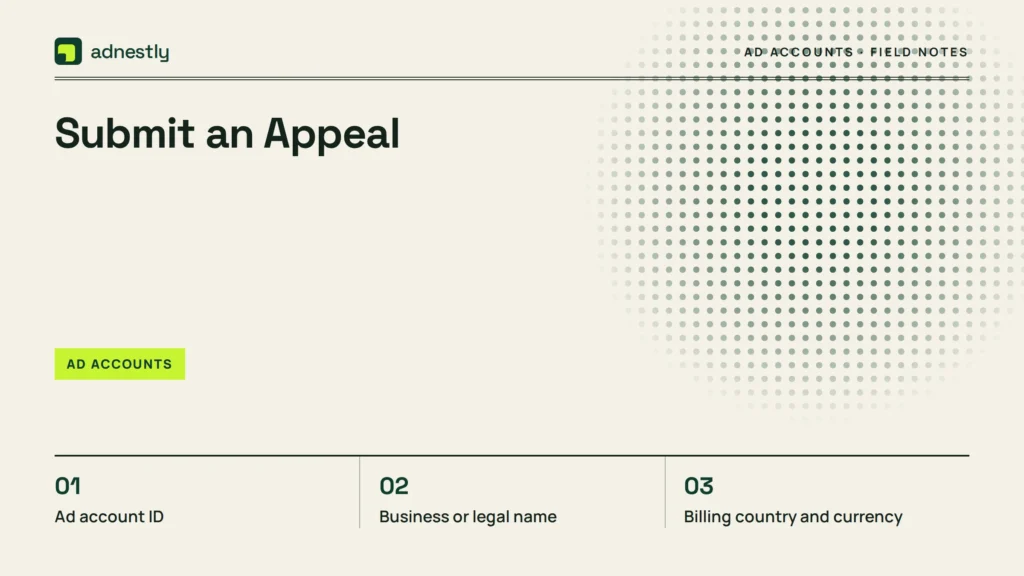
Appeal only after correcting the billing or security issue. A review request should be factual, short, and consistent with the documents attached.
Include:
- Ad account ID
- Business or legal name
- Billing country and currency
- Date the restriction appeared
- Exact error message
- Payment method’s last four digits
- Date and amount of the successful payment
- Explanation of any unauthorized activity
- Security steps already completed
- Documents requested by the platform
Use a company domain email when possible, and make sure the legal name, address, tax information, and payment profile agree. If the account is personal, explain that plainly rather than presenting a personal account as a registered company.
A useful appeal structure is:
- “Our account was restricted on [date] with the notice [exact wording].”
- “The failed payment was caused by [specific cause], and the balance of [amount] was paid on [date].”
- “We replaced the expired or compromised method and secured access with [specific actions].”
- “Please review the account and restore billing or ad delivery.”
- “Attached are the requested documents and payment receipt.”
Avoid emotional language, repeated tickets, contradictory explanations, and claims you can’t document. Don’t say a payment failed because of the bank if the bank confirms the platform rejected it.
Submit one appeal through the official workflow, then monitor its status. Opening multiple cases can split the evidence across queues and produce inconsistent decisions. If support asks for identity documents, upload them only through the secure platform form.
What If It Is Meta?
For Meta advertising accounts, inspect both the individual ad account and the broader Business Account. A payment problem can affect one ad account, while a compromised administrator or restricted business may affect several assets.
Check these areas:
- Ads Manager billing and payment settings
- Business Support Home
- Business Account security
- People and partners
- Payment methods
- Account Quality or restriction notices
- Page and Instagram permissions
Meta may ask for business verification, identity confirmation, payment verification, or an explanation of unusual activity. The correct remedy depends on the specific notice, so don’t submit a generic “please reactivate me” request when the dashboard asks for a document or payment confirmation.
If multiple ad accounts share one card, business manager, domain, or administrator, identify which asset triggered the notice. A clean account can become restricted if it’s connected to a business with a serious unresolved issue.
Use the real business owner or authorized representative for verification. The name on an identity document may not match a company name, but the relationship should be explainable through business records. Never buy or rent an old ad account; ownership changes and unusual access patterns can create additional restrictions.
After payment is restored, review campaign drafts before turning everything back on. An unauthorized user may have created ads that violate policy, and automatic reactivation could spend the new payment method immediately.
What If It Is Google Ads?
Google Ads separates advertising activity from the Google payments profile, so inspect both. A payment problem can originate in the card, payments profile, billing setup, manager account, or account-level policy review.
Check:
- Billing summary
- Payment methods
- Transactions
- Documents and settings
- Payments profile country
- Manager-account access
- Policy and account notifications
Google’s payment troubleshooting guidance identifies declined cards, expired cards, and insufficient funds among the payment problems advertisers may need to resolve.
Make sure the payments profile is owned by the correct person or business. A recently transferred account, changed legal entity, new country, or mismatched tax profile can require verification even when the card works elsewhere.
If a Google Ads account is suspended for suspicious payment activity, adding another card may not solve it. First determine whether the issue is a normal decline, an unpaid balance, an invalid payment method, or a broader circumvention or fraud concern. Appeal the exact category shown in the account notification.
For manager accounts, check whether the restriction belongs to the client account or the manager account. A manager shouldn’t create duplicate client accounts to work around a suspension; resolve the original account and document the authorized relationship.
Prevent Another Disablement
Once the account is restored, build a small billing process instead of relying on one card and one administrator.
| Preventive task | Recommended timing | Owner |
|---|---|---|
| Check balance and failed payments | Weekly | Billing owner |
| Confirm card expiration and credit limit | Monthly | Finance team |
| Review admins and partners | Monthly | Business owner |
| Reconcile invoices with bank statements | Monthly | Bookkeeper |
| Test backup payment method | Quarterly, if permitted | Billing owner |
| Review login alerts and two-factor authentication | Quarterly | Security owner |
| Update legal and tax information | When the business changes | Authorized representative |
Keep a reserve on the primary card, especially when the platform charges after a spending threshold. Set a bank alert for declines, unusual transactions, and low available credit.
Use one clearly documented billing owner. Agencies should have the minimum permissions needed, and former contractors should be removed promptly. Keep invoices, receipts, appeal numbers, and screenshots in a secure company folder.
Don’t make these risky changes during an active restriction:
- Open several replacement ad accounts
- Switch the country or currency without a legitimate business reason
- Add cards belonging to unrelated people
- Share administrator credentials
- Use a VPN to disguise the login location
- Repeatedly delete and recreate payment profiles
- Copy restricted campaigns into new accounts
- Buy an established account from a third party
Warning: A new account isn’t a clean solution when the original restriction remains unresolved. Platforms can associate accounts through payment instruments, domains, administrators, devices, business documents, and campaign assets.
If the platform ultimately denies the appeal, stop attempting workarounds. Ask support whether the decision is final, whether any balance remains, and whether there’s a formal process for future eligibility. Preserve your business records and consider a different advertising channel only when it complies with that channel’s rules.
Frequently Asked Questions
Can a declined card disable an ad account?
Yes. A single decline may only pause delivery, but repeated declines, unpaid balances, chargebacks, or unusual payment activity can lead to a broader restriction. Check the exact notice, contact the card issuer, settle the balance, and then request a review if the platform still shows the account as disabled.
How long does payment verification take?
A straightforward card update may clear after the payment processes, while identity, business, or security reviews can take longer. The platform may not provide a guaranteed timeframe. Check the case status rather than submitting repeated appeals, and respond promptly if it requests a document.
Should I create a new ad account?
Usually, no. Creating a replacement account to avoid a disabled account can be treated as circumvention. Resolve the original billing, security, or verification issue first. A new account is appropriate only when the platform confirms that your business is eligible and instructs you to create one.
Why does my card work everywhere else?
Advertising platforms use recurring, online, and sometimes international transactions that banks score differently from ordinary purchases. The problem may also be a mismatched billing address, unsupported card type, incorrect currency, insufficient available credit, or a restricted payments profile rather than a defective card.
Can I appeal without paying the balance?
You can submit an appeal when the platform provides that option, but an unpaid legitimate balance commonly prevents restoration. Pay through the official billing page first when possible, save the receipt, and explain the payment clearly in the review request.
Conclusion
The next practical step is to open the official dashboard, copy the exact restriction wording, and record the account ID and balance. Then contact the card issuer, correct one verified payment method, secure account access, and submit a single evidence-based appeal through the platform’s own support flow.

Aaron Kelly writes about Facebook tools, account management, and business advertising. His content covers account security, Facebook Ad Accounts, Business Manager setup, Pixel and conversion tracking, Business Manager verification, and admin profile verification. He focuses on explaining technical processes and common account issues in practical terms, helping businesses and advertisers manage their Facebook assets more effectively and build a more secure, reliable advertising setup.
Checked against Meta’s own documentation. How we write and update guides