Facebook Ads Billing Date vs Charge Date Explained

Facebook ads billing date vs charge date explained simply: the billing date is when Meta records an ad cost or creates a bill, while the charge date is when Meta sends money to your payment method. They can match, but they often don’t. The gap can come from your billing threshold, monthly invoice terms, payment review, weekends, or your bank’s posting time. Automatic billing is best for most advertisers because it keeps campaigns running; manual payments win when you need tighter spending control.
$ part ofFacebook Ad Account Problems: How to Fix Every Common IssueThe complete guide this article belongs toOpen guide →Facebook Ads Billing Dates And Charges
Meta can collect ad money in different ways, so your Ads Manager date and bank statement date may not match. The table below compares the main payment methods and shows what each date usually means.
| Method | How long | Effort | Cost | Best for |
|---|---|---|---|---|
| Automatic billing by threshold | Until you reach Meta’s threshold or the monthly billing date | Low | Low | Regular campaigns that should keep running |
| Monthly invoicing | On the invoice terms agreed with Meta | Medium | Medium | Approved businesses with formal accounting |
| Manual payments or prepaid balance | Until the balance is used | Medium | Low | Strict spending control and small tests |
| Card or bank payment review | Until the payment clears or needs action | Medium | Medium | Accounts with a new, changed, or reviewed payment method |
With automatic billing, Meta may charge your card when spending reaches the account’s current payment threshold. It may also charge the remaining balance on the monthly billing date, even when the threshold hasn’t been reached. Your exact threshold appears in your payment settings and can change as Meta reviews the account.
A monthly invoice has its own invoice date and payment terms. The bank may show a later posting date, so the invoice and statement won’t always use the same day. Manual payments work differently: you add money first, and ad costs reduce that available balance.
The charge date can also reflect the payment processor, not only Meta. If your bank marks a transaction as pending first, the final posted date may move later. Check Ads Manager, the billing activity page, the invoice or receipt, and your bank statement in that order.
Automatic Threshold Billing
Automatic billing lets Meta run ads and collect payment after spending reaches a threshold or when the monthly billing date arrives. The threshold isn’t a personal spending limit. It’s a point that triggers payment for costs already recorded.
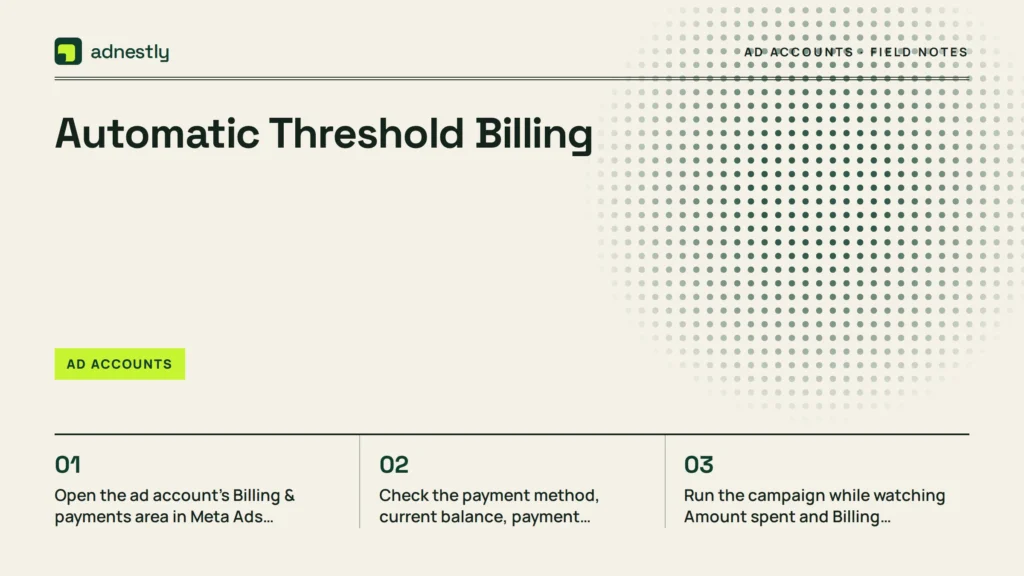
- Open the ad account’s Billing & payments area in Meta Ads Manager. Select the correct ad account before reviewing anything.
- Check the payment method, current balance, payment threshold, and next bill date shown by Meta. Don’t rely on an old screenshot because account terms can change.
- Run the campaign while watching Amount spent and Billing activity. The ad spend can appear before the bank charge is created.
- When Meta creates the charge, compare the transaction amount with the invoice or receipt. Then compare that record with the bank’s pending or posted entry.
- If a payment fails, stop increasing the budget until the payment method and account balance are corrected. A failed payment can restrict delivery or leave an unpaid balance.
This method is good for campaigns that need steady delivery. You won’t need to add funds before every new ad set, and the account keeps collecting costs in one billing record.
Its trade-off is less immediate control. The money leaves your payment method after spending has already happened, so you’ll need a separate budget alert or daily review. A common mistake is treating the threshold like a campaign budget; that can let several campaigns spend more than the amount you expected before the charge appears.
The threshold amount and billing date belong to Meta’s account settings, not to your bank’s calendar. If a payment dispute, identity check, or card failure is involved, contact Meta Business Support or your payment provider rather than changing technical account settings blindly.
Monthly Invoicing For Ad Accounts
Monthly invoicing is for businesses that Meta has approved for invoice-based payment. Instead of charging a card each time spending reaches a threshold, Meta creates an invoice under the account’s agreed payment terms.
- Confirm that the ad account has an approved monthly invoicing arrangement. The option won’t appear just because a business wants to use it.
- Review the invoice profile, legal business name, tax details, and billing contact. Fix errors before the next invoice is issued.
- Run ads and record the invoice number with the matching campaigns or purchase orders. Keep the Ads Manager transaction record with your accounting file.
- Read the invoice for its issue date, covered ad costs, due date, credits, and taxes. Those fields answer different questions and shouldn’t be treated as one date.
- Pay through the method and schedule stated in the invoice. If your accounts team needs a correction, contact Meta through the business billing channel before the due date.
Monthly invoicing is useful when a company needs purchase orders, formal records, or one monthly accounting process. It also gives a finance team a clear document for reconciling campaign costs.
The weakness is eligibility and administration. You can’t assume every ad account qualifies, and an unpaid invoice can affect advertising access. A mistake here is sending payment on the invoice issue date instead of following the stated due date; that can create an overdue balance even though the invoice has been recorded.
This method also doesn’t guarantee that your bank statement will use the invoice date. A bank transfer or payment processor can post later, so match the invoice number and amount before matching dates.
Manual Payments And Prepaid Funds
Manual payment accounts use money added before advertising spend. Meta deducts eligible ad costs from the available balance, so the account usually has a clearer connection between funding and delivery.
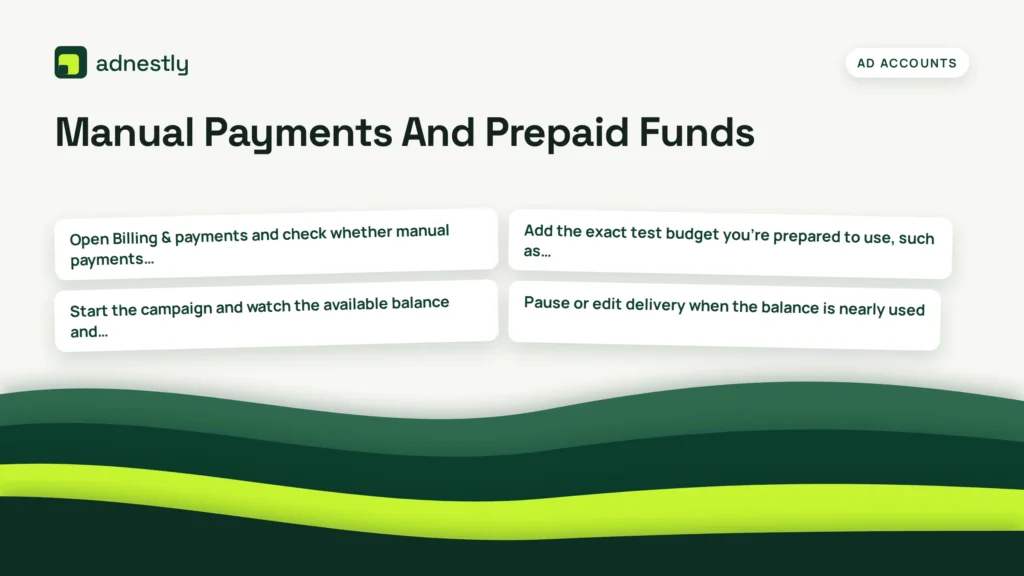
- Open Billing & payments and check whether manual payments are available for the account and country. Payment options vary by account.
- Add the exact test budget you’re prepared to use, such as the amount approved for the campaign. Confirm the balance after the payment is accepted.
- Start the campaign and watch the available balance and amount spent. Don’t count a pending bank payment as usable funds until Meta shows the funds in the account.
- Pause or edit delivery when the balance is nearly used. Leave enough room for any spend that Meta has recorded but hasn’t displayed in the balance yet.
- Save the payment receipt and compare it with the account’s funding history. A funding date isn’t the same as the date an ad cost is deducted.
Prepaid funding suits small experiments, agency client budgets, and teams that don’t want automatic card charges. It can also make internal approval easier because money is added before the campaign runs.
The weakness is interruption risk. If the balance runs out, delivery can stop until more funds are accepted, and a delayed funding review can extend the gap. The mistake that costs advertisers most is adding the budget to the wrong ad account; the money may be available elsewhere while the intended campaign remains unpaid.
Manual payments aren’t a way to avoid account reviews, taxes, or payment rules. If a payment is rejected or held for verification, ask Meta Business Support or your bank for help. A fourth option, such as a direct debit arrangement, may suit some accounts, but it’s rarely worth choosing without checking the payment options shown in your own account.
Which Billing Method Fits Your Ads?
The right choice changes with the job, not just the business size. Automatic billing gives convenience, monthly invoicing gives formal control, and prepaid funds give the clearest spending boundary before delivery begins.
When you’re in a hurry
Choose automatic threshold billing. It usually needs less preparation because the campaign can spend against an accepted payment method instead of waiting for you to add funds first.
You’ll still need to confirm the card, account balance, and billing activity. If the account has a failed payment or a new payment review, speed won’t help; fix that issue before raising the campaign budget.
When you’re doing this for the first time
Choose manual payments if Meta offers them for your ad account. You’ll see the budget leave your control before the ads spend it, which makes the cash flow easier to follow.
The trade-off is that delivery may stop when the balance is used. Add funds only after checking the ad account name and payment receipt, because money sent to the wrong account can be difficult to reconcile.
When you want the best possible result
Choose monthly invoicing when your business is approved and your finance process needs invoices, purchase orders, or agreed payment terms. It creates a stronger accounting trail than matching many card charges.
That doesn’t mean it’s best for every campaign. It takes approval and careful reconciliation, while automatic billing is quicker and prepaid funding is more direct. If you need a campaign to stay live, use automatic billing; if you need spending to stop at a funded amount, use prepaid funds.
This article’s limit is that billing dates vary by country, currency, account history, and payment terms; find your exact figure from the payment settings, invoice, and transaction ID shown in Ads Manager.
Rules For Facebook Ads Billing
The most useful billing checks apply to every payment method. Meta’s payment terms and account screens are the controlling record for your account, while your bank statement shows how the payment processor posted the transaction. Meta’s ad billing options explain the available charging arrangements. The name on your bank statement may differ from the campaign or business name, so match the transaction ID and amount before treating the description as evidence of an unfamiliar charge.
Prepare the account before spending starts. Confirm the ad account ID, business name, currency, tax details, payment method, and who can approve charges. If you manage several accounts, don’t assume a payment added to one account is available in another. Check access and payment permissions as well, especially after a staff change; an old payment method or user can otherwise remain active without the person who reviews the statement noticing.
Check partway through delivery. Compare Amount spent, Billing activity, the current balance or unpaid amount, and the campaign budget. If the campaign has more than one ad set, add the records together before deciding that a charge is wrong. A budget is a delivery limit, not necessarily the amount of an individual charge, and billing can reflect accumulated spend rather than a single ad set’s result.
At the end, save the receipt, invoice, transaction ID, and bank record together. Reconcile the amount first, then the dates, because a pending bank entry can post later than Meta’s billing record. If the amount matches but the date does not, check whether the bank entry is pending before requesting a duplicate investigation.
Meta’s billing rules and payment options can change by country and account. If the issue involves a disputed charge, tax treatment, identity checks, or a payment failure you can’t resolve safely, use Meta Business Support, your bank, or your accountant instead of guessing.
Frequently asked questions
This section answers common questions about dates, pending charges, and payment records. The key is to separate the ad cost date, the billing record date, and the bank posting date.
Can Facebook charge me before the billing date?
Yes, Meta can charge you before the monthly billing date when your ad account reaches its current payment threshold. The billing date isn’t always the first possible charge date, so check the payment threshold and transaction history in Ads Manager. If a charge looks unfamiliar, compare its amount with the related receipt before disputing it with your bank.
Why is my Facebook ad charge still pending?
A pending charge usually means the payment has been authorized or submitted but your bank hasn’t posted it as final. Meta may show the transaction in billing activity while the bank keeps it pending. The exact timing depends on the payment method, bank, currency, and account review. Don’t pay the same balance again while it’s pending. First check whether the transaction later changes to completed or whether Meta records a failed payment.
How long does a Facebook ad refund take?
A Facebook ad refund’s timing depends on Meta’s refund status and the payment provider’s posting process. Check the refund entry in Ads Manager and keep its reference ID. Even when Meta marks a refund complete, it may appear later in your card or bank account; if it remains missing, give the reference ID to your payment provider and Meta Support.
Is it safe to use a credit card for Facebook ads?
Yes, using a credit card can be safe when the card and business account are protected and billing records are reviewed. Use a business-approved card, turn on bank alerts, and limit access to people who need it. Don’t share login details or store a card on an account you don’t control. Set campaign budgets and check spending separately.
What happens if Facebook can’t charge my card?
Meta may stop or limit ad delivery and show an unpaid balance or failed payment. Check the card details, available credit, expiration date, billing address, and any bank security message. Don’t repeatedly submit the same payment, which can confuse pending and failed entries. If the card works elsewhere but Meta still declines it, contact Meta Business Support and your bank with the transaction details.
Conclusion
Before your next campaign, check your Meta billing settings and payment activity so you know what to expect. Set a spending limit, keep your payment method current, and watch for failed charges or unusual delays. If anything looks wrong, contact Meta support and your bank before changing active campaigns.

Aaron Kelly writes about Facebook tools, account management, and business advertising. His content covers account security, Facebook Ad Accounts, Business Manager setup, Pixel and conversion tracking, Business Manager verification, and admin profile verification. He focuses on explaining technical processes and common account issues in practical terms, helping businesses and advertisers manage their Facebook assets more effectively and build a more secure, reliable advertising setup.
Checked against Meta’s own documentation. How we write and update guides