Why New Facebook Ad Accounts Get Disabled Quickly

New ad accounts are usually disabled quickly because they fail a trust check, not because of a random system error. The platform may detect mismatches in your identity, payment details, business information, website, or login activity. Check the account notice first, then review security, billing, and verification sections. Read the exact reason before changing anything, since repeated edits, new cards, or fresh accounts can complicate review.
$ part ofFacebook Ad Account Problems: How to Fix Every Common IssueThe complete guide this article belongs toOpen guide →Why New Ad Accounts May Get Disabled Quickly
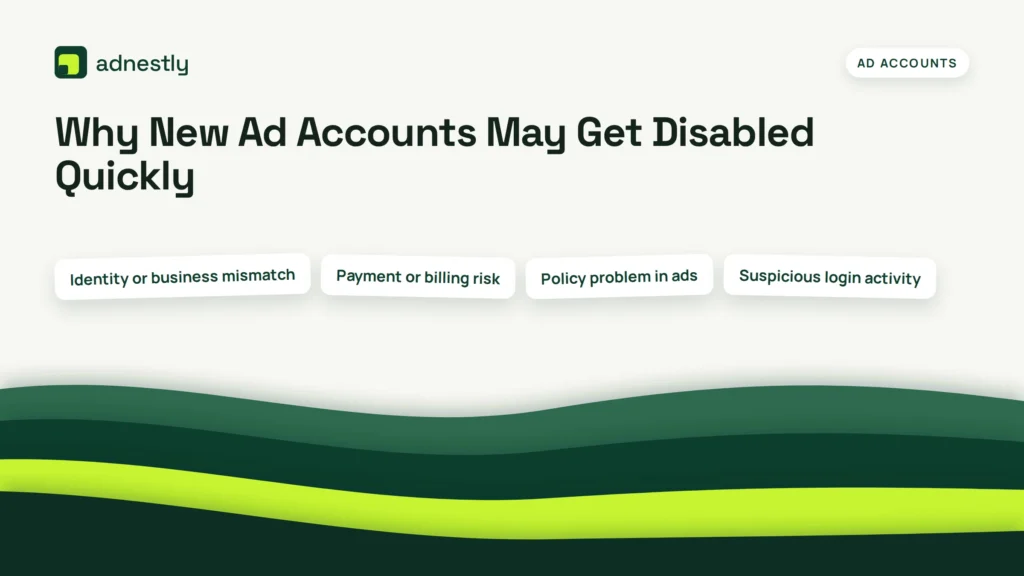
New ad accounts usually fail for a small group of repeat reasons. The order below is practical, not an official ranking from every platform, because Meta, Google Ads, TikTok Ads, and other services use different review systems.
| Cause | How common | How to confirm it | Fix it yourself? |
|---|---|---|---|
| Identity or business mismatch | Very common | Check verification details | yes |
| Payment or billing risk | Very common | Review billing notices | yes with care |
| Policy problem in ads | Common | Read rejected ad reason | yes with care |
| Suspicious login activity | Common | Check security alerts | yes |
| Website or landing page issue | Common | Open page as visitor | yes |
| Duplicate or linked accounts | Less common | Review account ownership | yes with care |
| Platform error or appeal issue | Rare | Check official status notice | no |
A disabled account often has more than one signal. For example, a new business may use a personal payment card, a domain with missing business details, and a login from a new location. Fix the clearest issue first, then wait for the platform’s review rather than making several changes at once.
Verification details don’t match
Incorrect or conflicting identity details are one possible reason a new ad account may be disabled. Ad platforms want to connect the account to a real person or business, a usable payment method, and a website that supports the advertised offer. A shortened business name, different address formats, or a personal card used for a business account may create a review problem.
Check the account name, legal business name, address, phone number, website domain, and payment profile. Compare them with your official business records and the billing information on the card. The details don’t always need identical punctuation, but they should describe the same real person or business.
Look for the notice in the platform’s account-quality, policy, security, or billing area. Don’t rely only on an email link. Sign in through the platform’s normal website or app, then open the alert from inside the account.
Next, check whether the business verification request asks for a document. Upload only a clear, current document that the platform accepts. The name and address should be readable, and the document should belong to the business or person named in the account.
If the platform asks for an appeal, answer the specific question. Explain what changed, and include facts the reviewer can verify. Don’t send several appeals with different explanations. That can create more conflicting information.
Google Ads says an account can be suspended for issues such as circumventing systems, payment problems, or misrepresentation; its Google Ads suspension policies explain the categories and review process. Other platforms use different wording, so read your own notice before applying a Google rule to a Meta or TikTok account.
The safest fix is usually to correct the account information, not to create another account. If your legal name, payment profile, and website genuinely belong to different businesses, stop and resolve that ownership issue first. You may need the platform’s business-support team or a qualified advertising administrator.
This check can take minutes when the details are visible. It can take longer when documents are required. The cost is usually low if you can correct the information yourself, but professional help becomes more valuable when ownership, agency access, or legal business records are involved.
Billing activity looks risky
Payment problems are a separate cause from identity verification. A card can work for normal shopping and still trigger an advertising review because the billing profile is new, the payment was declined, the cardholder differs from the account owner, or several payment methods were added quickly.
First, open the billing page from inside the ad platform. Check for a failed charge, unpaid balance, reversed payment, spending-limit notice, or request for payment verification. Read the status of each payment method rather than assuming the newest card is active.
Compare the cardholder name, billing address, currency, and business details with the account profile. A company account paid with an employee’s card isn’t automatically wrong, but the relationship should be clear in the account records. If the platform asks who controls the payment method, answer accurately.
The fastest way to separate billing from identity trouble is to check the wording of the notice. A message about a failed charge or payment verification points to billing; a message about suspicious activity, false information, or business verification points to a wider trust review.
Don’t keep adding cards after a decline. If the platform has already placed the account under review, repeated payment attempts may look unusual and can make the record less clear. Use the payment method you’re authorized to use, and contact the card issuer if the issuer declined the charge.
A billing fix may be quick when the problem is an expired card or wrong billing address. It may take longer when a charge is disputed, a payment account is shared, or the platform requires manual review. Keep receipts and account notices, but don’t upload private financial documents unless the official platform request requires them.
The ad or website breaks a policy
A new account can be disabled because the first ad, offer, or landing page creates a policy concern. Common triggers include unsupported claims, unclear pricing, restricted products, missing disclosures, misleading business information, or a page that doesn’t work for ordinary visitors.
Start with the exact ad and landing-page URL named in the notice. Read the headline, image text, button, price, terms, and claims together. A sentence that looks harmless in the ad may become misleading when the destination page adds urgency, promises, or conditions that the ad didn’t show.
Open the page in a normal browser without special tracking links. Check that it loads, shows the business name, explains the offer, and provides a way to contact the business. If the page requires a login, redirects several times, or shows different content by location, record that fact before changing it.
Remove or rewrite the specific claim that caused the problem. Don’t simply change a few words and submit the same offer repeatedly. If the product is regulated, restricted, financial, medical, or related to employment or housing, read that platform’s special policy before appealing.
The quickest way to tell this cause from a billing problem is to ask whether the notice names an ad, product, destination, or policy category. Billing notices focus on charges and payment methods. Policy notices focus on content, claims, products, or the customer experience.
The trade-off is clear: a narrower claim may reduce short-term clicks, but it’s safer than promising a result the page can’t prove. If the product itself is prohibited or requires a certification you don’t have, don’t keep editing the ad. Ask the platform or a compliance professional what advertising route is allowed.
Login activity looks unusual
Security systems may disable a new account when its login pattern doesn’t look normal. A new account created on one device, managed from another country, and accessed through several users or networks can receive extra review even when the ad content is acceptable.
Check the account’s security alerts, active sessions, administrator list, and two-factor authentication settings. Remove users you don’t recognize, change the password from the official account page, and turn on two-factor authentication if the platform offers it. Don’t share one login among an agency team.
Ask every legitimate user whether they signed in recently. A contractor, virtual assistant, or agency may have used a new device without telling you. If you see access you can’t explain, treat the account as compromised and use the platform’s account-recovery process.
This cause is different from a policy violation because the warning mentions login, access, unusual activity, or security. A policy notice will usually identify the ad, website, product, or business practice instead.
Avoid VPN switching, automated login tools, and rapid changes to account ownership while the review is open. If the account contains money, customer data, or an unknown administrator, stop making changes and contact the platform’s official security or support team. Don’t try to remove evidence or bypass the review.
Other reasons ad accounts fail
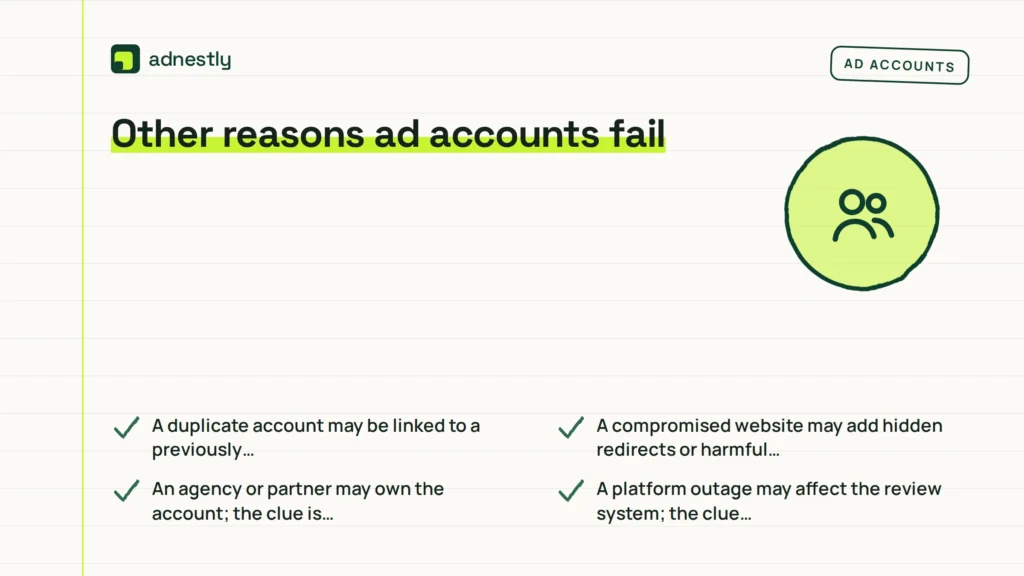
The less common causes still matter when the main checks look clean:
- A duplicate account may be linked to a previously disabled business; the clue is a notice about circumvention or related accounts.
- A compromised website may add hidden redirects or harmful code; the clue is content you don’t recognize when viewing the page.
- An agency or partner may own the account; the clue is that you can’t control billing, verification, or the business manager.
- A platform outage may affect the review system; the clue is an official service notice or a failure across unrelated accounts.
- A restricted product may need approval; the clue is a category-specific request for certification or documentation.
If the next step needs code changes, legal documents, account recovery, or a review of restricted products, stop using trial-and-error edits. Give the website issue to a qualified web professional, the business-record issue to the business owner or legal adviser, and the account-access issue to the platform’s official support team.
What fixing ad accounts usually takes
A simple profile mismatch usually needs the account owner, the correct documents, and enough time to review every field. It’s less costly than replacing an account, but only if the records are genuine and consistent. Read the platform’s document instructions on the verification screen before uploading anything.
A billing issue needs an authorized payment method, the correct billing address, and a check with the card issuer when a charge was declined. Changing cards isn’t always the answer. The real cost depends on whether the account has an unpaid balance, a disputed charge, or a payment profile owned by somebody else.
A policy issue needs a careful review of the ad and its destination page. You may need to remove a claim, change the offer, add missing information, or stop advertising a restricted product. A marketer can help with wording, but they can’t make a prohibited offer acceptable by rewriting it.
A security issue needs a clean administrator list, a new password, and secure access for each real user. If the account was hacked, recovery is more like restoring a locked account than repairing an ad. Use official support, and keep screenshots of notices and dates.
Repair is sensible when the business, domain, and payment method are yours. Replace or create a new account only when the platform tells you to, because a new account can inherit the same trust problem. For a real quote, ask a qualified specialist to review the account notice, business records, landing page, and platform before agreeing to work.
Frequently asked questions
Can a new ad account be disabled without running ads?
Yes, a new ad account can be disabled before its first ad runs. The platform may review identity, payment details, business ownership, login activity, or linked accounts during setup. Check the account notice, verification page, billing profile, and administrator list. If the notice names a policy category, don’t assume the unused ad account is safe; the review may concern the account or business rather than an ad.
Why did my ad account get disabled after adding a payment method?
A payment method can trigger review when the billing name, address, cardholder, currency, or account owner doesn’t fit the existing profile. A declined or reversed charge can also create a billing alert. Check the billing page and card statement first. If the payment belongs to someone else, document the authorized business relationship instead of adding more cards or opening another account.
How long does an ad account review take?
The platform’s notice is the best time guide when it provides one; otherwise, contact the platform’s official support. Check the account-quality or support page for its current status. Don’t submit repeated appeals while waiting. If the notice gives no review path, save the case number and contact official support through the signed-in account.
Is it safe to create another ad account after a ban?
No, creating another account can make the problem worse when the first account was disabled for circumvention, identity concerns, or linked-account activity. Fix the original issue or appeal it first. A separate account is appropriate only when the platform allows it and the new account represents a genuinely separate, documented business. Don’t use a new email to hide the same owner and offer.
What happens if I appeal an ad account suspension?
The platform reviews the explanation and any information you submit, then may restore the account, keep the suspension, or request more verification. Your appeal should match the notice and state only facts you can support. Don’t accuse the reviewer or send several different stories. Keep copies of the notice, submitted details, and any business documents used.
Does it matter if my website is unfinished?
Yes, an unfinished website can matter when it hides the offer, lacks contact details, fails to load, or makes claims the ad doesn’t explain. A temporary design isn’t automatically a violation. Open the page as a normal visitor and check the offer, business identity, pricing conditions, and contact route. Fix those gaps before asking for another review.
Conclusion
Going forward, keep one clear record of your business details, payment ownership, and account activity, and make sure they stay consistent. If support asks for documents, send accurate information once and allow time for review. Don’t open replacement accounts while a decision is pending; a careful, stable history gives your next review the best chance.

Aaron Kelly writes about Facebook tools, account management, and business advertising. His content covers account security, Facebook Ad Accounts, Business Manager setup, Pixel and conversion tracking, Business Manager verification, and admin profile verification. He focuses on explaining technical processes and common account issues in practical terms, helping businesses and advertisers manage their Facebook assets more effectively and build a more secure, reliable advertising setup.
Checked against Meta’s own documentation. How we write and update guides