Facebook Ads GST in India and Australia: How It Appears

Facebook ads GST in India (18%) and Australia (10%) appears as a separate line item on your Meta invoice when you provide a valid tax registration number. Without a tax ID, both countries treat you as an unregistered buyer and add the tax on top of your ad spend.
$ part ofFacebook Ad Account Problems: How to Fix Every Common IssueThe complete guide this article belongs toOpen guide →How Facebook ads GST appears in India and Australia
Meta treats advertising as a digital service, so local tax laws apply the moment you run campaigns in a country that taxes them. The platform doesn’t guess your status — it reads the tax identification number you type into your payment settings. That single field decides whether the system adds tax to your bill or leaves it off.
In India, the relevant number is your GSTIN. When you enter it, Meta stops charging you tax at the point of sale. You’re then required to pay the government yourself through the reverse charge mechanism under Indian law. Skip that field, and Meta adds 18% to every invoice as an unregistered supply.
Australia works differently. The Australian Taxation Office requires foreign digital companies like Meta to collect 10% GST from all users. Entering your Australian Business Number (ABN) doesn’t remove the charge. It simply changes how the transaction is classified for your business activity statement, allowing you to claim it back later.
The biggest misconception here is that the tax is optional or tied to your ad budget size. It isn’t. The rule applies regardless of how much you spend. The only thing that changes is who hands the money to the government and which form you file afterward.
Setting up your tax details for Facebook ads
Getting the numbers right in your billing settings prevents double taxation and keeps your invoices clean. You’ll need your official tax documents ready before you start, because the system validates them against government databases.
- Open Meta Ads Manager and click the billing icon in the left menu.
- Select Payment Settings, then scroll down to the Business Info section.
- Click Edit next to the tax identification field.
- For India, type your 15-digit GSTIN; for Australia, enter your 11-digit ABN.
- Ensure your registered business name matches the government record exactly, including spaces and punctuation.
- Save the changes and wait up to 24 hours for the system to validate your number.
- Run a small test campaign of about $5 to generate your first correctly formatted invoice.
- Download the PDF receipt from the Transactions tab to confirm the tax line appears as expected.
The judgment call here is timing. If you change your tax ID mid-month, Meta might split your billing cycle into two separate invoices with different tax treatments. Always update your details before the first day of a new billing period. If you’re unsure whether your number will pass validation, check the GST registration requirements published by the Australian Business Register, or the equivalent Indian portal, before running live campaigns.
Facebook ads tax rates and invoice details
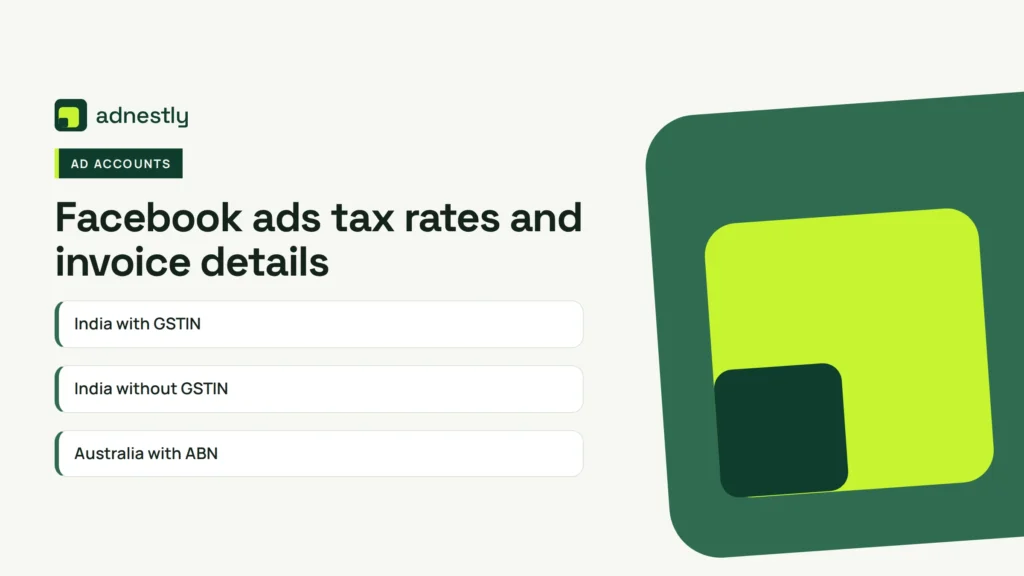
These figures assume you’ve entered a valid tax ID in your payment settings. Without one, India charges 18% on top of your spend, while Australia still charges 10% but classifies you as a consumer rather than a business.
| Situation | What to use | How long | What to watch for |
|---|---|---|---|
| India with GSTIN | Reverse charge, no Meta tax | Applies immediately after validation | You must file GSTR-3B and pay 18% yourself |
| India without GSTIN | 18% added by Meta | Until you add a valid number | Total cost is higher, no input credit available |
| Australia with ABN | 10% GST charged by Meta | Ongoing for every invoice | Claim it back on your BAS as a credit |
| Australia without ABN | 10% GST charged by Meta | Ongoing for every invoice | Treated as a consumer purchase, harder to claim |
| Mixed campaigns in both | Separate billing accounts | Permanent setup | Don’t use one account for two countries |
| Updating tax ID mid-cycle | Wait for next billing period | Up to 30 days | Split invoices cause accounting confusion |
For India, the reverse charge means Meta bills you only for the ad spend. You calculate 18% of that amount and report it as both output and input tax on your return, making it revenue-neutral if you’re fully registered.
In Australia, Meta collects the 10% regardless. Your ABN just ensures the invoice carries the words “tax invoice,” which the ATO requires before you can claim the credit back. Check your specific rate against your local tax authority’s current guidance, as thresholds occasionally shift.
Getting your invoices right for tax returns
The difference between a smooth tax filing and a rejected claim comes down to three fields on your Meta invoice: your legal business name, your tax ID, and the phrase “tax invoice.” If any of these are missing or wrong, your accountant can’t use the document.
Before you launch your first campaign, open a past invoice and check those three spots. The business name must match your government registration character for character. A missing “Pty Ltd” or an extra space will cause problems during an audit.
When you download receipts, always choose the PDF format rather than the CSV export. The CSV gives you numbers for your spreadsheet, but it lacks the legal formatting tax authorities require. The PDF contains the actual tax invoice you need to store.
Checking the reverse charge entry
If you’re in India with a GSTIN, your invoice won’t show a tax amount charged by Meta. Instead, you’ll see a note indicating the reverse charge applies. Don’t panic when the total matches your ad spend exactly — that’s the intended behavior.
You’ll need to manually calculate 18% of that figure and enter it into your GSTR-3B return. Missing this step means you owe the government money you haven’t reported, which attracts interest penalties. Set a calendar reminder for the 20th of each month to reconcile your Meta spend with your tax filings.
Matching currency conversions
Meta often bills in US dollars even when your bank account uses rupees or Australian dollars. Your bank applies its own exchange rate, which rarely matches the one on your invoice. Always record the exact INR or AUD amount that left your bank account, not the USD figure Meta displays. Your tax authority cares about what you actually paid in local currency.
Fixing common billing and tax errors
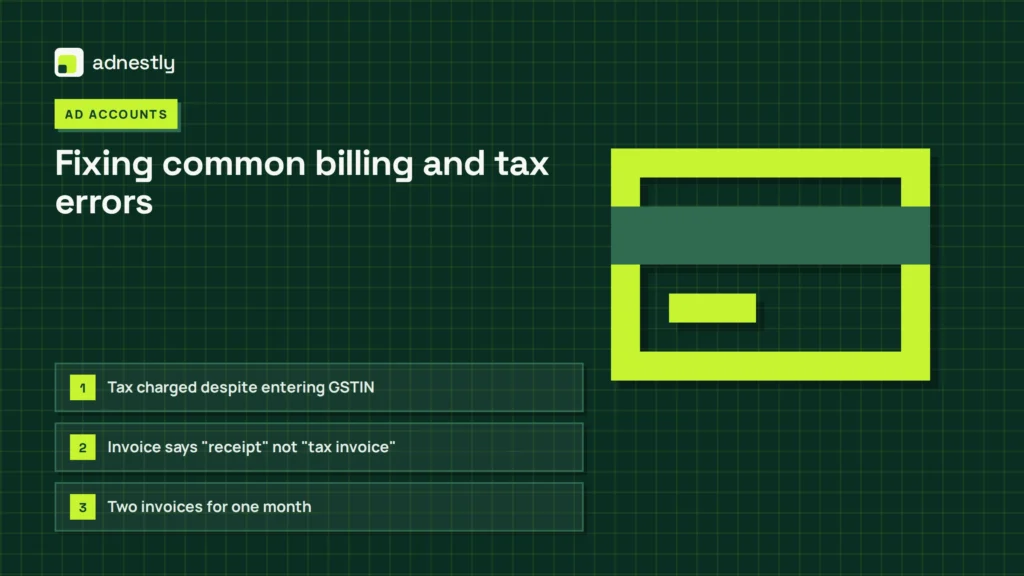
Problems usually surface when you download your first invoice and notice something unexpected. Here’s how to match what you see to the actual cause and the fastest way to resolve it.
| What you notice | What it usually means | What to do first |
|---|---|---|
| Tax charged despite entering GSTIN | Number failed validation or hasn’t synced | Wait 24 hours, then re-enter carefully |
| Invoice says “receipt” not “tax invoice” | ABN was missing when the charge processed | Add ABN, request a corrected document |
| Two invoices for one month | Tax ID was updated mid-billing cycle | Use both for your return, don’t delete either |
| Currency mismatch on bank statement | Bank used a different exchange rate than Meta | Record the actual amount debited from your account |
| No tax line visible at all | Account is set to a country that doesn’t apply it | Verify your country setting in Business Info |
Don’t try to fix a validation error by creating a second ad account. Meta flags duplicate accounts quickly, and you’ll lose access to both along with their historical data. Instead, contact support through the billing help center with your reference number ready.
If your invoice shows the wrong country, changing it won’t retroactively fix past charges. You’ll need to close that payment method and start fresh with the correct regional settings. Keep the old invoices — they still prove you spent the money, even if the tax treatment needs manual adjustment on your return.
Tax rules that govern digital ads
Both countries treat foreign digital services under specific legislation that places the collection burden differently. India’s Central Board of Indirect Taxes and Customs enforces the reverse charge mechanism under Section 5(3) of the IGST Act. This rule shifts the responsibility from Meta to you once you provide a valid GSTIN.
Australia’s approach falls under the ATO’s GST on imported digital services rules. Meta is legally required to collect 10% from all Australian users, regardless of registration status. Your ABN doesn’t exempt you from paying; it only changes your ability to recover the amount.
Neither country offers a minimum spend threshold for digital advertising tax. Even a minimal test campaign triggers the reporting requirement. If you’re operating in both countries simultaneously, you can’t use a single billing entity to satisfy both sets of rules. Each jurisdiction requires its own tax ID attached to a matching payment profile.
Attempting to avoid these charges by selecting a different country in your settings constitutes tax fraud. Both the ATO and Indian authorities cross-reference payment methods and IP addresses against declared locations. If your business operates across borders, consult a chartered accountant who handles international digital services before structuring your ad accounts.
Keeping your records organized
Once you’ve set everything up correctly, the ongoing work is purely administrative. Download your invoices monthly rather than waiting until tax season. Meta retains billing history for a limited time, and older documents sometimes become harder to retrieve in bulk.
Store each PDF in a folder named by month and year. Don’t rely solely on Meta’s dashboard as your archive. If your ad account gets restricted or closed, you lose access to those documents immediately. Keep a local backup or upload them to your accounting software the same day you download them.
Your records need to show three things clearly: the date of the charge, the exact amount in your local currency, and the tax treatment applied. If you’re in India under reverse charge, also keep a copy of your GSTR-3B filing that shows you reported the liability.
Check your billing settings whenever you renew your credit card or switch banks. A new payment method sometimes resets regional preferences or clears cached tax validations. It takes less than a minute to confirm your GSTIN or ABN is still showing correctly after any payment update.
When this setup doesn’t fit your situation
Not every advertiser should handle this through a standard self-serve account. When monthly spending becomes substantial, the manual reconciliation of reverse charges becomes inefficient. Enterprise buyers typically use Meta’s managed billing or work through authorized agencies that consolidate tax reporting across multiple clients.
If your business isn’t registered for GST in India or doesn’t hold an ABN in Australia, you can’t use the reverse charge or claim credits. You’re effectively a consumer, and the tax becomes a permanent cost rather than a recoverable one. In that case, factor the full percentage into your campaign budgets before calculating expected returns.
Freelancers managing ads for multiple clients face another problem. Running everyone’s campaigns through your personal ad account mixes their tax liabilities with yours. Each client needs their own business manager with their own tax ID entered. If you absorb their GST into your account, you’ll owe tax on money that wasn’t yours, and untangling it requires amended returns.
Finally, if you only advertise for a few weeks a year, maintaining continuous compliance paperwork might cost more in accounting fees than the tax itself. Weigh the administrative burden against your actual spend before committing to a formal business structure just for ad purchases.
Frequently asked questions
Can I get a refund for GST charged before I added my tax ID?
No, Meta doesn’t issue retroactive refunds for periods where your tax ID was missing or invalid. The charge was legally correct at the time of processing based on the information available. You’ll need to account for those invoices as consumer purchases. Going forward, ensure your details are saved before launching any new campaigns.
Why does my Indian invoice show zero tax when others show 18%?
Zero tax on your invoice means your GSTIN passed validation and the reverse charge mechanism is active. Meta isn’t exempting you from tax — it’s shifting the payment responsibility to you. You still owe 18% to the Indian government through your monthly GSTR-3B return. An invoice showing 18% means the GSTIN was missing or rejected.
How long does Meta take to validate a new GSTIN or ABN?
Validation typically completes within 24 hours of saving your details in the payment settings. During peak periods or government database maintenance, it can take up to 48 hours. Don’t run large campaigns during this window. If your number hasn’t validated after two days, check for typos or name mismatches against your official registration certificate.
Is it safe to enter my tax ID into Meta Ads Manager?
Yes, Meta encrypts tax identification numbers and uses them solely for billing compliance. The platform shares this data with tax authorities as required by law, which is the intended purpose. Never enter someone else’s GSTIN or ABN, as that creates a false tax record linking their business to your spending activity.
What happens if I run ads in both countries from one account?
Your account applies the tax rules of whichever country you selected in your business information settings. You can’t split one account between Indian and Australian tax jurisdictions. If you advertise in both markets, create separate ad accounts under your business manager, each configured with the correct country and corresponding tax ID.
How often do I need to update my tax details on Meta?
You only need to update them when your registration changes, such as receiving a new GSTIN after restructuring or updating your ABN details. Meta doesn’t require annual renewal of tax information. However, check your settings every time you add a new payment method, as switching cards occasionally resets stored billing preferences.
Conclusion
Running ads across borders means dealing with two entirely different tax philosophies. India trusts registered businesses to pay directly, while Australia collects upfront and lets you claim it back later. Neither approach is simpler — they just demand different paperwork. Get your tax ID into the system before you spend your first dollar, download every invoice the day it generates, and let your accountant handle the rest.

Aaron Kelly writes about Facebook tools, account management, and business advertising. His content covers account security, Facebook Ad Accounts, Business Manager setup, Pixel and conversion tracking, Business Manager verification, and admin profile verification. He focuses on explaining technical processes and common account issues in practical terms, helping businesses and advertisers manage their Facebook assets more effectively and build a more secure, reliable advertising setup.
Checked against Meta’s own documentation. How we write and update guides