Ad Account Limit Reached in Facebook Business Manager

You’ll see the ad account limit reached in Business Manager when your Meta Business Manager hits its maximum allowed accounts. New business portfolios start with just 1 account, and you must spend money to raise that cap to 5, 25 or more. This guide covers how to check your current limit, request a higher one, and what to do if Meta won’t increase it.
$ part ofFacebook Ad Account Problems: How to Fix Every Common IssueThe complete guide this article belongs toOpen guide →What this cap actually means
Meta sets a hard ceiling on how many ad accounts a single Business Manager can hold. That ceiling isn’t random. It’s tied directly to how much money you’ve spent through the platform. When you create a new business portfolio, you get exactly 1 ad account. You can’t add another until you prove you’re spending real budget.
This rule exists to stop bad actors from spinning up hundreds of accounts to dodge bans. If your ads get rejected repeatedly or your payment method fails, Meta keeps your limit low. They don’t want risky advertisers multiplying their reach.
The misconception here is thinking you can just email support to get more accounts instantly. You can’t. The system relies on automated spending thresholds. Your business has to burn through actual dollars before the next tier unlocks.
If you run ads for multiple clients or test different campaigns, you’ll hit this wall fast. Agencies feel it first because they manage dozens of brands under one roof. But solo advertisers scaling up run into it too.
You can always check your exact standing inside the Business Settings menu. Look under Accounts, then click Ad Accounts. The interface shows your current usage against your maximum allowance. Don’t guess where you stand when the dashboard tells you plainly.
How to Raise Your Limit After Ad Account Limit Reached in Business Manager
You don’t manually type in a new number to get more accounts. Instead, you trigger an automatic review by spending enough money. Meta watches your billing history. Once your total spend crosses their internal threshold, the system opens a prompt letting you request more capacity.
Here’s the process you follow when you’re ready:
- Log into your Meta Business Suite and open Business Settings.
- Click Accounts on the left menu, then select Ad accounts.
- Look at the top of the screen for your current limit (it usually says “1/1” for new businesses).
- If you’ve spent enough, you’ll see a blue link or button that says Request more ad accounts. Click it.
- Fill out the short form explaining why you need extra accounts (mention specific clients or separate product lines).
- Submit the request and wait. Meta typically reviews these within 24 to 48 hours.
- Check your email for approval. Once approved, return to Business Settings to create the new accounts.
- Add your payment method immediately so the new accounts don’t get flagged as inactive.
The judgement call happens at step 5. If you ask for 25 accounts but only have 2 clients, Meta will deny it. If you have 3 distinct brands, ask for 3 more. If you need them for testing, explain that clearly. Vague requests get rejected, and repeated rejections slow down future approvals.
For agencies managing large budgets, hitting the spend threshold happens quickly. For small local shops running inexpensive daily campaigns, reaching the required spend might take months. If you haven’t spent enough yet, no amount of form-filling will change the outcome. You have to run ads and pay for them first.
Ad account limits and settings
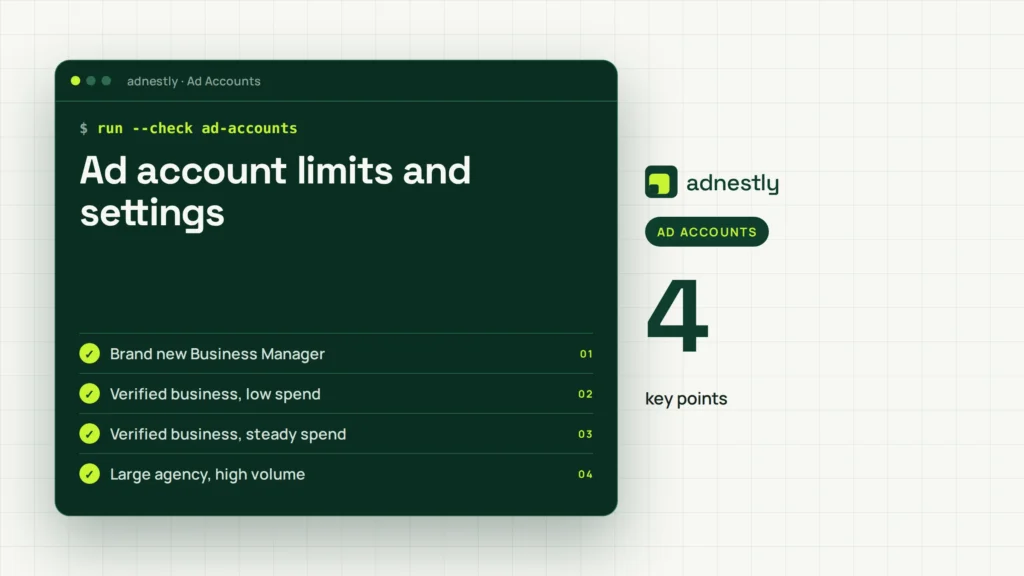
Your exact limit depends entirely on your verified status and historical spend. A brand-new business without a credit card attached stays at 1 indefinitely. Once you verify your business and start paying invoices, the tiers open up.
| Situation | What to use | How long | What to watch for |
|---|---|---|---|
| Brand new Business Manager | 1 ad account max | Until first spend threshold met | Don’t try to bypass this by making new Business Managers |
| Verified business, low spend | Up to 5 ad accounts | Usually unlocks after first few hundred dollars spent | Keep all accounts active; dormant ones hurt your standing |
| Verified business, steady spend | Up to 25 ad accounts | Requires consistent monthly billing over time | Payment failures reset your progress toward the next tier |
| Large agency, high volume | Up to 2,500 ad accounts | Takes months of heavy, clean spending | Meta audits these regularly for policy violations |
| Unverified business trying to scale | Stuck at 1 or 5 | Indefinitely until documents are uploaded | Upload tax docs and utility bills via Business Settings immediately |
These numbers aren’t suggestions; they’re hard caps enforced by Meta’s billing system. You can find your own current tier by looking at the ratio displayed at the top of your Ad Accounts page in Business Settings. That ratio is the only source of truth for your specific situation.
Don’t assume every business gets 25 accounts eventually. If your payment methods keep failing or your ads violate policies, Meta restricts you permanently at the lowest tier. The system rewards reliable spending, not just existence.
Getting approved for more accounts
Meta doesn’t just count your dollars. They look at how cleanly you spend them. An advertiser who burns through a large budget but gets three accounts disabled for policy violations won’t see a limit increase. Someone who spends a modest amount with zero rejections likely will.
Before you submit a request, audit your current accounts. Go to Account Quality in your Business Suite. Check for any unresolved policy warnings, disabled ads, or payment holds. Fix everything there first. Submitting a request while you have active violations guarantees a rejection.
When you write your justification in the request form, be specific. Don’t write “we need more space.” Write “we’re launching three distinct e-commerce brands that require separate pixels and billing profiles.” Specificity proves you understand how the platform works.
Once approved, don’t leave the new accounts empty. Meta flags unused accounts as suspicious. Create a campaign structure, attach a valid payment method, and launch something small within the first week.
There’s a trade-off here between speed and safety. Pushing your spend artificially high just to unlock the next tier often leads to sloppy targeting. Those sloppy campaigns generate poor results, which can lead to policy violations visible in Account Quality later. Spend naturally on real campaigns. Let the limit rise as your business actually grows.
Why your request gets denied
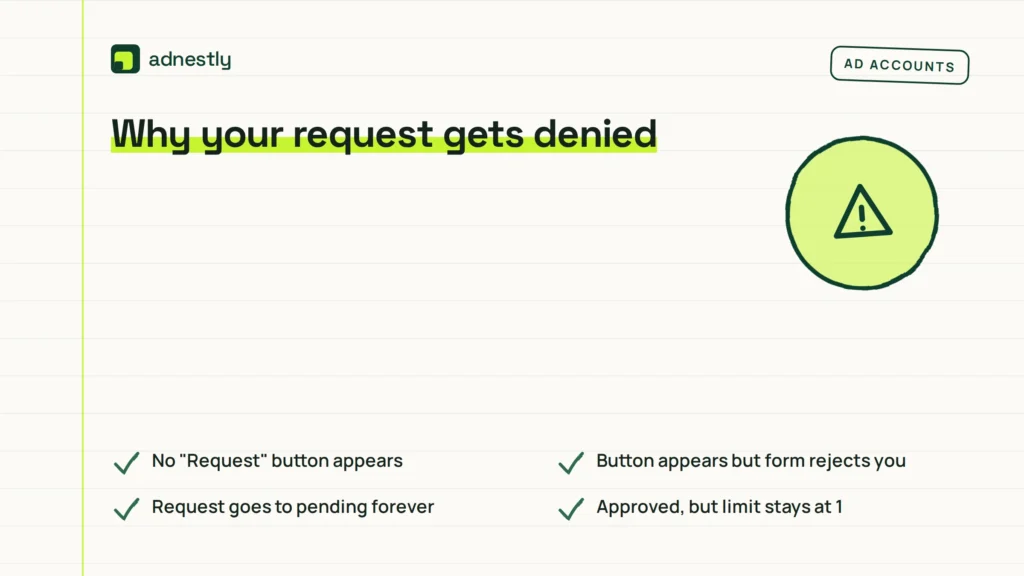
Sometimes the system blocks you even when you think you’ve done everything right. Matching the symptom to the cause saves you from submitting the same doomed request twice.
| What you notice | What it usually means | What to do first |
|---|---|---|
| No “Request” button appears | You haven’t hit the minimum spend threshold yet | Run active campaigns and let your billing accumulate |
| Button appears but form rejects you | Your business verification is incomplete or expired | Re-upload your legal documents in Business Settings |
| Request goes to pending forever | Meta’s automated systems flagged a recent policy violation | Check Account Quality for disabled ads or restricted pages |
| Approved, but limit stays at 1 | Your payment method failed recently | Update your credit card and clear any outstanding balance |
| Limit increased, then dropped back down | An ad account was permanently disabled for severe violations | Remove the disabled account from your Business Manager entirely |
If your request fails three times, stop submitting. Repeated denials push your profile into a manual review queue, which takes much longer than the standard automated process. Step back, fix the underlying billing or policy issue, and wait a full billing cycle before trying again.
Rules Meta enforces strictly
Meta’s advertising terms dictate these limits, and they don’t negotiate them through standard support channels.
You can’t buy your way out of this restriction. Third-party services claiming they can “unlock” unlimited accounts are violating Meta’s terms. Using them risks getting your entire Business Manager permanently banned.
If you operate in regulated industries like finance, healthcare, or housing, additional restrictions apply. You might hit lower caps because Meta requires stricter compliance checks for those sectors.
Attempting to circumvent the limit by creating multiple personal Facebook profiles to manage separate Business Managers violates their Community Standards. When their systems link those profiles together through IP addresses or device IDs, they disable all associated accounts simultaneously.
If your business model genuinely requires thousands of accounts and you can’t get the limit raised through normal spending, you need a dedicated Meta representative. This level of access is reserved for enterprise-level advertisers spending significant annual budgets. Contact your Meta account manager directly if you qualify. For everyone else, the automated spend thresholds are the only path forward.
Keeping your limit intact
Getting the limit raised is only half the job. You have to maintain the behavior that earned it. Meta’s systems evaluate your portfolio continuously, not just once during the initial request.
Pay your invoices on time. A single failed charge across any account in your Business Manager can trigger a downgrade. Set up backup payment methods for every active ad account. Don’t rely on a single credit card that might expire next month.
Keep your business information updated. If your company changes its legal name, address, or tax ID, update Business Settings immediately. Mismatches between your submitted documents and your billing details cause automated security reviews, which freeze your limits.
Delete old, disabled ad accounts. They clutter your dashboard and complicate account management. If an account is permanently restricted and you’ve exhausted the appeal process, remove it from your portfolio.
Check your Account Quality tab weekly. Catching a policy warning early prevents it from escalating into a full account disablement. The moment an account gets disabled, your path to requesting higher limits becomes significantly harder. Consistency matters more than occasional high spending spikes.
When this approach won’t work
Raising your limit inside one Business Manager isn’t the answer for every setup. There are specific situations where forcing more accounts into a single portfolio causes more problems than it solves.
If you manage unrelated clients who demand strict data separation, sharing one Business Manager is risky. A policy violation on Client A’s account can restrict Client B’s campaigns. In this case, don’t ask for 50 accounts under one roof. Have each client create their own Business Manager and grant your agency partner access instead.
If you’re testing radically different ad strategies that frequently border on policy limits, keeping them in your main Business Manager endangers your primary revenue streams. Separate high-risk testing into a completely different business entity. Don’t gamble your core accounts just to save on administrative overhead.
If you’ve been permanently banned from advertising on Meta, requesting limit increases is pointless. The system won’t process requests from restricted entities. You’ll need to go through Meta’s formal appeal process for the ban itself before worrying about account quantities. Focus on restoring access first. Trying to build new accounts around a ban triggers immediate detection.
Every legitimate advertiser eventually finds the ceiling that fits their actual operations. Don’t chase a limit of 2,500 accounts if you only have three products to sell. Match your infrastructure to your real workload.
Frequently asked questions
Can I bypass the ad account limit?
No, you can’t bypass the limit. Meta enforces these caps automatically based on your spending history and verification status. Attempting to circumvent them by creating fake profiles or duplicate Business Managers violates their terms of service. Doing so usually results in a permanent ban of your entire advertising presence.
How long does it take to get more accounts?
It typically takes 24 to 48 hours for Meta to review a limit increase request once you submit it. However, reaching the required spending threshold to make that button appear can take weeks or months. The timeline depends entirely on how fast your campaigns consume budget.
Why did my ad account limit drop?
Your limit drops when Meta disables one of your existing ad accounts for policy violations or payment failures. The system reduces your ad account limit immediately. To recover, you must resolve the violation, fix the payment issue, and maintain clean billing for several cycles before requesting another increase.
Is it safe to buy Business Managers with higher limits?
No, buying pre-made Business Managers is unsafe and violates Meta’s policies. These accounts are often created using stolen identities or fraudulent documents. When Meta detects the transfer of ownership or unusual login patterns, they disable the entire portfolio permanently. You lose both the accounts and any money inside them.
What happens if I hit the limit mid-campaign?
Hitting the limit doesn’t stop your active campaigns. It only prevents you from creating new ad accounts. Your existing accounts continue running normally as long as their payments clear and they follow policies. You simply can’t expand your account structure until you qualify for the next tier.
How many ad accounts do I actually need?
Most small businesses only need 1 or 2. You need separate accounts when you run distinct brands requiring different pixels, or when you manage external clients who need isolated billing. Don’t create extra accounts just to organize campaigns; use campaigns and ad sets inside a single account instead.
Can an agency request limits for my business?
An agency can’t request a limit increase unless they own the Business Manager holding your accounts. If you own it and granted partner access, the request must come from your admin profile, because the qualifying spending history belongs to your business.
Conclusion
Once you’ve sorted this out, don’t let extra room go to waste. Think about how you’ll organize your campaigns before adding another account. A clean setup now means you won’t have to untangle a messy portfolio later when your business grows.

Aaron Kelly writes about Facebook tools, account management, and business advertising. His content covers account security, Facebook Ad Accounts, Business Manager setup, Pixel and conversion tracking, Business Manager verification, and admin profile verification. He focuses on explaining technical processes and common account issues in practical terms, helping businesses and advertisers manage their Facebook assets more effectively and build a more secure, reliable advertising setup.
Checked against Meta’s own documentation. How we write and update guides