Why Facebook Charges Small Amounts to Verify Cards

Facebook may charge small amounts to verify cards because Meta may place a temporary authorization hold to check that the card works and belongs to the person using it. The amount usually isn’t a real purchase. It may appear as pending, then disappear when the bank releases it. A small completed charge, a repeated charge, or a charge you don’t recognize needs a closer check. The result can depend on your bank, card type, country, and whether you’re paying for ads, subscriptions, or another Meta service.
$ part ofFacebook Ad Account Problems: How to Fix Every Common IssueThe complete guide this article belongs toOpen guide →Facebook card verification parts
The check involves more than Facebook alone. Your card issuer and payment network also decide how the entry appears, how long it stays pending, and whether the amount is reversed.
A verification can create an authorization entry even when no completed purchase was made. It may show as pending rather than a final charge. Don’t treat a pending entry as proof that you were billed; check whether it later disappears or posts. If it posts, contact your card issuer first, because only the issuer can explain its statement status or dispute a completed charge.
| Part or input | What it does | What you notice when it goes wrong |
|---|---|---|
| Facebook payment account | Starts the verification check | Payment alert appears |
| Card details | Identifies the payment method | Card gets rejected |
| Payment network | Routes the authorization | Pending entry looks unfamiliar |
| Card issuer | Approves or declines checks | Hold lasts longer |
| Billing profile | Connects card and account | Duplicate payment records |
| Bank statement | Shows final status | Charge remains posted |
Compare the date and last four digits shown by the issuer with Facebook’s payment activity. If the entry posts, use the issuer’s dispute process.
How Facebook card checks work
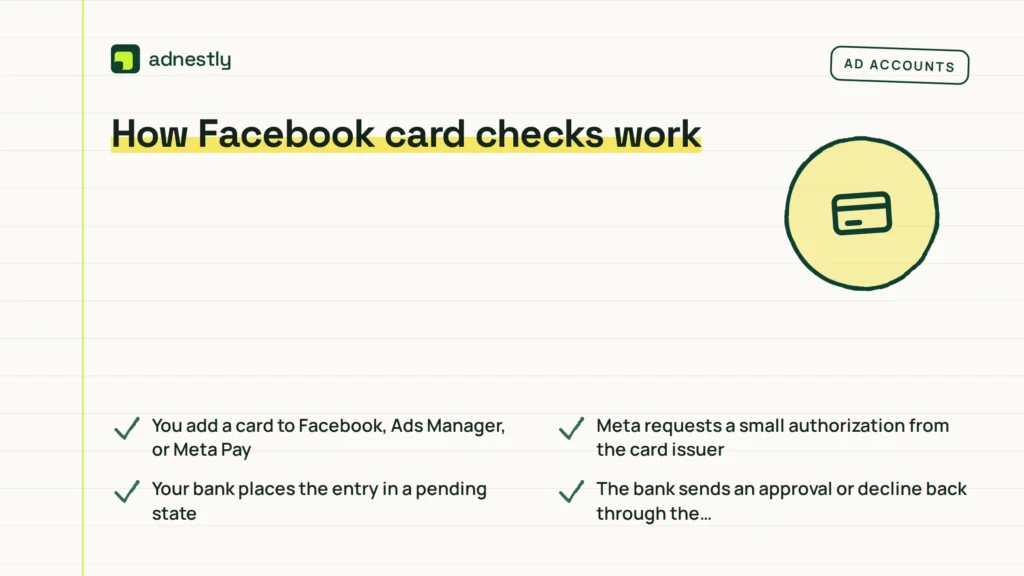
A normal verification cycle follows the payment request from Meta to your bank and back. The exact amount and timing can change by country, card issuer, currency, and the Meta service involved. A pending entry isn’t proof that Meta has received money.
-
You add a card to Facebook, Ads Manager, or Meta Pay. The account sends the card number, expiry date, security details, and billing information through its payment system. This takes seconds, but a slow bank response can delay the result. Enter the billing address exactly as your issuer has it; a mismatch can cause a decline even when the card is active.
-
Meta requests a small authorization from the card issuer. The issuer checks whether the card is active and whether the transaction fits its security rules. The request isn’t the same as buying an item, even though your banking app may display a dollar amount. Some issuers identify it as a verification, while others show only a generic merchant description.
-
Your bank places the entry in a pending state. You might see a small amount, a temporary merchant label, or a shortened description. Check the transaction status before treating it as a completed payment. A pending authorization can temporarily reduce available credit or funds, even though it may later be released.
-
The bank sends an approval or decline back through the payment network. Approval lets Meta keep the card available for payment, while a decline may prevent ads or other paid features from running. This response often arrives quickly, but the bank controls its own timing. If your bank asks you to confirm the transaction, complete that step before submitting the card again.
-
The authorization is released if Meta doesn’t capture it as a purchase. The entry may vanish, change to a reversal, or remain visible as a pending item for a period set by the issuer. Don’t assume the visible amount is final while it’s still pending. If it remains pending longer than your issuer’s normal processing period, ask the issuer whether it’s an authorization hold or a posted charge.
-
A real charge is captured only when Meta bills you for something. That might include advertising costs, a subscription, an in-app purchase, or another paid service. Compare the merchant name, payment history, invoice, and final bank status. An unfamiliar amount should be checked against the relevant ad account, subscription, or purchase record before you dispute it.
-
You review the result in both places. Check Meta’s payment activity and your bank statement, using the same date, currency, and last four card digits. If the bank shows a posted charge with no matching Meta record, contact the bank and Meta support rather than trying the card repeatedly. Keep the transaction date, amount, status, and any reference number when you contact either one.
Why Facebook charges small amounts
A small pending amount usually points to card verification, not an extra product purchase. Meta wants the payment method to pass an authorization check before it relies on that card for advertising or another paid service. The bank then shows the request in the same area as other card activity, which makes it look like Facebook took money.
The first clue is the word pending. A pending entry with a small amount, a Meta-related merchant name, and no matching invoice often fits a temporary authorization pattern. If it disappears or changes to a reversal, the bank has released the hold rather than charging you for a separate item.
While it’s pending, the amount can reduce the available balance on a debit card or available credit on a credit card. That doesn’t necessarily mean Meta has captured the money. Don’t keep deleting and re-adding the card to make the notice disappear, because repeated attempts can create multiple temporary holds.
A posted charge needs a different explanation. Look for an ad account, subscription, game purchase, business account, or another person with access to the card. The amount may also differ from the verification amount because a real bill is created later from actual use.
The card’s status can narrow the cause. One small entry after adding a card points toward verification; several entries after repeated attempts may show several authorization requests. A larger amount, a charge in another currency, or a merchant name you don’t recognize deserves a statement review before you assume it’s harmless.
A verification hold can also remain visible longer than expected because the bank controls when it expires or changes status. Check whether the amount is still pending rather than treating its continued appearance as proof of a completed payment. If it posts, save the transaction details and look for the matching charge in Meta’s records.
Facebook can also show payment activity that you didn’t personally start. Someone with access to your Facebook account, Business Manager, phone, or shared card may have added the payment method. A compromised card can create similar entries, so the bank—not Facebook alone—must confirm whether the transaction was authorized.
If you don’t recognize the card activity, lock or freeze the card through the bank’s app when that option is available, then ask the bank how to report it. Change the relevant account password and review logged-in devices if your Meta account may have been accessed. Don’t wait for a pending entry to post before reporting a pattern of unfamiliar attempts.
Check the bank app for three details: pending or posted status, merchant descriptor, and transaction date. Then compare those details with Meta’s payment history and any advertising invoice. If the entry is pending and matches a new card check, wait for the bank’s release; if it’s posted, repeated, or unmatched, contact the bank and Meta support.
Meta’s payment verification guidance explains why payment methods may need extra checks. The bank’s record still decides whether money was actually captured.
What you can control on Facebook
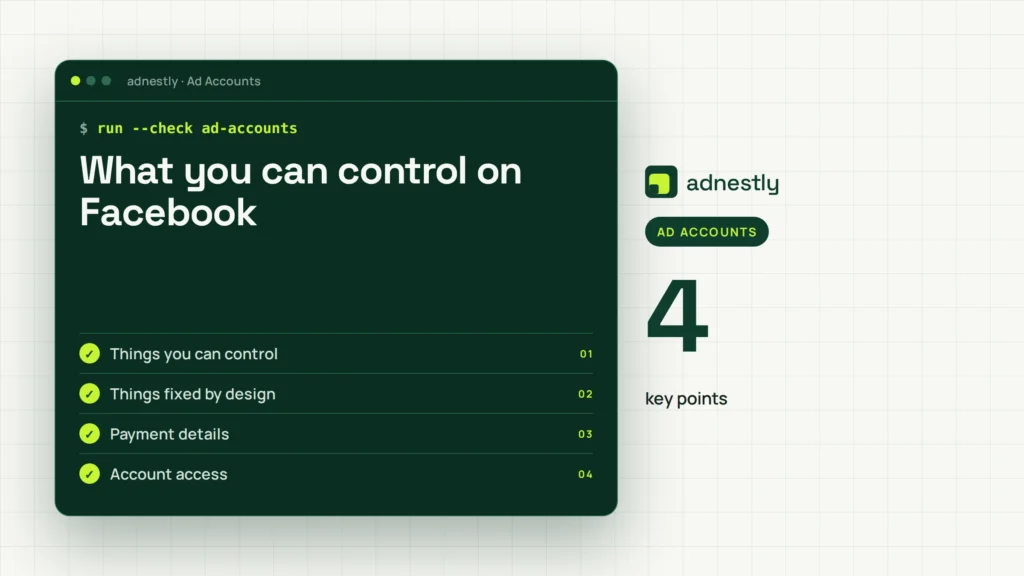
You can reduce confusion by checking the account, card, and statement together. You can’t force a bank to release a pending authorization or change the way a payment network labels it.
Things you can control
- Payment details: Enter the billing address exactly as your bank stores it.
- Account access: Remove unfamiliar users from Facebook and Business Manager.
- Payment history: Match each posted charge with an invoice or purchase.
- Card choice: Use a card that allows online and recurring payments.
- Support report: Save dates, amounts, and the last four card digits.
Things fixed by design
- Authorization display: Your bank chooses how the hold appears.
- Release timing: The card issuer controls when a pending entry disappears.
- Currency conversion: The network or bank sets the displayed converted amount.
- Security checks: Meta and the issuer may require extra approval.
Stop before changing account security, disputing a payment, or adding the card again if you’re unsure who started the transaction. Your bank’s fraud team can block the card, while Meta support can review account payment activity; don’t open payment hardware or attempt technical workarounds.
Better habits for Facebook card checks
Check the status before reacting to the amount. A pending verification entry isn’t proof of a completed charge, while a posted entry needs an account and invoice match. This simple split prevents you from disputing a temporary hold as though it were a final bill. A pending item may disappear, reverse, or become posted, so confirm its status before treating it as a debt.
Keep one record for each card check. Write down the date, amount, currency, merchant label, and the last four digits shown by the bank. Save a screenshot that includes the status when possible. If another small entry appears, you can tell whether it’s a new authorization or the same transaction changing status. The bank’s merchant wording may differ from Facebook or Meta’s wording, so compare the amount and date as well.
Avoid repeated card removal and re-adding. Each new attempt can create another authorization request, so the bank app may show several small pending entries. If the first card check is still pending, don’t retry simply because the card screen appears unchanged. Wait for its status to change, or ask the issuer whether it’s an authorization hold. Retry only after the issuer confirms that the earlier attempt failed or was canceled.
Review Meta’s payment activity before assuming Facebook billed you. Check advertising invoices, active subscriptions, in-app purchases, and users with payment access. Look for the same amount, currency, and approximate date, not just the merchant name. A matching invoice supports an account-related explanation; a missing match means you should preserve screenshots and contact support instead of guessing.
Use the bank’s fraud channel for a posted charge you don’t recognize. Facebook can explain activity on its account, but the issuer can confirm whether the card was actually charged and can protect the account if the card details were misused. Don’t report a pending verification as fraud unless the issuer tells you it represents a completed charge.
If the item changes to posted, compare it again with Meta’s records before opening a dispute. If it remains pending and no account activity matches it, ask the issuer how long that authorization can remain visible and what action they recommend.
Frequently asked questions
Can Facebook charge my card to verify it?
Yes, Facebook may create a small, temporary authorization entry when checking a card, not a completed purchase. Your bank may show it as a dollar amount with a pending label, especially near when you added or updated the card. If it posts, repeats, or lacks a connection to your activity, ask the bank whether it was captured.
Why did Facebook charge me $1?
A $1 entry often represents a temporary card authorization, but the exact verification amount can vary by country, currency, card issuer, and Meta service. Don’t treat the dollar value alone as proof of verification. Check whether the entry is pending, whether the merchant label refers to Meta, and whether it later reverses. A posted $1 charge without matching payment activity should be reviewed with both Meta and your card issuer.
How long does a Facebook card verification charge last?
There’s no single release time for every Facebook card check because the card issuer controls the pending authorization. Read the entry in your banking app and check the bank’s pending-transaction help or ask its support team for the expected release date. A short-lived pending entry is different from a posted charge. If the bank gives you a release date and it passes, provide that date when contacting Meta support.
Is it safe to verify a card on Facebook?
It can be safe when you use the official Facebook or Meta payment screen, your account has strong security, and the bank entry matches the card check. Safety isn’t proven by a small amount alone. Don’t share a verification code, password, or full card details in a message claiming to be support. If you reached the payment page through an unexpected link, close it and open Facebook or Meta directly.
What happens if Facebook can’t verify my card?
The card may be declined, removed, or left unavailable for the payment you’re trying to make. Ads might stop running, or a purchase may fail until you add an accepted payment method. Check the billing address, card expiry date, available funds, online-payment setting, and bank security alert. If those details are correct, the issuer can tell you why it declined the authorization; Meta support can then review the account.
Does it matter if the Facebook charge is pending?
Yes, the status matters because pending usually means the bank has reserved the amount without treating it as a final captured payment. A posted entry means the bank has recorded a completed charge and needs a matching purchase or invoice. Save a screenshot of the status and compare it with Meta payment activity. If it stays pending beyond the date your issuer gives you, ask the issuer to trace the authorization.
What should I do if Facebook charged my card twice?
First, check whether one or both entries are pending and whether they have different dates or authorization references. Two pending entries can come from two verification attempts, while two posted entries need a billing review. Don’t keep adding the card, because more attempts may create more entries. Contact the card issuer for an unauthorized posted charge and Meta support for duplicate account billing.
Conclusion
Keep an eye on your card statement over the next few days. If the amount doesn’t disappear, appears more than once, or you don’t recognize it, contact your bank and Meta support promptly. They can confirm whether it’s a temporary hold, a billing error, or unauthorized activity.

Aaron Kelly writes about Facebook tools, account management, and business advertising. His content covers account security, Facebook Ad Accounts, Business Manager setup, Pixel and conversion tracking, Business Manager verification, and admin profile verification. He focuses on explaining technical processes and common account issues in practical terms, helping businesses and advertisers manage their Facebook assets more effectively and build a more secure, reliable advertising setup.
Checked against Meta’s own documentation. How we write and update guides