Advertiser Identity Verification Required on Facebook: What It Means and How to Fix It

The advertiser identity verification required notice means your ad account is paused until you prove who runs it. You’ll see this alert when the platform needs a government ID and business documents before your ads can run again.
$ part ofFacebook Ad Account Problems: How to Fix Every Common IssueThe complete guide this article belongs toOpen guide →Three things change what you need to submit: the country where your business is registered, whether you’re an agency or a brand, and which ad network flagged the account. The steps below cover each path.
Who gets the advertiser identity verification required notice
A small business owner running their own campaigns usually hits this alert first. They have one ad account, a personal payment card, and they just want their ads back online fast. They don’t know why the platform suddenly stopped everything.
An agency manager deals with this differently. They run several client accounts under one business profile, so the request often asks for the agency’s registration papers instead of the client’s. If that’s your setup, you’ll need the client’s written authorization too.
A solo affiliate marketer might see it after changing a billing address or adding a new domain. The platform flags the mismatch between the name on the credit card and the name on the account.
This page serves the business owner or agency manager who has legal documents ready to upload. If you’re running ads without a registered business or a valid government ID, you won’t be able to pass this check. You’ll need to register a legal entity first or switch to a platform that doesn’t require it. Everything below assumes you have a real business name and a matching ID.
What changes your ad verification steps
The country where your business is legally registered decides which documents the platform accepts. A US company uploads an EIN letter from the IRS; a UK company provides its Companies House number. Submitting the wrong country’s paperwork is the most common reason accounts stay locked for weeks. Check your business registration certificate to confirm your exact legal jurisdiction before you start.
Your role in the business changes who must provide their ID. If you’re the listed owner, your personal passport or driver’s license matches the account. If you’re an employee or agency partner, you’ll also need a signed letter showing you’re authorized to act for the brand. Without that letter, the system rejects your ID even if the business details are correct.
The type of ads you run shifts the deadline. Accounts promoting financial services, housing, or politics face stricter rules and shorter windows to respond—sometimes just 14 days instead of the standard 30. Look at your active campaigns to see if any fall into regulated categories.
Finally, the payment method on file must match the verified identity. A corporate bank account paired with a personal ad account triggers a mismatch flag. Your bank statement should show the exact legal name you plan to submit.
How to complete ad account verification
Follow these actions in order. Each step builds on the last, and skipping one causes the whole submission to fail.
- Open your ad platform’s settings menu and click the “Verification” or “Business Info” tab. You’ll see a banner stating exactly which documents are missing.
- Download a clear photo of your government-issued ID. It must be a passport or driver’s license that hasn’t expired, and all four corners must be visible in the frame.
- Get your business registration document. For a US LLC, this is the stamped Articles of Organization or your IRS EIN confirmation letter. Make sure the legal name matches your ad account exactly.
- Upload the ID first, then the business document. The system checks the name on both files against the name typed in your account settings.
- If you’re an agency, upload your signed authorization letter on the client’s official letterhead. It needs the client’s signature, date, and your agency’s legal name.
- Review your billing information. The name on the credit card or bank account must match the business name you just submitted. Update it now if it doesn’t.
- Click submit and wait for the confirmation email. Don’t refresh the page or click submit twice, as duplicate requests reset the queue.
- Check your email inbox every few days. The platform will send a message asking for clearer photos if your first upload was blurry.
The single judgment call here is deciding whose name goes on the account. If your personal name is on the billing but the business name is on the ads, pick the one that matches your tax filings. Changing this later requires starting the entire process over. If the platform asks for documents you can’t legally obtain, stop here and contact a registered business attorney.
Situations you might run into
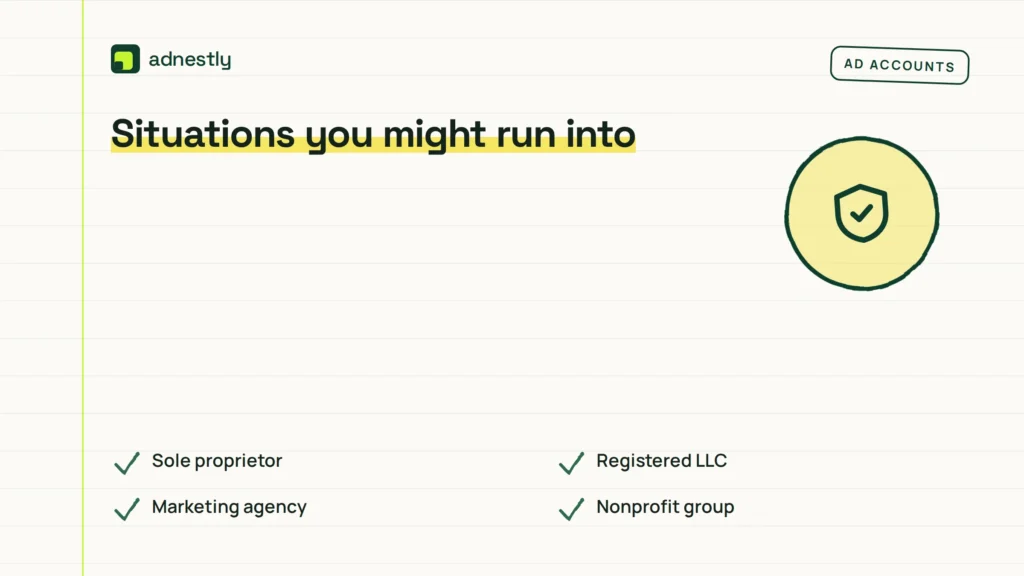
Different setups need different documents. Here is how the requirements shift depending on your exact situation.
| Your situation | Document to submit | Time it takes | Watch out for |
|---|---|---|---|
| Sole proprietor | Personal ID, tax form | 2 to 5 days | Name mismatch on bank card |
| Registered LLC | Owner ID, EIN letter | 3 to 7 days | Expired state registration |
| Marketing agency | Agency ID, client letter | 5 to 10 days | Missing client signature |
| Nonprofit group | Director ID, charity proof | 4 to 8 days | Outdated nonprofit status |
| Foreign company | Passport, local registry | 7 to 14 days | Untranslated foreign documents |
| E-commerce store | Owner ID, utility bill | 2 to 5 days | Address differs from registration |
If your situation isn’t listed here, check the platform’s official help center for your specific business type. The time ranges assume your documents are clear and your names match perfectly. Blurry photos or typos add several days to the wait.
Details that get ad verification approved
Matching your names exactly
The legal name on your ID must match the name on your business registration, character for character. If your driver’s license says “Robert” but your LLC paperwork says “Bob,” the automated system will reject it. Use the full legal name everywhere.
Check your billing profile next. The name attached to your payment method needs to align with the business entity you’re verifying. A mismatch here pauses the review while a human agent investigates it.
Uploading clean files
Blurry photos are the main reason submissions get sent back. Take the picture in daylight, lay the document flat on a dark table, and make sure no flash glare covers the text. Save it as a high-quality PDF or JPEG under 5 MB.
Don’t crop the edges. The reviewer needs to see the borders of the document to confirm it isn’t altered. If your phone automatically crops images, turn that feature off before taking the shot.
Common ad verification problems
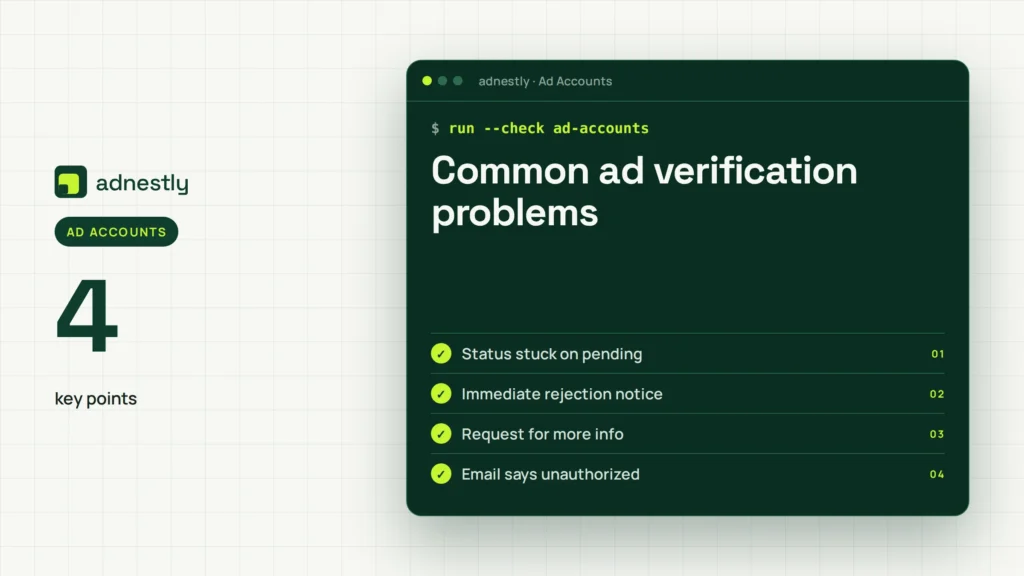
When the process stalls, it’s usually tied to one of these specific mismatches.
| What you notice | What it usually means | What to do first | How to stop it happening again |
|---|---|---|---|
| Status stuck on pending | System couldn’t read text | Reupload sharper document | Photograph in bright light |
| Immediate rejection notice | Names don’t match exactly | Fix account legal name | Use full legal name |
| Request for more info | Business address is wrong | Upload recent utility bill | Update address before applying |
| Email says unauthorized | Missing agency permission | Add signed client letter | Keep letters updated yearly |
| Account still paused | Billing name is different | Change credit card name | Match billing to business |
| Error code on upload | File format is wrong | Convert image to PDF | Read size limits first |
If you’ve reuploaded clear documents three times and the account remains locked, this stops being a self-service fix. Contact the platform’s official support team directly through your account dashboard, as repeated failed uploads can trigger a permanent security lock.
Rules behind the ad verification request
These requests aren’t optional or random. In the US, the Federal Trade Commission enforces rules against deceptive advertising, which pushes platforms to confirm who pays for ads. You can read the specifics on FTC advertising guidelines.
In Europe, the Digital Services Act requires large platforms to verify traders before they can target users. If you’re based in the EU, you’ll likely need to provide a VAT number alongside your ID.
Platforms set their own deadlines based on these laws. If you ignore the request, your ads stop running permanently after the window closes—usually 30 days for standard accounts, but sometimes less for regulated industries like finance or healthcare.
You don’t need a lawyer to complete this, but you do need accurate public records. If your business registration has lapsed in your home state or country, the platform will cross-check government databases and deny your application. Renew your state or national registration first if it’s expired.
What ad verification costs you
Submitting documents doesn’t cost money directly, but the pause costs you sales. If your daily ad spend is high and verification takes time, you’ve lost the chance to generate revenue during that window.
The real cost is preparation time. Gathering an EIN letter, scanning a passport, and getting a client signature takes about two to four hours for a straightforward business. For an agency managing ten clients, multiply that effort by each account needing updates.
Hiring a third-party service to “guarantee” approval is a waste of money. These services are inexpensive relative to the alternative, but they only upload the exact same documents you could submit yourself. Worse, sharing your government ID with an unverified agency risks identity theft.
If your documents are lost or expired, replacing them carries actual fees. A new passport or a replacement state business filing costs whatever your local government charges today. Check your local clerk’s office or official government website for current replacement prices, as they change frequently.
Keeping your ad account verified
Once approved, your verification doesn’t last forever if your business details change. If you move offices, update your billing card, or change your legal business name, the platform may flag the account again.
Update your business profile immediately when any of these details change. Don’t wait for the platform to catch the mismatch, because catching it mid-campaign forces your ads to pause while you resubmit.
Watch for emails from the ad platform asking for periodic renewals. Some networks require you to confirm your details every year or two to comply with updated local laws. If you miss that renewal email, your ads will stop without warning.
Keep digital copies of your approved documents in a secure folder. When the platform asks for a quick re-verification, having your EIN letter and ID scan ready saves you from digging through old filing cabinets.
When ad verification isn’t your problem
This guide assumes the platform is asking for standard identity documents. If your account was suspended for policy violations—like selling banned items or using misleading claims—identity verification won’t fix it. You’ll need to file a separate policy appeal instead.
If you’re running ads as an individual without a registered business, and the platform now demands a corporate tax ID, you can’t pass this check. Your alternative is to register an LLC or sole proprietorship with your local government first, or switch to an ad network that allows purely personal accounts.
If the platform suspects fraud or a hacked account, they won’t just ask for an ID. They’ll lock the billing entirely. That requires contacting their dedicated security team, not the standard verification portal. Trying to force documents through the normal upload tool when an account is under a security freeze only delays the investigation.
Frequently asked questions
Why did I get an ad verification notice?
You received it because new regulations require the platform to confirm the real identity behind your ad account. This happens to all active advertisers eventually, not just suspicious ones.
How long does ad verification take?
It takes 2 to 14 days, assuming your uploaded documents are clear and your names match exactly. Complex agency setups or foreign business registrations push toward the longer end of that range.
Can I run ads while waiting for verification?
No, your campaigns pause automatically the moment the notice appears. You can’t bypass this hold or continue spending until the review team approves your submitted documents.
Is it safe to upload my ID?
Yes, major platforms use encrypted portals for this process. However, never email your ID directly to a support agent or upload it through a link someone sent you in a chat.
What happens if I ignore the request?
Your ad account stays paused indefinitely. After the platform’s deadline passes—usually 30 days—they may permanently disable the account and delete your campaign history.
Does this apply to all ad platforms?
Not simultaneously, but the largest networks now require it. If you advertise across multiple platforms, expect to complete a separate verification process for each one.
Do I need a lawyer to finish this?
No, you only need your existing business documents and a valid government ID. A lawyer is only necessary if your business structure is currently unregistered or legally disputed.
Will I have to do this again?
Yes, if you change your business name, move to a new country, or add a completely different payment method. Minor updates like changing a campaign budget won’t trigger a new review.
Start your ad verification now
Go to your ad platform’s settings page and open the verification tab first. You’ll see exactly which documents are missing, and uploading them today starts the review clock immediately. Once approved, your campaigns will resume automatically, which you’ll confirm when your daily spend returns to normal. If the system rejects your documents three times, stop trying and contact official support.

Aaron Kelly writes about Facebook tools, account management, and business advertising. His content covers account security, Facebook Ad Accounts, Business Manager setup, Pixel and conversion tracking, Business Manager verification, and admin profile verification. He focuses on explaining technical processes and common account issues in practical terms, helping businesses and advertisers manage their Facebook assets more effectively and build a more secure, reliable advertising setup.
Checked against Meta’s own documentation. How we write and update guides