Facebook Ads Overcharged Your Budget: What’s Normal

A charge above your daily limit is normal when facebook ads overcharged your budget because the system can spend up to 25% more on any single day. Your account won’t go past the monthly spending limit, which is your daily amount multiplied by the number of days left in that billing cycle. If you see a higher bill, check the month’s total before calling support. This guide covers how the pacing works, where to find your real limits, and what to do when the math doesn’t add up.
$ part ofFacebook Ad Account Problems: How to Fix Every Common IssueThe complete guide this article belongs toOpen guide →How Meta paces your ad spend
Meta uses a method called daily pacing to spread your money across the whole day. Instead of spending it all at once, the system looks for cheaper results hour by hour. It holds back when prices are high and pushes harder when they drop.
That push is why you sometimes see a spike. The platform allows itself to spend up to 25% more than your daily limit on a busy day. It then spends less on slower days to balance things out. You won’t pay more than your monthly cap over the full billing period.
This setup helps advertisers who want steady results without watching the screen all day. It’s built for small teams running lead or sales campaigns. A local shop with $30 a day relies on this pacing just as much as an online store with $300.
The biggest misconception is that the daily budget is a hard wall. It isn’t. It’s a target average. The actual daily spend moves up and down around that number.
If your campaign runs for 10 days at $20 a day, the most you’ll pay is $200. But on day three, the charge might be $25. On day four, it could drop to $15. The total stays within the monthly limit.
Setting and checking your Facebook Ads budget
Getting the numbers right starts before you launch anything. Follow these steps to set a limit you can trust and verify it later.
- Open Ads Manager and click Create to start a new campaign. Pick your objective, like Sales or Leads, because the algorithm needs a goal to pace against.
- At the ad set level, choose Daily budget instead of Lifetime budget. Type in the exact amount you want to average each day, such as $25.00.
- Set your schedule dates. A campaign starting October 1 and ending October 31 has 31 days. Multiply your daily amount by those days to know your maximum possible spend ($775 for a $25 daily budget).
- Go to Billing & payments in your settings. Look at the “Account spending limit” field. If it’s empty, you have no hard monthly cap beyond the campaign math. Add one if you need a strict ceiling.
- Publish the campaign. Wait 48 hours before judging the spend, because the first day often includes learning-phase costs that skew the average.
- Check the “Amount spent” column in Ads Manager. Switch the date range to “This billing cycle” rather than “Today.” Today’s number will often look too high or too low.
- Compare the billing cycle total to your daily rate times the days passed. If you’re at day 10 with a $25 budget, the total should sit near $250, not exactly $250.
The one judgment call here is choosing between a daily and lifetime budget. If your offer runs on fixed dates, like a weekend sale, use a lifetime budget so Meta spends everything before the deadline. If you run ongoing ads, stick to daily budgets so the 25% rule protects your cash flow. Changing mid-campaign resets the learning phase, which wastes money. Don’t switch types unless the campaign is truly over.
Facebook Ads budget numbers to track
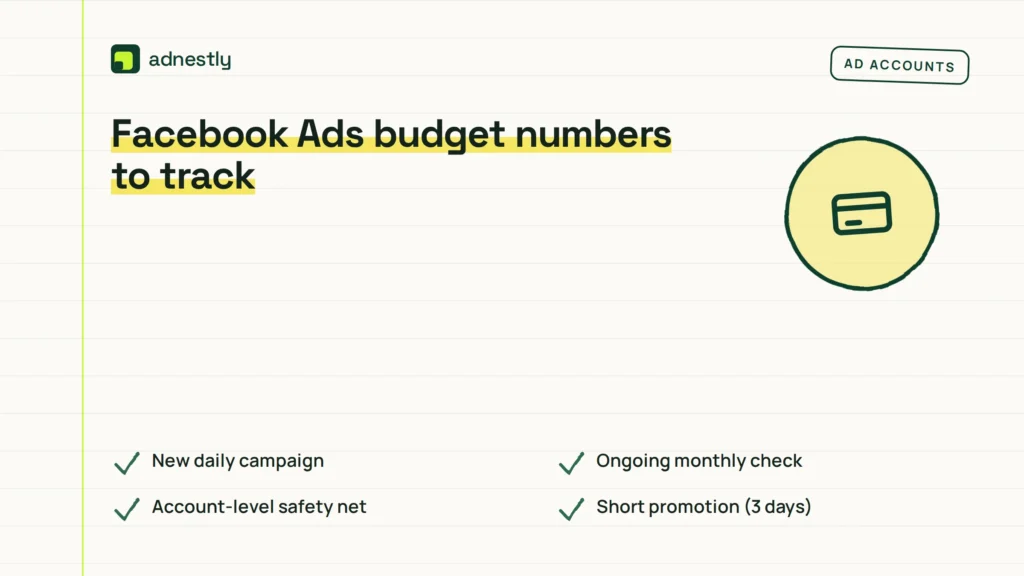
These figures tell you whether the system is working normally or taking too much. Keep them open while you review charges.
| Situation | What to use | How long | What to watch for |
|---|---|---|---|
| New daily campaign | Daily budget setting | First 3-7 days | Spend hitting +25% every single day |
| Ongoing monthly check | Billing cycle total | 30 days | Total passing daily rate × days active |
| Account-level safety net | Account spending limit | Until manually changed | Limit triggering paused campaigns unexpectedly |
| Short promotion (3 days) | Lifetime budget | Exact start-to-end dates | System failing to spend the full amount |
| Scaling up spend | 20% increase per edit | Every 48-72 hours | Cost per result jumping after large changes |
| Paused campaign restart | Same daily budget | First 24 hours | Old learning data causing erratic early spend |
Use the “This billing cycle” view for accurate totals. The “Today” view only shows a snapshot that doesn’t reflect the pacing math. If you raise a budget, do it by 20% at a time. Bigger jumps force the algorithm to restart its learning phase, which usually means paying more per result for a few days.
For lifetime budgets, the “how long” column matters most. The system divides your total by the remaining hours. If you add money halfway through, it recalculates immediately. Watch for sudden delivery spikes when you do that.
Why the daily limit isn’t a hard cap
The 25% flexibility exists because auction prices change constantly. If your target audience is cheap to reach at 2 PM but expensive at 8 AM, the system waits. When prices drop later, it spends faster to catch up. That catch-up creates the higher daily charge you’re seeing.
What separates a normal spike from a real problem is the weekly average. Check the total spent over seven days and divide by seven. If that number sits close to your daily budget, the pacing is doing its job. If the weekly average is consistently 20% above your set amount, something else is wrong.
One detail people miss is the difference between campaign-level and ad-set-level budgets. If you set $50 at the campaign level but run five ad sets, Meta distributes that $50 unevenly based on performance. One ad set might get $30 while another gets $2. You aren’t being charged extra; the money is just flowing to the cheapest results.
Always look at the parent level when checking totals. Judging a single ad set’s spend against the whole campaign’s budget makes the math look broken when it isn’t.
Another factor is currency conversion. If your bank bills in euros but your ad account uses dollars, the exchange rate shifts between the charge date and your statement date. That gap can make a normal $25 charge appear as €24 one month and €22 the next. Your Ads Manager billing tab shows the exact figure Meta processed, which is the one to trust.
Fixing unexpected Facebook Ads charges
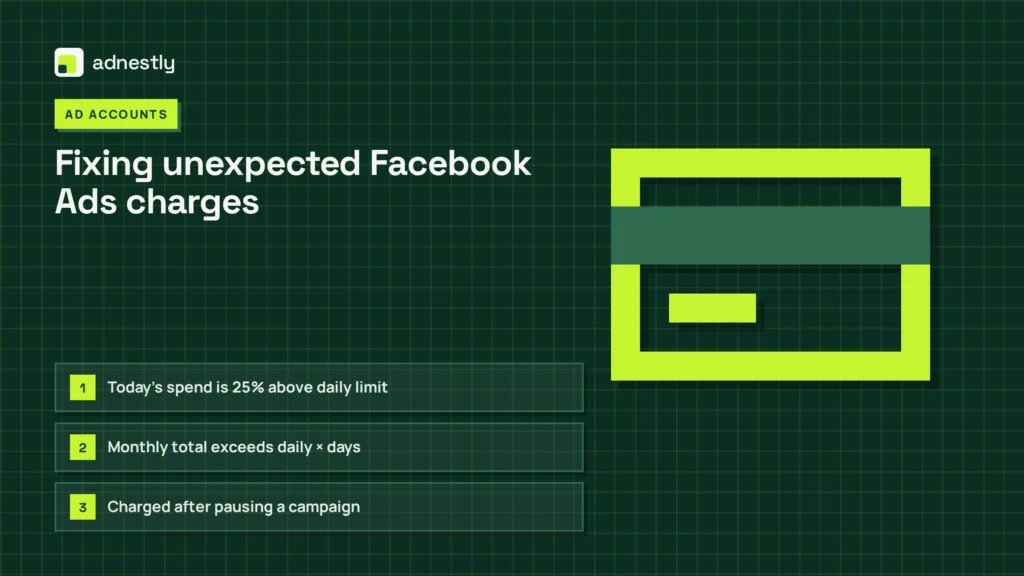
When the numbers don’t match your expectations, match what you see to the likely cause below.
| What you notice | What it usually means | What to do first |
|---|---|---|
| Today’s spend is 25% above daily limit | Normal pacing behavior | Check the monthly total instead of today |
| Monthly total exceeds daily × days | Account spending limit missing or ignored | Add a hard cap in Billing settings |
| Charged after pausing a campaign | Delayed reporting for impressions already served | Wait 24 hours, then check final invoice |
| Multiple small charges in one day | Threshold billing hitting repeatedly | Raise your billing threshold in payment settings |
| Spend doubled overnight | Someone edited the budget or duplicated the ad set | Check the account activity log for changes |
If the monthly total genuinely exceeds your daily rate multiplied by the active days, pause everything and contact Meta support through the Billing section. Have screenshots of both the campaign settings and the billing summary ready. Support can’t help if you only show them today’s number.
Don’t panic over delayed charges after pausing. The system takes up to 24 hours to finalize reporting for clicks and views that happened right before you hit pause. Those charges belong to the previous active period, not a new one.
Rules that control your spending
Meta’s advertising terms require you to maintain sufficient funds or credit for the budgets you set. The platform bills you either when you hit a payment threshold or at the end of your billing cycle, whichever comes first.
In the European Union, consumer protection laws under the Consumer Rights Directive require digital services to provide clear pricing information before charges occur. Meta satisfies this through the billing summary and spending limit tools in Ads Manager. If you believe a charge violates local regulations, your national consumer protection agency handles those disputes, not Meta directly.
For businesses in regulated industries like finance or healthcare, additional rules apply to what you can promise in ads, which indirectly affects budget efficiency. Running non-compliant ads leads to rejections and wasted spend during the review period. Always check your industry’s specific advertising guidelines before launching.
Tax obligations vary by country. In many regions, Meta adds VAT or GST on top of your budget. If you set a $100 daily budget in a country with 20% VAT, your actual card charge will be $120. Your local tax authority publishes the current rates you need to factor into your planning.
If a charge appears fraudulent or unauthorized, that stops being a do-it-yourself fix. Contact your bank to block the card and Meta support simultaneously to secure the ad account.
Keeping your budget accurate after changes
Once you’ve verified your spending is normal, set up a routine to keep it that way. Check your billing summary every Monday morning using the “Last 7 days” filter. This catches weekend spikes before they compound.
Don’t edit budgets on Fridays. Changes made right before low-activity weekends can cause the algorithm to overspend on Saturday trying to meet a new target it doesn’t have enough data to pace correctly. Make adjustments on Tuesday or Wednesday when traffic patterns are stable.
Keep a simple spreadsheet tracking your daily budget, start date, and expected monthly cap. Update it whenever you scale. Relying solely on Ads Manager’s memory means you lose context when reviewing old invoices months later.
If you run multiple ad accounts under one business manager, the account spending limit applies per account, not globally. A $500 limit on Account A doesn’t protect Account B. Set limits individually for each one.
When a campaign ends, download the final delivery report immediately. Meta retains detailed breakdowns for a limited window. After that, you’ll only see aggregated totals, making it harder to audit specific days if a billing question arises later.
When daily pacing is the wrong choice
Daily budgets with flexible pacing don’t work for every situation. Here’s where you should use a different approach.
If you’re promoting a flash sale lasting exactly six hours, daily pacing will fail you. The system tries to spread spend across 24 hours, meaning you’ll miss the peak window. Use a lifetime budget tied to those exact hours instead, and accept that you might pay slightly more per result due to compressed delivery.
For testing creative variations with strict equal spend, daily pacing ruins the experiment. One winning ad will absorb most of the budget while others starve. Switch to separate campaigns with identical lifetime budgets and fixed end dates so each variant gets its fair share regardless of early performance signals.
If your client requires invoices that never exceed a specific dollar amount per calendar day, the 25% variance breaks that contract. You can’t turn off pacing flexibility on daily budgets. The only solution is lowering the daily budget by 20% so even a +25% spike stays under the contractual ceiling. This trade-off means slower overall delivery, but it keeps compliance intact.
Frequently asked questions
Why did Facebook charge me more than my daily budget?
Meta can spend up to 25% more than your daily budget on any given day. This happens when the system finds cheaper opportunities and accelerates delivery. Your total monthly spend won’t exceed your daily budget multiplied by the number of days in your billing cycle. Check the billing period total, not just today’s charge.
How long does it take for Facebook Ads billing to update?
Charges typically appear within 24 hours of delivery, but some may take up to 3 days to finalize. If you paused a campaign, expect delayed charges for impressions served just before the pause took effect. The billing summary in Ads Manager updates faster than your bank statement.
Can I stop Facebook from overspending on a single day?
You can’t disable the 25% daily flexibility on a standard daily budget. To create a hard ceiling, set an account spending limit in your Billing & payments settings. Once the account hits that total for the billing cycle, all campaigns pause automatically until you raise or reset the limit.
Is it safe to give Facebook Ads my credit card?
Yes, Meta uses encrypted payment processing. However, always set an account spending limit as a safety net. If someone gains access to your ad account, that limit prevents unlimited charges. Monitor your bank statements weekly for unfamiliar amounts.
What happens if I lower my budget mid-campaign?
Lowering your budget forces the algorithm to recalculate pacing immediately. If you drop it by more than 20%, the campaign re-enters the learning phase, temporarily increasing your cost per result. Make reductions gradually over several days to maintain stable delivery performance.
How often should I check my Facebook Ads spend?
Review your billing summary twice a week, ideally Monday and Thursday. Checking daily leads to false alarms because the 25% variance looks alarming in isolation. Weekly reviews show whether the average aligns with your target. Monthly audits catch any threshold billing issues before invoices close.
Why was I charged after deleting my ad?
Deleting an ad doesn’t erase charges for delivery that already occurred. You’re billed for impressions and clicks served before deletion, plus up to 24 hours of reporting lag. These are legitimate charges from the active period. Your final invoice will reflect the exact cutoff point.
Conclusion
Every ad account operates on its own billing cycle dates, so your personal reset day determines when the monthly math starts over. You’ll find yours listed in the Billing & payments section of Ads Manager, and that’s the only place to read the exact window your charges fall into.

Aaron Kelly writes about Facebook tools, account management, and business advertising. His content covers account security, Facebook Ad Accounts, Business Manager setup, Pixel and conversion tracking, Business Manager verification, and admin profile verification. He focuses on explaining technical processes and common account issues in practical terms, helping businesses and advertisers manage their Facebook assets more effectively and build a more secure, reliable advertising setup.
Checked against Meta’s own documentation. How we write and update guides