Facebook Ad Stuck in Review: How Long and What to Do

A Facebook ad stuck in review usually clears within 24 hours when it follows Meta’s standard advertising policies and uses a trusted account. If yours sits for 48 hours, the automated system has flagged something it can’t resolve alone, moving it to a manual queue. Leaving it longer just burns your planned launch window while competitors spend the budget you reserved.
$ part ofFacebook Ad Account Problems: How to Fix Every Common IssueThe complete guide this article belongs toOpen guide →How often Facebook ads get stuck by use
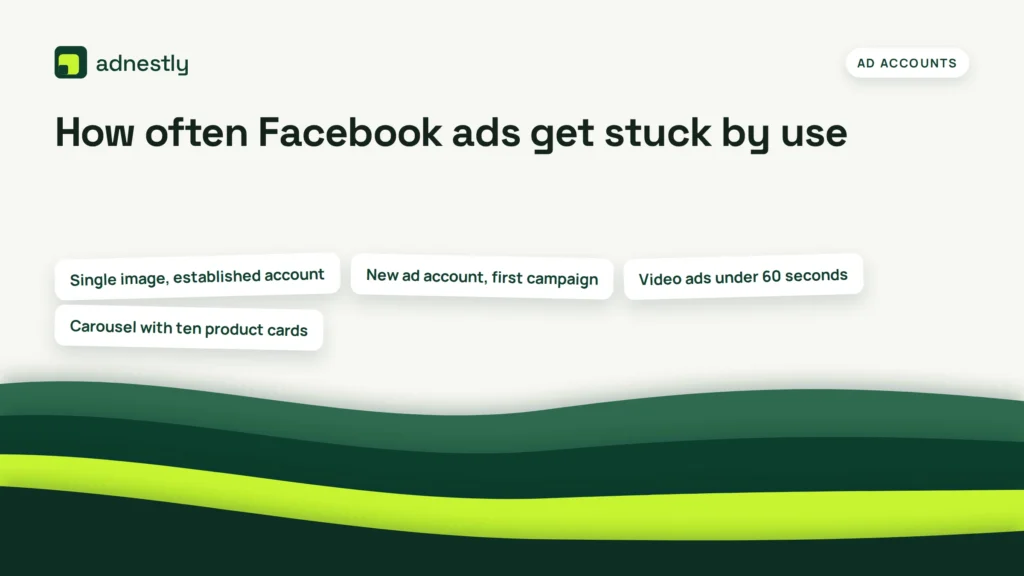
The interval between reviews depends entirely on how heavily you run campaigns and what formats you choose. A single image ad from an old account rarely triggers a delay. Dynamic catalog ads with hundreds of products invite closer inspection every time you publish.
| How you use it | How often | What tells you it’s due |
|---|---|---|
| Single image, established account | Rarely delayed | Status stays “In review” over 24 hours |
| New ad account, first campaign | Almost always checked | Status shows “In review” immediately |
| Video ads under 60 seconds | Sometimes delayed | Processing bar stalls at same percentage |
| Carousel with ten product cards | Often reviewed longer | Status unchanged after 12 hours |
| Dynamic catalog with many items | Frequently held up | Feed sync errors appear in dashboard |
| Ads about housing, credit, jobs | Always manually checked | Special category warning shows before publishing |
Advertisers who duplicate a winning ad set to scale budget often trigger a fresh manual review. The system treats the new spend level as a different risk profile. That restarts the clock even when the creative never changed.
Editing any field inside an active ad resets its position in the queue completely. Changing the daily budget by even a small amount counts as a new submission. Leave approved ads alone until performance drops enough to justify starting over.
If you’re launching a standard brand awareness campaign on an aged account, expect a quick pass. If you’re running lead generation for real estate on a new page, plan for the full 24-hour window or longer.
Schedule launches two business days before your hard deadline. Friday afternoon submissions sit through the weekend while automated systems handle only the easiest approvals.
Why your Facebook ad stays in review too long
The first thing that happens is silence. Your status reads “In review,” and the delivery column stays empty. You don’t lose money during this phase because Meta doesn’t charge for impressions that haven’t happened yet. But you do lose time, which matters if your campaign is tied to a weekend sale or a product drop.
Within the first few hours, the automated system scans your text, images, landing page, and targeting settings. It checks against rules for prohibited content, restricted categories, and misleading claims. If everything matches the guidelines, the ad goes live. When it doesn’t match, the system flags it for a human reviewer. That handoff is where delays start.
After 24 hours, your ad is sitting in a manual queue. Human reviewers handle millions of ads daily, so they prioritize accounts with past policy violations or those running in sensitive categories like health, finance, or politics. An account with zero history might actually take longer here because the system hasn’t built trust with you yet.
By day three, the delay starts costing you structurally. Your campaign’s learning phase—the period where the algorithm tests audiences to find the cheapest results—can’t begin. Even if the ad eventually passes, it launches into a compressed schedule. You’ll pay more per click because the algorithm rushes its testing instead of pacing it smoothly across your target audience.
If you edit the ad while it’s stuck, the timer resets completely. Changing a headline, swapping an image, or adjusting the budget sends it back to the start of the line. This is the trade-off: fixing a typo feels necessary, but it costs you another full 24-hour cycle. Leave minor text issues alone until after it publishes.
After five to seven days, the hold stops being a normal delay. At this point, the issue isn’t just a slow queue. Something specific—a broken URL, a flagged domain, or a mismatched payment method—is blocking approval. You can check your exact account standing inside the Meta Account Quality dashboard, which lists specific policy holds and lets you request a manual review directly.
Eventually, if ignored past two weeks, the system may reject the ad outright without notifying you clearly, or worse, restrict your entire ad account. Don’t let a single stalled draft drag down your ability to run future campaigns.
Signs your Facebook ad is overdue for action
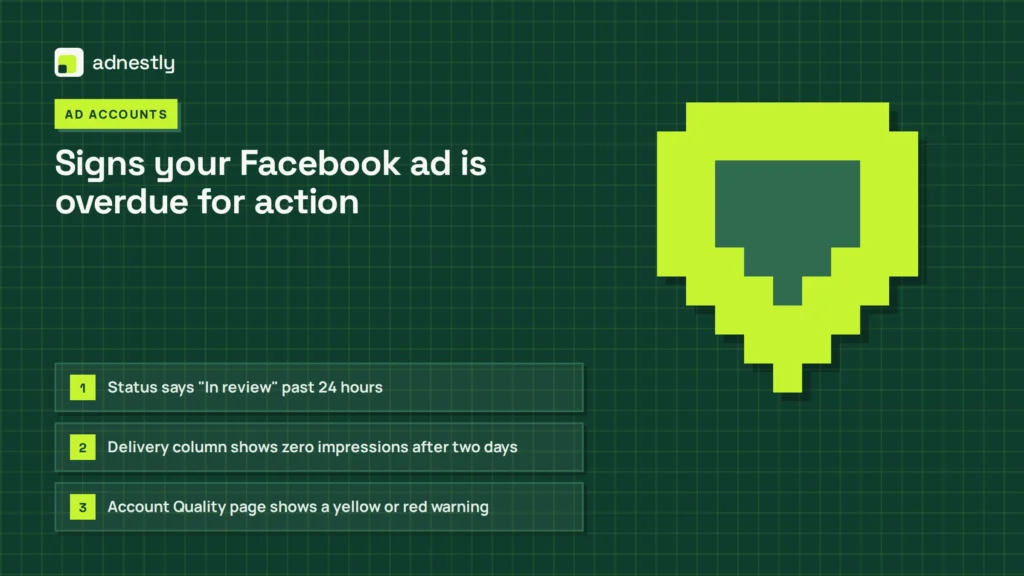
You don’t need to guess if your campaign is taking too long. These are the observable signals that tell you it’s time to step in rather than keep waiting.
- Status says “In review” past 24 hours. This means the automated scan failed to approve it, and a human needs to look. Standard approvals happen much faster.
- Delivery column shows zero impressions after two days. No impressions means the ad hasn’t entered the auction, even if the status looks normal. Check your bid cap; setting it below the market rate keeps you out of the auction entirely.
- Account Quality page shows a yellow or red warning. A yellow triangle means a policy flag is pending. Red means a restriction is already applied. Both pause delivery.
- Editing the ad resets the review clock. If you changed a word yesterday and the timestamp updated, your wait starts over from that exact moment.
- Landing page returns a 404 or loads slowly. Meta crawls your destination URL during review. If your site takes over 5 seconds to load or shows an error, the ad halts automatically.
- Payment method shows a decline or expiration notice. An expired card doesn’t stop the review process itself, but it prevents the ad from going live once approved.
What reviewing a stuck Facebook ad requires
Fixing a stalled campaign doesn’t take technical skills, but it does demand attention to detail and patience. Each round of troubleshooting asks for about 15 to 30 minutes of focused work, assuming you know where to look.
First, you need access to Ads Manager and the Account Quality page. Without admin or advertiser permissions on the Business Manager, you can’t see the specific rejection reason or request a new review. Ask your page owner for the right access level before you start guessing.
The effort involves reading the exact policy cited in the alert. Meta links to the specific rule you broke. You have to read that rule, compare it to your ad copy, image, and landing page, and figure out which element triggered it. It’s not enough to change one word if the problem is actually your website’s privacy policy missing a required disclosure.
There’s a cost in momentum. Every time you delete a stuck ad and build a new one to bypass the queue, you lose any early optimization data the system gathered. You also waste the time spent writing the original copy. If the issue is minor, requesting a manual review through the Account Quality page is cheaper in effort than rebuilding from scratch.
However, if your landing page is the problem, you’ll need to coordinate with whoever manages your website. You can’t fix a broken checkout flow or a missing cookie banner from inside Ads Manager. This is where the process stops being a solo task. If your web team takes three days to update the page, your ad stays stuck for three days.
You also need to verify your payment setup. Open your billing settings and confirm the card on file is active, has funds, and matches the business name registered on the account. Mismatches here trigger security holds that look exactly like policy reviews.
Finally, document what you changed. If you submit a second review request, the human reviewer will look at your edit history. Showing that you removed the flagged claim makes their job faster.
Habits that keep Facebook ads moving quickly
You can’t force the system to speed up, but you can stop giving it reasons to slow down. These habits stretch the time between manual holds by keeping your account in good standing.
- Verify your business domain and complete Business Manager setup first. Unverified domains trigger extra security checks on every single campaign. Doing this once removes that friction permanently, meaning your future ads only face standard content reviews.
- Avoid editing live or pending ads unless absolutely necessary. Every save resets the review timer to zero. Plan your copy, targeting, and budget fully before hitting publish. If you spot a typo later, weigh the cost of another 24-hour wait against the value of fixing it.
- Keep your landing page fast, mobile-friendly, and matching the ad promise. Meta crawls your URL during review. If the page promises a discount that doesn’t exist, or loads too slowly on a phone, the system flags it as misleading. Ensure the headline on your site matches the hook in your ad.
- Warm up new ad accounts with small budgets before scaling. A brand-new account spending heavily from the start looks like a compromised profile to the automated system. Start with a modest daily budget for a week. Once the system sees normal behavior, larger budgets pass through faster.
- Stay out of special ad categories unless legally required. Housing, employment, and credit ads face mandatory manual review and stricter targeting limits. If your product doesn’t legally fall into these buckets, don’t check the box. Checking it unnecessarily guarantees a longer wait.
Frequently asked questions
How long does a Facebook ad stay in review normally?
24 hours is the standard maximum for most ads submitted from accounts in good standing. This assumes you didn’t select a special ad category and your landing page loads correctly. If it takes longer than 24 hours, the system moved it to a manual queue. You can check the exact timestamp of your submission inside Ads Manager to count the hours accurately.
Can I cancel a Facebook ad stuck in review?
Yes, you can delete the draft or turn off the toggle next to the campaign at any time. Deleting it removes it from the queue instantly, and you won’t be charged. However, if you want to run that specific offer later, you’ll have to rebuild it and start the review process over from the beginning.
Why did my Facebook ad go back to in review?
Editing any part of the ad—budget, text, image, or targeting—resets the status to “In review.” The system treats the edited version as a brand-new submission. Even changing the daily budget by a tiny amount triggers a fresh scan. Avoid making changes until the current version is either approved or rejected.
Is it safe to request multiple reviews for one ad?
No, submitting repeated review requests for the same unchanged ad slows down your approval. The system may flag your account for spamming the support queue. Request one manual review after fixing the specific issue cited in your Account Quality dashboard. Wait for that response before taking further action.
What happens if my ad is rejected after a long review?
A rejection means the ad violated a specific policy, and it won’t run. You’ll receive a notification detailing the exact rule. You can edit the ad to comply with that rule and resubmit it, or you can request another review if you believe the system made an error. The time spent waiting isn’t refunded, but you aren’t charged for unapproved ads.
Does boosting a post take longer to review than Ads Manager?
No, boosted posts go through the exact same review system as ads created in Ads Manager. The 24-hour guideline applies equally to both methods. However, boosted posts sometimes lack the detailed targeting options that trigger special category reviews, so they occasionally pass slightly faster simply because they contain fewer variables to scan.
How long does a manual Facebook ad review take?
Manual reviews typically take between 24 and 48 hours after the automated system escalates the ad. During high-volume periods like major holidays, this can stretch to 72 hours. The duration depends entirely on the queue length and the complexity of your ad content. You can’t pay to skip this line.
Does my account age affect Facebook ad review times?
Yes, older accounts with consistent spending history and zero policy violations generally clear the automated scan faster. New accounts lack this trust signal, so the system routes more of their ads to manual review. Building a positive history by running compliant campaigns for several weeks reduces future wait times significantly.
What to do with your stuck Facebook ad now
Open your Account Quality page immediately and read the specific alert attached to your campaign. If there’s no alert and you’re still under 24 hours, leave the ad alone completely. Editing it right now just restarts the clock.
If you’re past 24 hours with no clear violation listed, click the request review button once and wait. You should expect the status to change to “Active” or show a specific rejection reason within 48 hours of that request. The sign it worked is your delivery column finally showing impressions.
Advertisers often duplicate a stuck ad hoping the copy will run while the original sits in review. Meta flags both versions as circumventing systems. That mistake turns a routine delay into an account-level restriction. Leave the single asset exactly where it’s until the system returns a verdict.
If your account gets restricted entirely, or if the dashboard shows a red warning you can’t appeal through the standard button, stop trying to fix it yourself. That’s the point where you must contact Meta support directly through your Business Manager help center.

Aaron Kelly writes about Facebook tools, account management, and business advertising. His content covers account security, Facebook Ad Accounts, Business Manager setup, Pixel and conversion tracking, Business Manager verification, and admin profile verification. He focuses on explaining technical processes and common account issues in practical terms, helping businesses and advertisers manage their Facebook assets more effectively and build a more secure, reliable advertising setup.
Checked against Meta’s own documentation. How we write and update guides